Quick verdict: CO2 for wood and acrylic, fiber for metal, UV for glass. Buying the wrong wavelength is the single most expensive mistake in laser — bring your material and test it before you commit.
The single most expensive mistake in buying a laser is choosing the wrong type. A CO2 laser can’t mark bare metal, a fiber laser can’t engrave clear glass, and a UV laser isn’t for cutting wood. Each wavelength does a specific job.
Here’s the plain-language comparison.
The three technologies
CO2
Fiber (incl. MOPA)
UV
Wavelength
10,600 nm
1,064 nm
355 nm
Best for
Wood, acrylic, leather, glass (surface), rubber
Metals, some plastics
Glass, crystal, fine plastic
Marks metal?
No
Yes
Coated metal only
Colour on stainless?
No
Yes (MOPA)
No
Cuts metal?
No
Thin sheet (fiber)
No
Internal 3D glass?
No
No
Yes
Relative cost
Lower
Higher
Higher
Why wavelength decides the job, not wattage
A material only marks if it absorbs the light hitting it, and absorption depends on wavelength, not power. Wood, acrylic, leather and rubber absorb 10,600 nm CO2 light strongly. Stainless and mild steel absorb 1,064 nm fiber light but reflect the CO2 spectrum. Glass, crystal and many plastics absorb 355 nm UV light without heat spreading around the mark.
Wattage is therefore a poor way to compare: more power at the wrong wavelength does not unlock a new material, it only adds heat and scorching to work you can already mark.
CO2 — the organic-materials laser
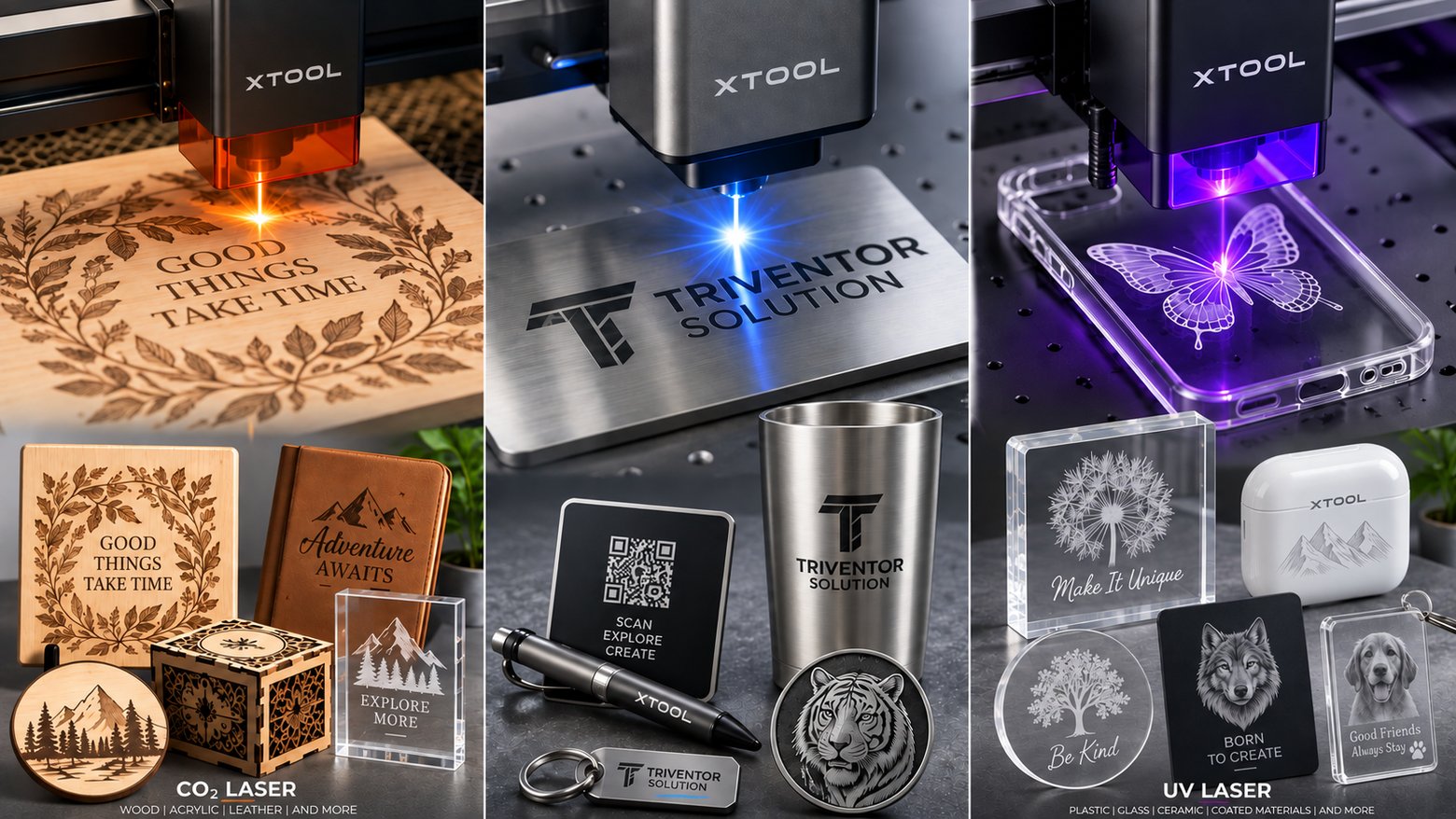
Engraves and cuts wood, acrylic, leather, paper, rubber, stone. It’s the machine for signage, gifts and cutting shops. It does not mark bare metal.
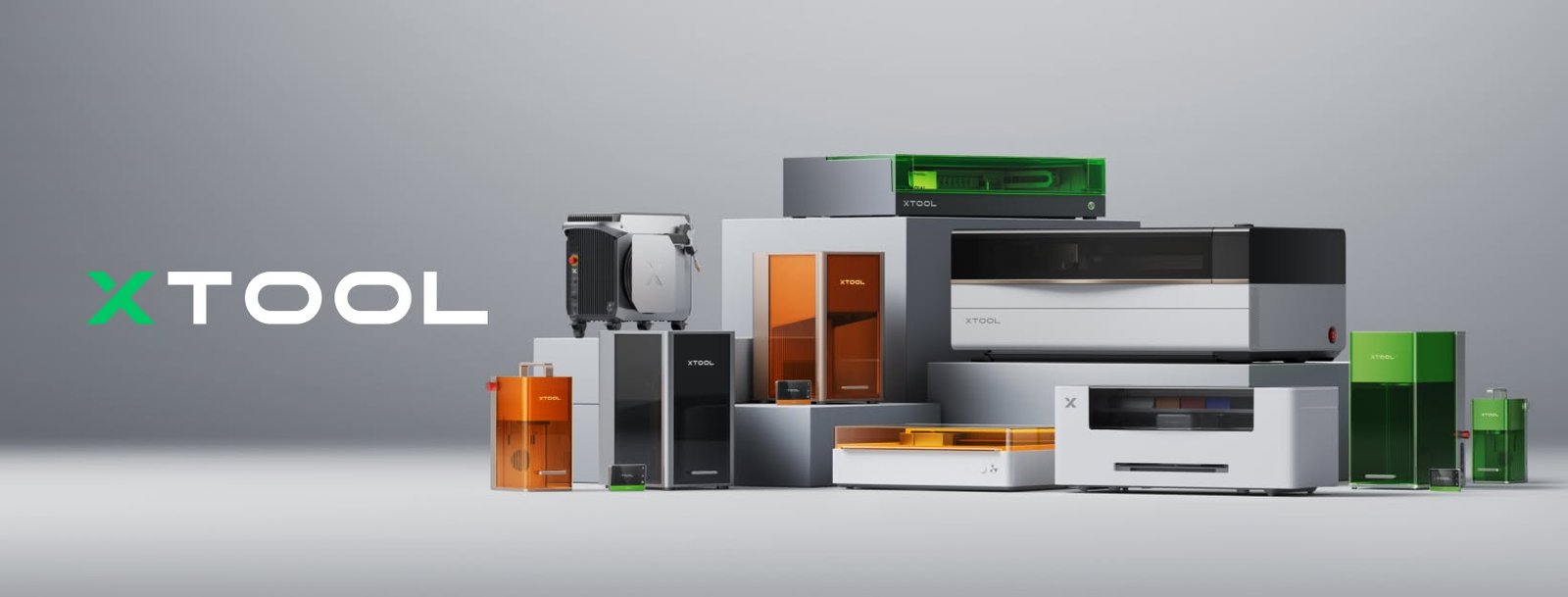
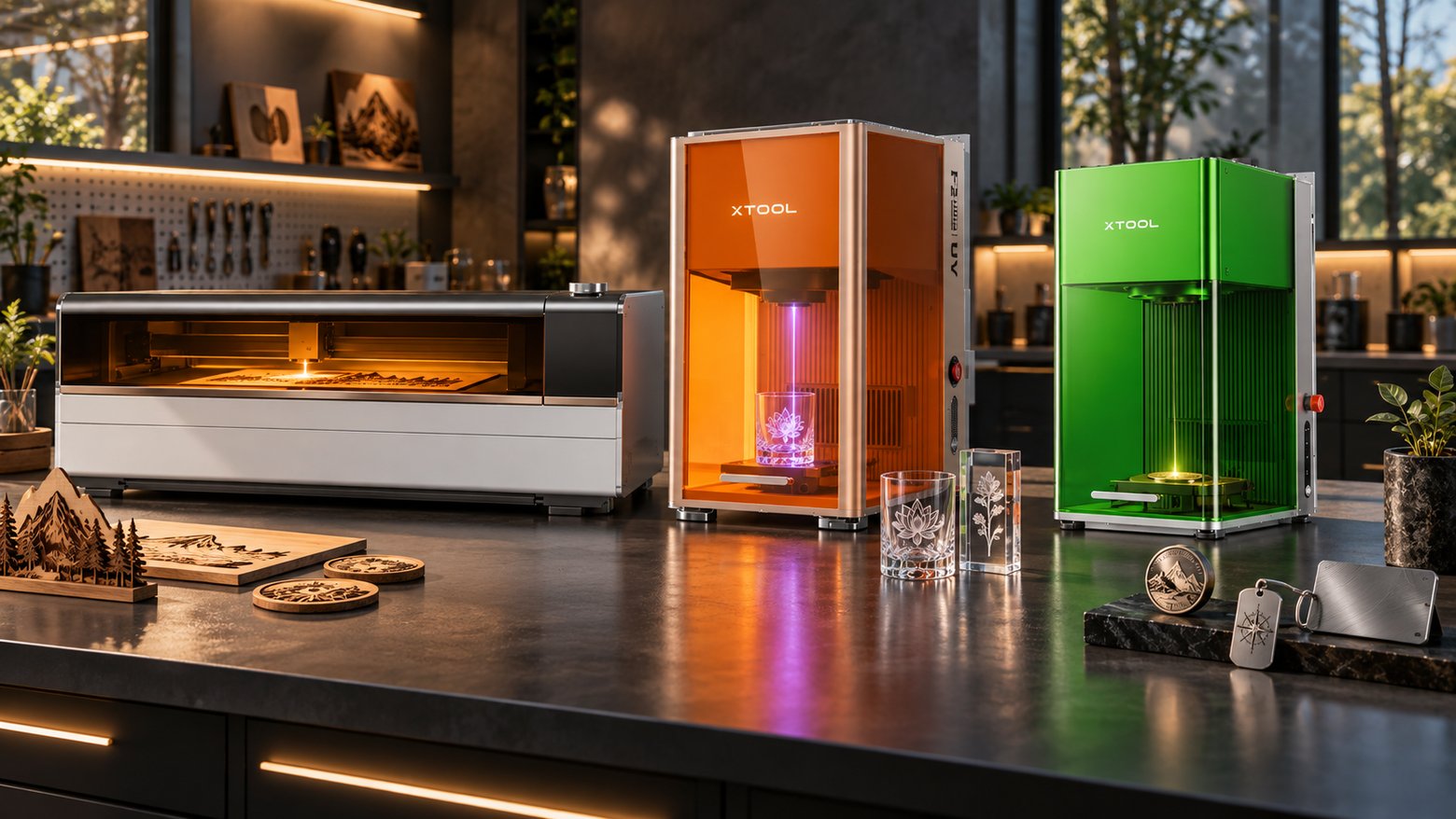
xTool models: P2S (55W), P3 (80W, large format).
Fiber / MOPA — the metal laser
Marks steel, stainless, aluminium, brass, titanium, gold, silver — permanently. A MOPA fiber adds colour marking on stainless and titanium. It’s the machine for jewellery, part marking and metal personalisation.
xTool models: F2 Ultra (60W MOPA + 40W diode).
UV — the glass and fine-plastic laser
Marks glass, crystal, plastic and electronics without heat — no cracking, no melting. It’s also the only type that does internal 3D engraving inside solid crystal.
xTool models: F2 Ultra UV (5W, 355 nm).
The metal myth: power cannot beat the wrong wavelength
A CO2 laser does not mark bare stainless at any power: the beam reflects before it can do work. Yet a small UV or diode machine sometimes leaves a visible mark on the same sheet — the difference is the surface, not the machine’s ability.
UV and diode light is absorbed by oxide layers, coatings, anodised aluminium and marking films, so the mark sits on the treatment rather than the metal: shallow, usually a contrast or colour change. Fiber and MOPA light is absorbed by the metal itself, leaving an annealed or engraved mark that survives polishing and handling. If the mark must outlast the part, you need fiber.
Size, speed and work envelope
Wavelength decides what a laser can mark; size, speed and focus decide the throughput.
xTool P2S — 55W CO2, 600 x 305 mm bed: sign, gift and acrylic work.
xTool P3 — 80W CO2, 915 x 458 mm bed, AutoLift to 220 mm, speeds to 1,200 mm/s.
xTool F2 Ultra — 60W MOPA plus 40W diode, 220 x 220 mm (220 x 500 mm with conveyor), to 15,000 mm/s; cuts brass and stainless up to 2 mm.
xTool F2 Ultra UV — 5W UV, 355 nm, spot under 10 microns: 70 x 70 mm inner, 200 x 200 mm surface.
Running two technologies in one workshop
Few workshops cover a whole product range with one wavelength. A signage or personalised-gifts business that adds engraved metal drinkware keeps its CO2 machine for wood and acrylic and adds a fiber or MOPA machine for tumblers. An awards line working in crystal adds UV on top of both.
A second machine is not duplication — it is quoting range. Group jobs by material and wavelength, and keep separate jigs and cleaning routines for each. Send us your product list and we will map it to the smallest set of machines that covers it, or book a demo and test both on your own material.
What ownership looks like after the first year
The three technologies differ in what needs replacing and how often.
CO2 — the tube is a wear item with a rated life (the P3 tube is rated at 10,000 hours), and mirrors and lenses need cleaning; extraction handles organic smoke.
Fiber / MOPA — no consumables per mark and no tube on a replacement interval; the focus lens and protective glass are the parts to inspect.
UV — a sealed optical module, so lens cleanliness and fixturing matter more than consumables.
Across all three, the hidden cost is setup and training: a machine only one person can run is a bottleneck.
Still unsure? The fastest way is to bring your material in. We’ll test it on the right machine and show you exactly what each technology produces on your product.