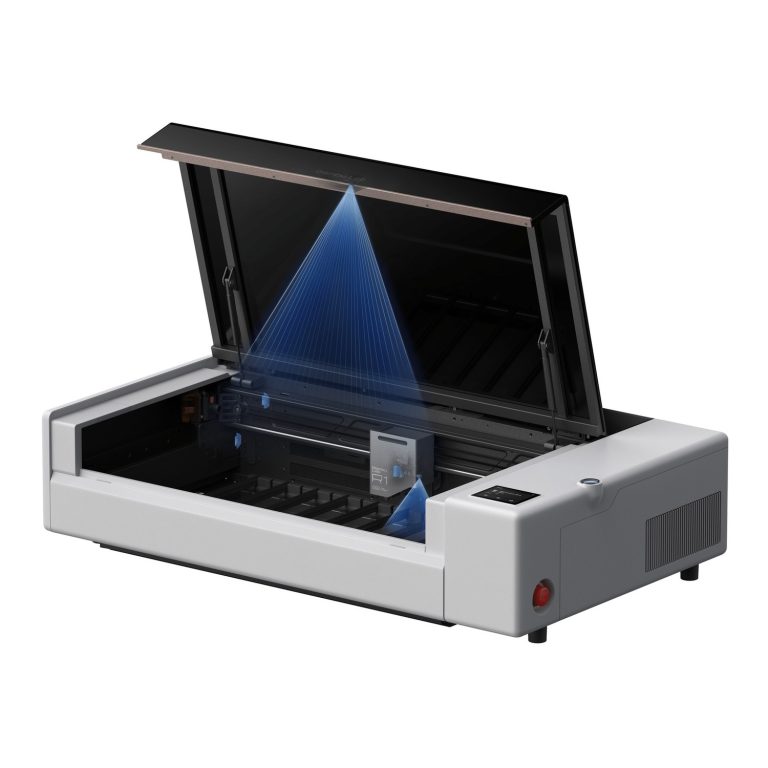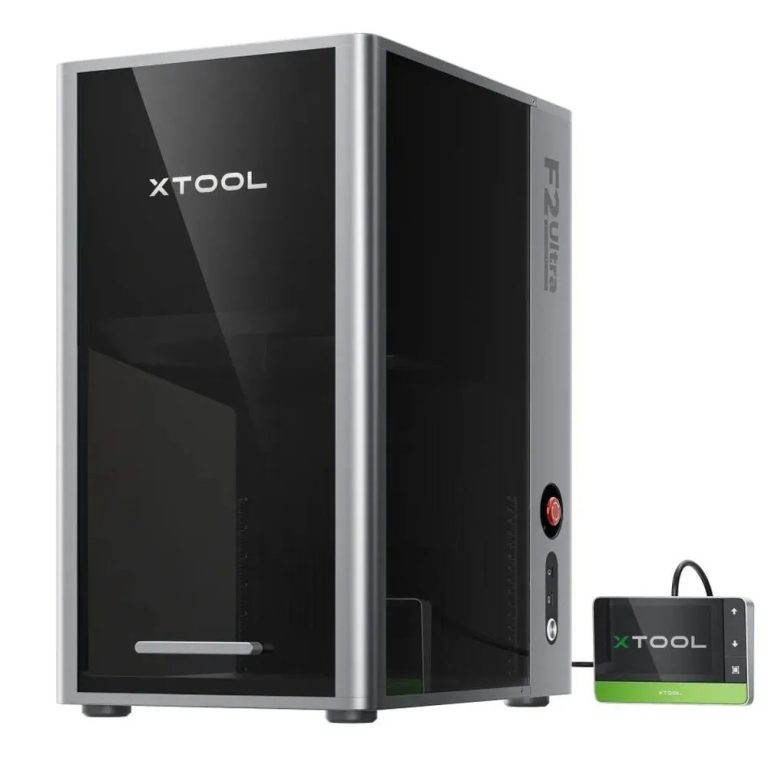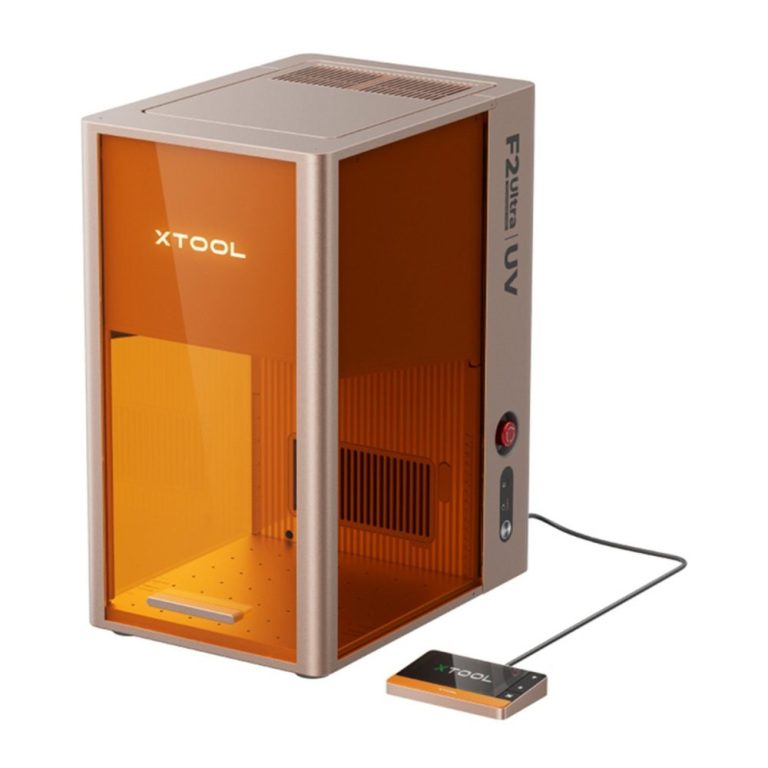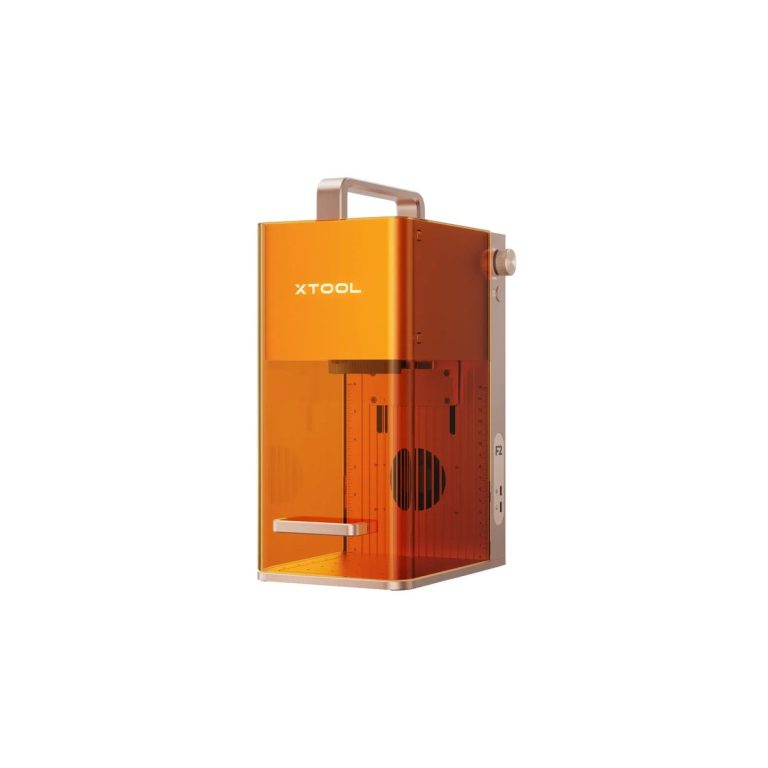
Start with the process
Most buyers compare watts and prices. The decision that actually determines what you can make is the wavelength — which is why a 5W marking laser can do things an 80W cutting laser cannot, and the other way round. Find your material below, then compare machines inside that process.
| Process | What it does well | What it cannot do | Machines in this range |
|---|---|---|---|
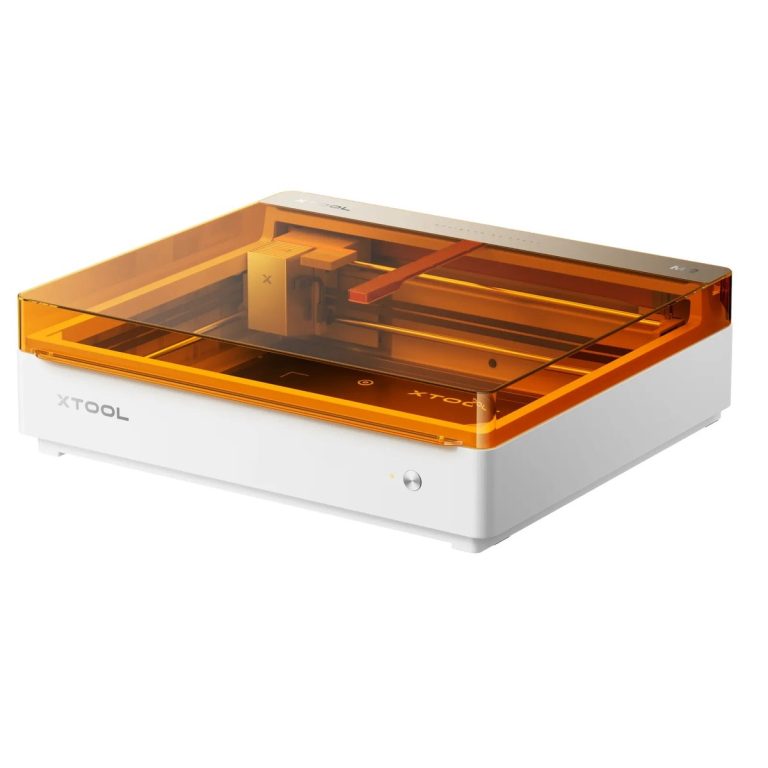
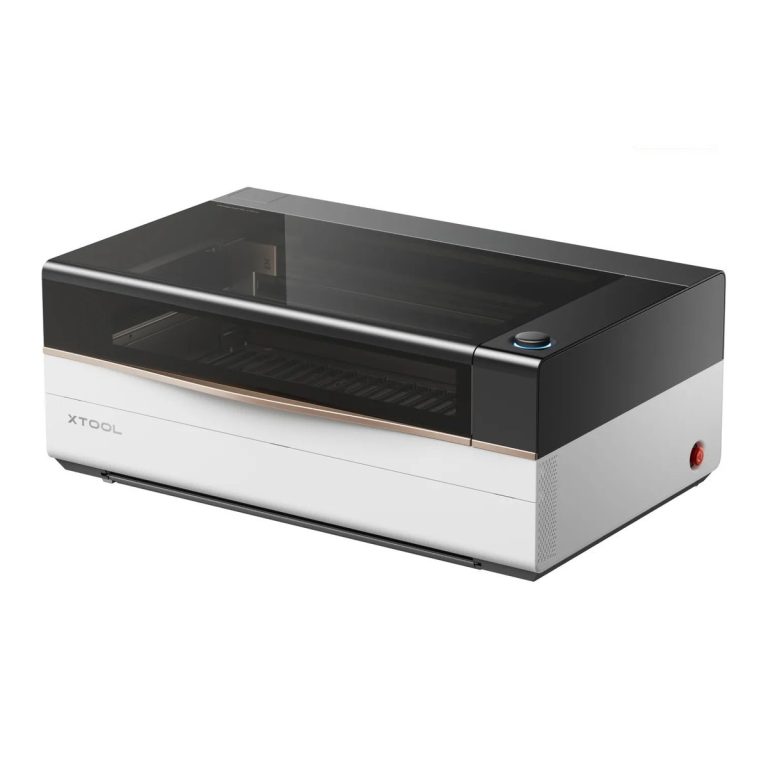
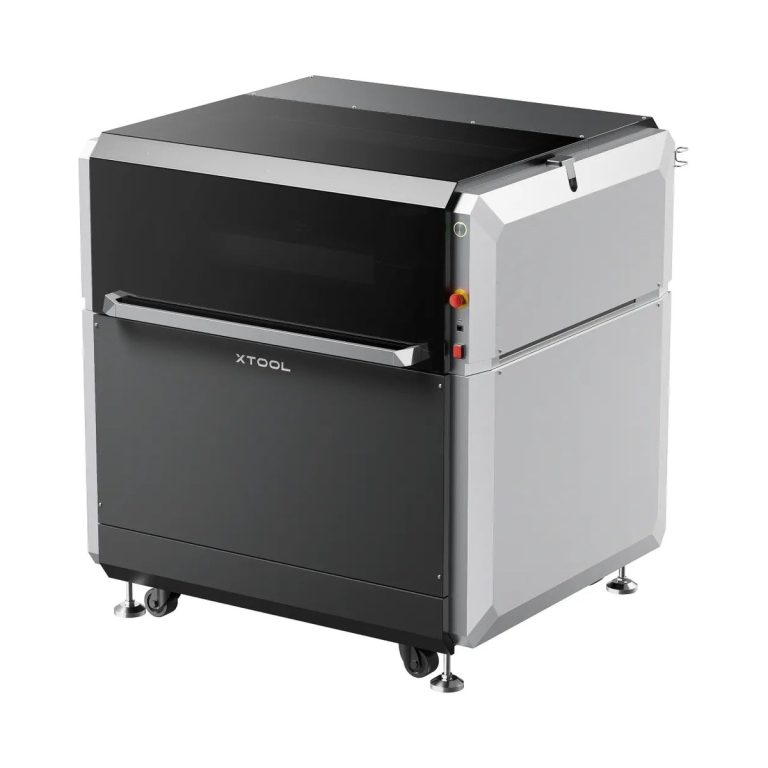
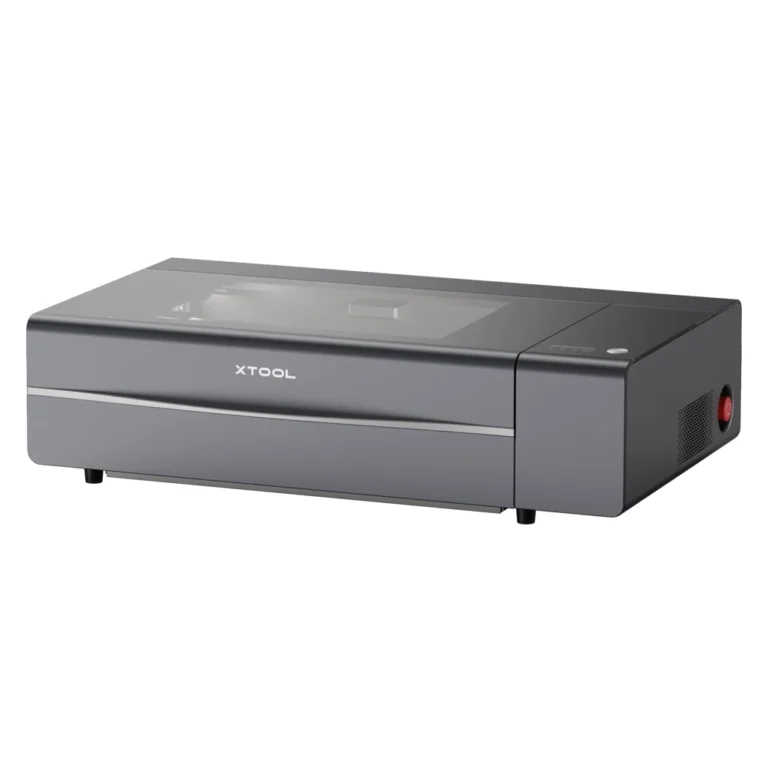
| CO2 laser 10,640 nm | Cuts and engraves wood, MDF, acrylic, leather, fabric, glass and coated metals. The workhorse for signage, gifts and production runs. | Will not mark bare metal — no amount of CO2 power changes that. | CO2 laser cutters — P3 80W, P2S 55W |
| Diode laser 450 nm | Engraves wood, leather, card and many plastics, and cuts thin stock. Small, affordable and easy to move around. | Struggles with clear acrylic, cannot mark or cut bare metal, and the open-frame versions need eye protection. | F2 15W diode + 5W IR; M2 10/20W with colour printing |
| Fibre / MOPA laser 1,064 nm | Marks every common metal — including colour marking on stainless steel — plus serials, QR codes and logos that must survive handling. | Does not cut wood, acrylic or leather, and only cuts metal in the MetalFab class. | Fibre laser engravers — F2 Ultra 60W MOPA; MetalFab for welding and cutting |
| UV laser 355 nm | Cold marking: engraves inside glass and crystal, marks heat-sensitive plastics and printed surfaces with no charring or burning. | Slow compared with CO2 on wood, and not a cutting tool. | F2 Ultra UV 5W UV |
Specs that matter
A 5W fibre laser marks stainless steel that no 80W CO2 machine can touch, and a 55W CO2 cuts acrylic no fibre laser will. Pick the wavelength for the material first, then the power for the thickness and speed.
The job that does not fit is the job you cannot quote. The P3 takes 915 x 458 mm; the P2S trades that for a smaller bench. Measure your largest product before comparing watts.
Cutting thin stock fast (the P3 runs to 1,200 mm/s) and holding fine detail on small parts are different settings on the same machine — you will change them per job, not per machine.
A camera lets you place artwork on an existing product and align print-and-cut work. It is what makes repeat orders and small items practical rather than fiddly.
A Class 1 enclosure is what lets a machine run in a shop, office, school or clinic with staff and customers nearby. Open-frame machines need eye protection and a separate enclosure — plan for that space before you buy.
Lenses, nozzles, belts and extraction filters wear out on a schedule. Extraction is not optional indoors, and comfort items like air assist and honeycomb beds change what you can cut cleanly.
The short path
Wood, acrylic, leather, glass and fabric point to CO2. Metal points to fibre. Engraving inside glass and crystal points to UV. Mixed work usually means two processes, not one bigger machine.
Not the average job — the largest piece you expect to be asked for, because that sets the bed and the pass-through.
Volume decides power and speed. Buying power for jobs you are not doing yet is the most common way to overspend on a laser.
Cutting through needs process and power; marking a surface is far more forgiving and can often be done on a smaller, cheaper machine.
Power point, extraction or ventilation, bench space, eye protection and whether customers or staff work alongside it decide the enclosure class — and that decision is a safety one, not a preference.
Running costs
Machines in this range are quoted per configuration rather than sold from a price list, because the enclosure, extraction, bed and lens options change with the application. The costs that catch people out are rarely the machine:
Lenses, nozzles, belts and extraction filters are wear items. On a machine running daily, budget for them the way you would budget for blades or ink.
Ducting to outside, or a filter unit where you cannot. This is a capital cost at setup and a consumable afterwards — and it is what keeps the machine usable in a shop or office.
Desktop machines draw about what a domestic appliance does. The space matters more: clearance around the bed, a stable bench and somewhere for the extraction to go.
The largest real cost of a first laser is the weeks spent discovering settings per material. Testing your material with us before purchase, and starting from those settings, is what removes it.
Before you buy
Machines are demonstrated in our Kuala Lumpur showroom and on customer sites around Malaysia. Book a material test or send us the product you want to make.
Guides
Questions
Not well. CO2 and diode handle wood, acrylic and leather but cannot mark bare metal; fibre marks metal but will not cut wood or acrylic; UV is for glass, crystal and heat-sensitive surfaces. Most businesses end up with one organic-materials machine and one metal or UV machine.
If anyone other than you operates it, if customers or students are nearby, or if it sits in a shop or office — yes. It is what makes the machine safe to run in a public space, and it filters and extracts the fumes instead of releasing them into the room.
A stable bench with clearance at the front and back of the bed, a standard socket, and either ducting to outside or a filter unit. Ventilation is the item most first-time buyers underestimate — we walk you through it before delivery rather than after.
Basic operation takes days, not weeks. The real learning is settings per material, which is why the demo matters: we hand over the tested settings for your own material instead of leaving you to build a library from scratch.
No. Every machine in this range can be demonstrated in Kuala Lumpur with your material before you commit, and configured for the enclosure class your setting needs.
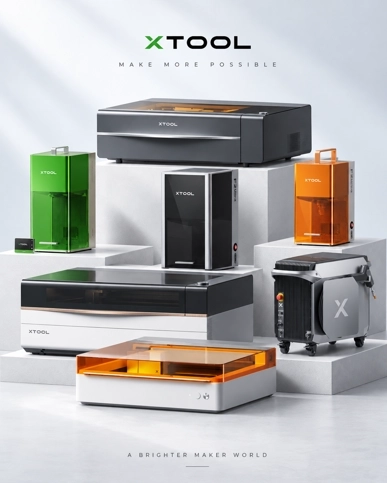
Usually the one that matches the product you already sell — see the xTool laser range for the current models by job, or send us the product and we will tell you which process it needs.
We will tell you which process it needs, which machine does it without overspending, and what the setup around it involves. The current models, by job, are in the xTool laser range.