UV Printing vs Laser Engraving: What’s the Difference?
UV Printing vs Laser Engraving: What’s the Difference?
Quick verdict: Two different UVs: UV printing cures ink onto a surface for full colour, while a UV laser marks glass and plastic cold. Match the tool to the material, not the acronym.
UV printing and laser engraving are often confused because both are used for personalisation — but one lays ink on the surface while the other changes the surface itself. The names even overlap (“UV” means different things in each), which doesn’t help.
Here’s the clear version.
Two different “UV”s
The confusion starts with the wavelength. Both processes involve ultraviolet light, but for opposite purposes.
UV printing is a printer. Ink droplets land on the surface and are cured instantly by ultraviolet light, which is why it can decorate materials that heat would distort. Nothing underneath changes — the finished item carries a thin printed layer.
A UV laser is a laser. The beam itself is ultraviolet — 355 nm — and it reacts with the surface of the material it touches. UV marking is a cold process: the material’s own surface changes rather than melting or burning away, so it marks glass, crystal, fine plastics, coatings and heat-sensitive parts without cracking, charring or distorting them.
UV printing is a printer: ink lands on the surface and is cured instantly by ultraviolet light.
UV printing — ultraviolet light cures ink onto a surface. It’s a printer.
UV laser — a 355 nm laser marks glass, plastic and crystal. It’s a laser.
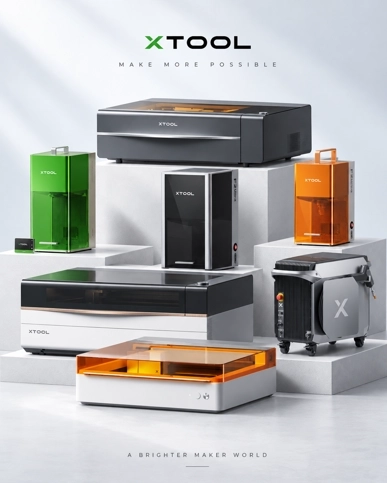
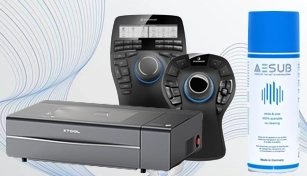
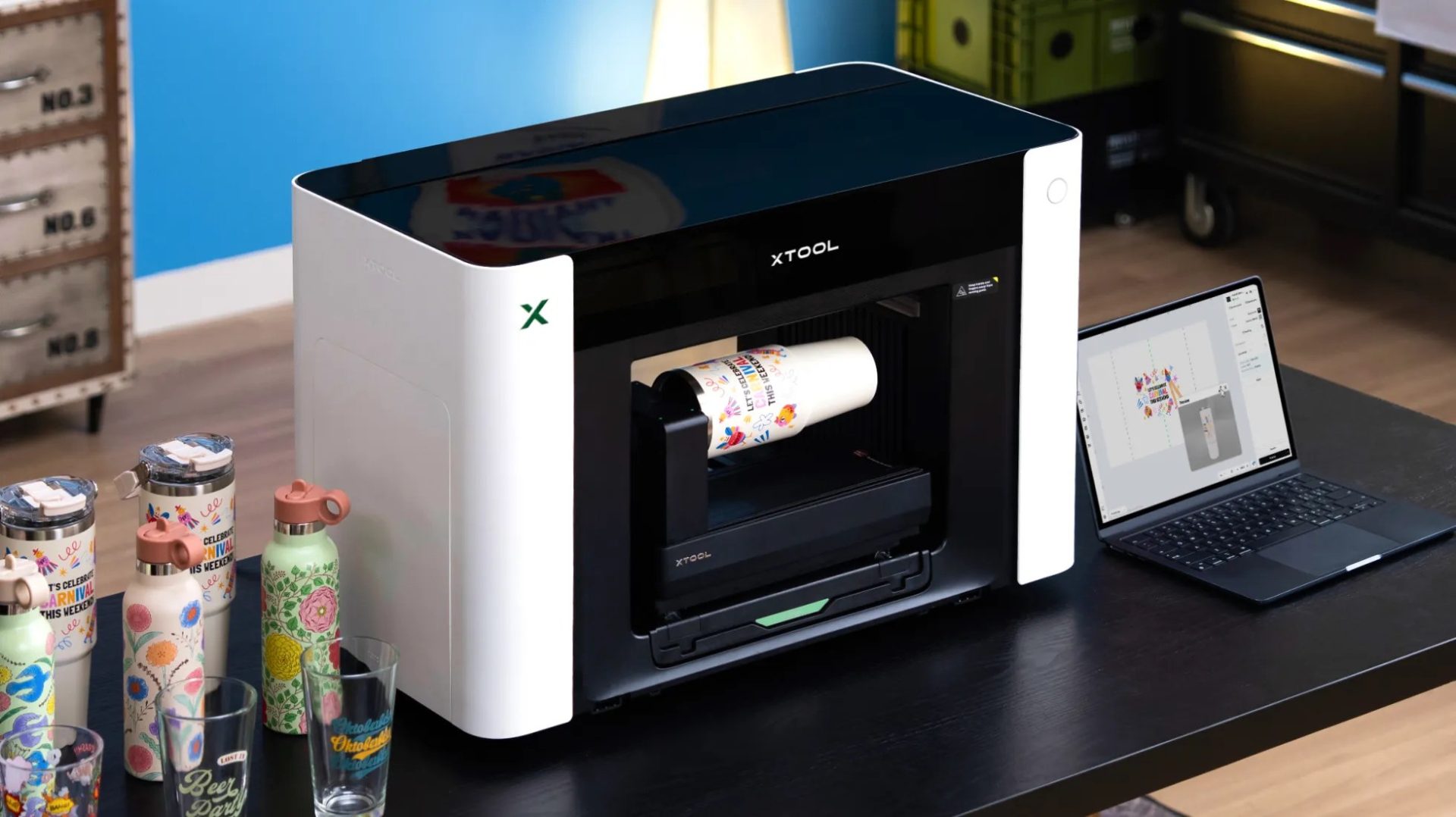
Same letters, completely different machines. In our catalogue that means the xTool O1 Omni Printer for the printing half and the xTool F2 Ultra UV for the marking half — one deposits ink, the other deposits nothing at all.
Side by side
UV printing
Laser engraving
Process
Cures ink onto the surface
Marks the material itself
What you end up with
A printed layer on top
A permanent change within the surface
Colour
Full colour, photos and gradients
Mono (MOPA colour on metal)
Durability
Good, but can scratch/fade if adhesion is poor
Permanent — nothing applied to remove
Materials
Flat, printable surfaces
Wood, metal, glass, plastic, leather
Feel
Printed, sits on surface
Engraved or marked
Running cost
Ink and printheads are ongoing consumables
No consumables — the mark is made by light
Curved items
Harder
Easier (especially with rotary)
Smallest detail
Limited by ink droplet size
Spot under 10 microns on the UV laser
What each process does to the surface
This is the distinction that answers most questions. Printing adds; laser marking converts.
A UV printer builds a layer. Ink lands, ultraviolet light cures it, and the item now carries a film of ink a few microns thick — run a fingernail across it and you can feel it. Because it is a layer, its future depends on how well it bonded to what is underneath. A clean, receptive surface holds a print for years; a greasy or low-energy surface is where prints fail.
A UV laser converts. The beam reacts with the top few microns of the material itself, so there is no film, no edge to lift and no thickness to measure. That is why a laser mark is specified wherever a mark has to survive handling, washing, abrasion or time.
Colour: full colour versus single tone
UV printing’s defining advantage is colour. Multiple printheads lay down full-colour images in one pass: photographs, gradients, multi-colour logos and packaging artwork. Nothing laser-based reproduces a photograph.
Laser marking is generally single-tone. The tone comes from the material’s reaction — dark annealed marks on bare stainless, frosted marks on glass, a contrast where a coating is removed. On stainless steel, a MOPA fiber source such as the one in the xTool F2 Ultra adds pulse and frequency control for a more refined mark, but that is a range of greys and contrasts, not a colour image.
Permanence and wear
A UV print’s durability is a question of adhesion, not of process quality. Where the ink keys properly to the substrate, the print is tough and takes ordinary handling well. Where the surface is oily, very smooth, or coated in something the ink cannot grip, the print can be scratched with a coin or removed with a solvent. Surface preparation and a test on the actual blank matter more than any claim.
A laser mark cannot peel, because nothing has been applied to peel. It survives washing and repeated handling, and there is no delamination to worry about after the item leaves your workshop.
So the honest comparison is not “tough versus fragile” — it is “tough if the ink holds” versus “there is no interface to fail”.
Which materials each suits
The two processes overlap far less than the confusion suggests.
Material
UV printing
Laser marking
Acrylic panels and signage
Full-colour images on flat sheet
CO2 engraves and cuts; edge-lit effects
Anodised aluminium
Colour printed onto the coated face
Fiber removes the coating for a permanent mark
Bare stainless steel
Possible, but test adhesion first
Fiber gives a dark permanent mark
Glass and crystal
Prints onto the surface; ink on glass is fragile
UV laser at 355 nm marks cold, without cracking
Wood and leather
Colour printed onto flat pieces
CO2 engraves a burnish-style mark
Phone cases and plastics
The default — full colour, photographic
Some plastics mark well, some do not; test first
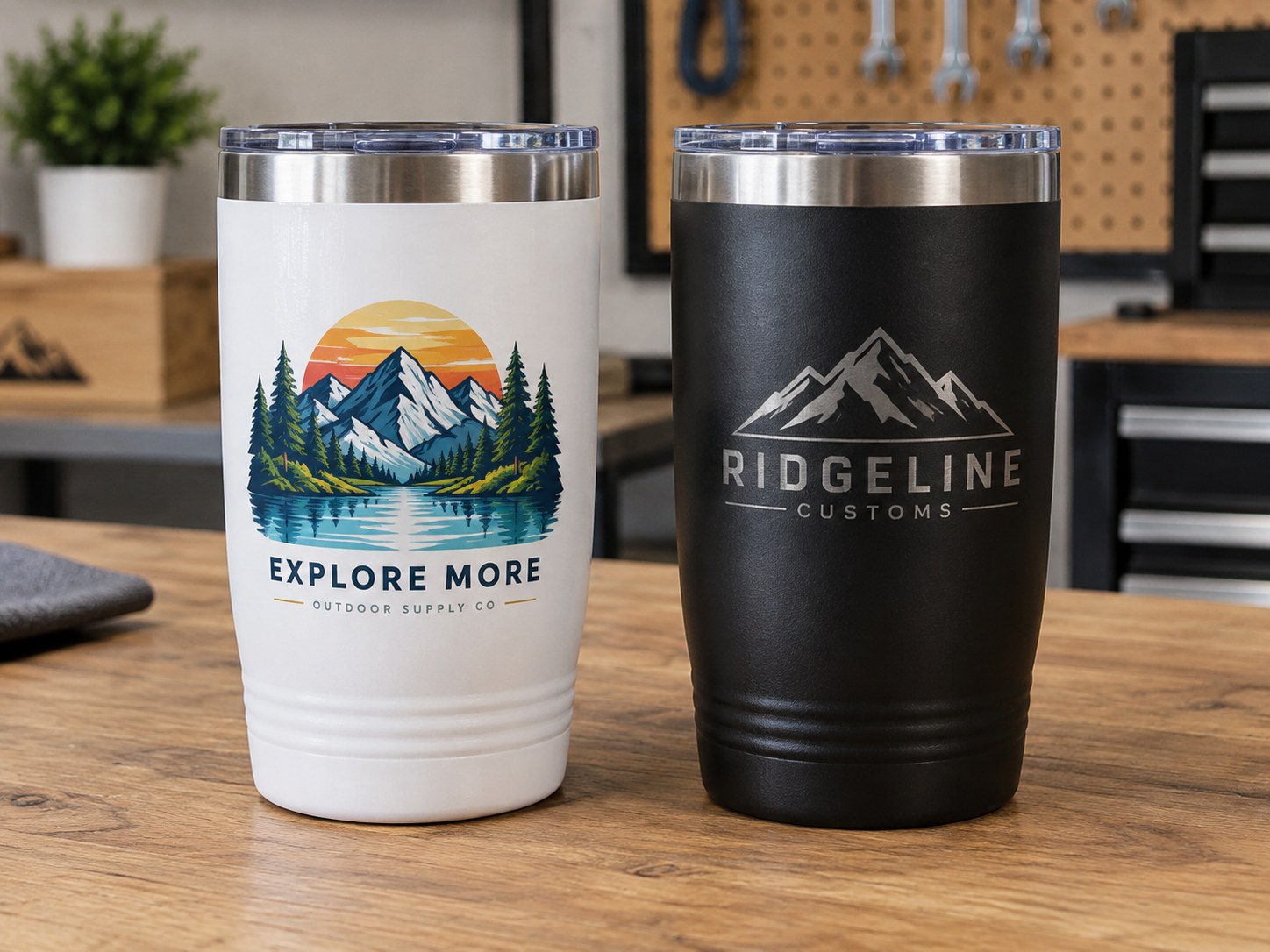
Drinkware and tumblers
Full-colour decoration on the printable face
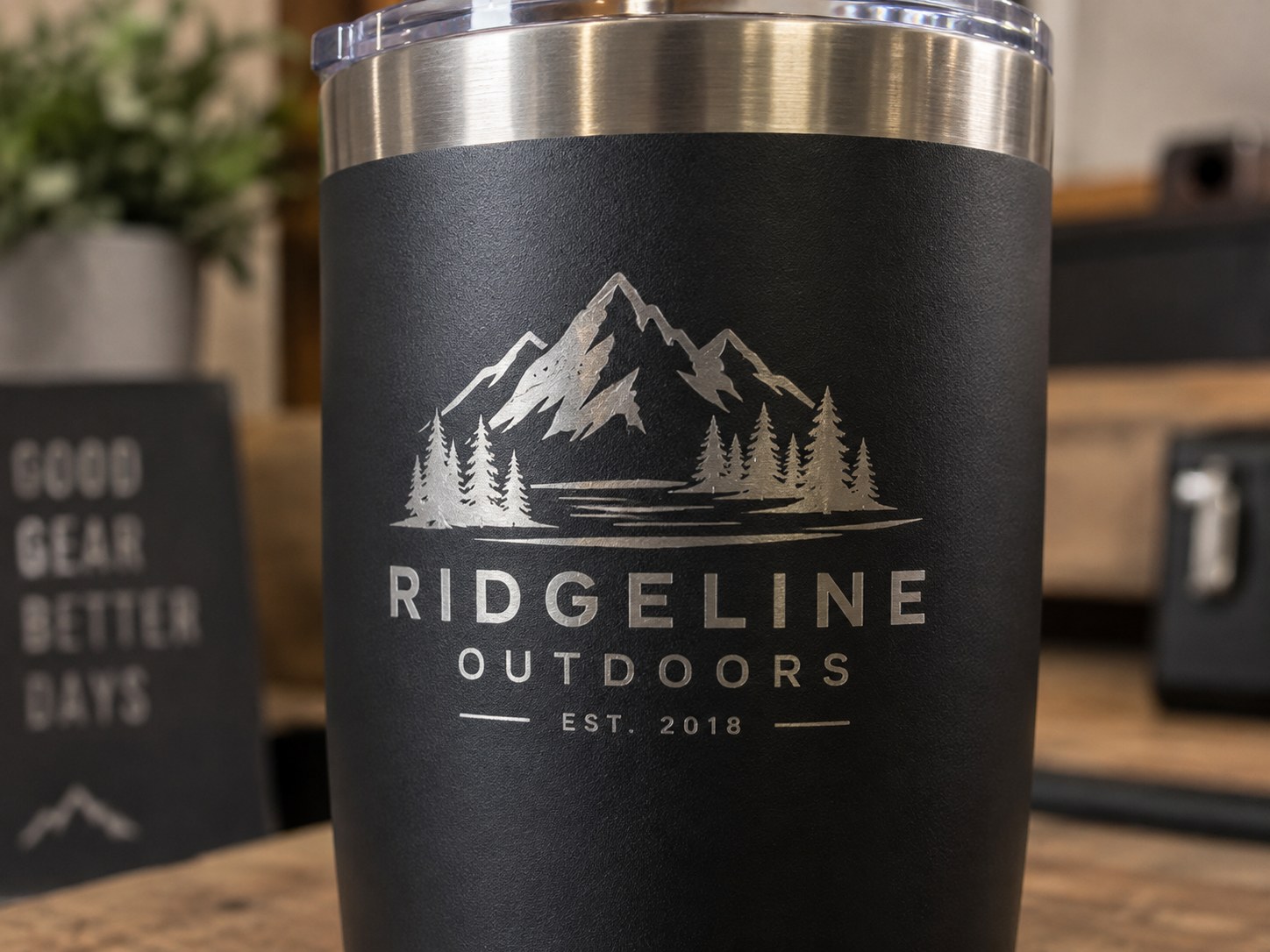
Fiber for a permanent one-tone logo
Apparel and fabric
Direct-to-garment and film transfer on the same machine
Laser is not the tool for fabric
Packaging and board
Variable-data printing at production speed
CO2 for cutting and scoring
Note the wavelength logic underneath: CO2 at 10,600 nm handles organics such as wood, acrylic and leather; fiber and MOPA at 1,064 nm handle metals; UV at 355 nm handles glass, crystal, fine plastics and coatings. The CO2 vs fiber vs UV laser comparison covers that side in detail.
Detail and resolution
“Detail” means two different things to the two processes, which is why arguments about it go nowhere.
For visual richness, UV printing wins outright. Gradients, photographic shading and multi-colour artwork are beyond any marking laser. What printing cannot do is shrink indefinitely: legible detail is limited by the ink droplets themselves.
For tiny marks, the laser wins. The UV laser focuses to a spot of under 10 microns, fine enough for micro-text, serial numbers and very small data codes that stay crisp on a curved or coated part. A printed equivalent at the same size would be a smear.
Speed: one-offs versus batches
For a single item, laser marking has the edge because there is no ink, no curing and no consumable setup — the beam does the whole job. A UV printer still runs its normal printing pass for one piece, so a single order is where printing feels least efficient.
For batches of identical full-colour products, printing pulls ahead. The 330 × 420 mm bed of the O1 Omni Printer holds multiple pieces at once, so one pass decorates a sheet of cases, tags or panels. Repeating a complex colour design on a laser is not a slower option — it is not an option.
For variable data, both are comfortable: names, serial numbers and QR codes print or mark with no extra tooling, so per-piece personalisation costs the same as a repeated design on either machine. One practical difference remains — printing needs a reasonably flat face inside the bed, while marking follows a curve, with a rotary attachment sold separately as an optional accessory.
When UV printing wins
Full-colour and photographic output — the laser can’t do photos.
One machine, several print methods — the O1 Omni Printer combines UV, UV DTF, DTG and DTF printing on one 330 × 420 mm bed, so colour on hard goods and on fabric come from the same unit.
When laser engraving wins
Metal and glass — a laser mark is permanent and premium.
Curved and small items — tumblers, rings, pens.
Zero consumables — no ink, no printheads, no curing.
Permanence — marks that must survive wear and washing.
Fine detail — micro-text and tiny codes, down to a spot under 10 microns on the UV laser.
Which fits your product?
Selling full-colour phone cases and photo gifts → UV printing.
Selling engraved metal, glass, or permanent marks → laser.
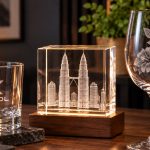
And here’s the nuance: for glass and crystal, you use a UV laser (xTool F2 Ultra UV) — not a UV printer — to get clean, crack-free marks and internal 3D engraving. For metal, you use a fiber laser (xTool F2 Ultra).
That is the distinction worth remembering: the O1 Omni Printer is a printer that uses UV light to cure ink, and the F2 Ultra UV is a UV laser that marks the material itself. Buying one will not do the other’s job. Workshops that scale usually add marking to an existing printing business rather than replacing it — the colour work feeds the permanence work.
Is UV printing the same as a UV laser? No. UV printing cures ink onto a surface, so the finished item carries a printed layer. A UV laser marks: its 355 nm beam changes the material’s own surface and adds nothing.
Can a laser mark in colour? Not the way a printer does. Laser marking is generally a single tone per material, with tonal variation possible on stainless steel using a MOPA fiber source. Photographs, gradients and multi-colour logos need UV printing.
Can I UV print onto stainless steel tumblers? Printing onto metal is possible, but adhesion is the deciding factor, so test the exact blank and finish first. Where the mark must survive years of washing, a fiber laser mark is the safer specification.
Which one costs less to run? Laser marking has no ink or printhead consumables, so the running cost per mark is lower. Printing consumes ink and printheads continuously. Machine cost itself depends on the configuration you need, so request a quotation for your intended products.
Do I need both machines? Only if you sell both kinds of product. Colour and photographic work needs printing; metal, glass, fine detail and anything that must never fade needs marking.
Both finishes look different in person, and the right choice depends on your product. Bring a sample to our showroom and we’ll show you what a laser produces next to a printed finish.
The laser half is a change to the material itself — nothing applied to scratch, fade or peel.
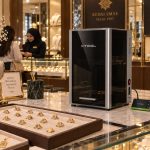
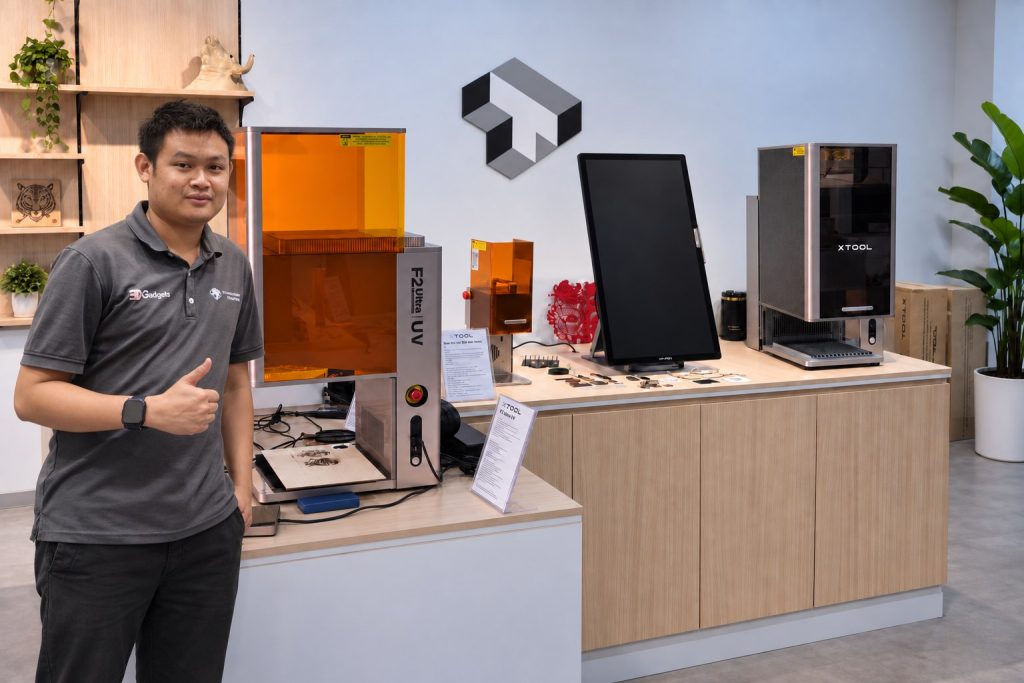
Our Kuala Lumpur showroom. Bring your product and we will engrave it in front of you, so you see the real result before you buy.
Laser engraving is easiest to judge in person. Tell us what you want to mark and bring a sample to the showroom, or send us a photo and we will tell you which machine and power fits the job.