CNC Engraving vs Laser Engraving: What’s the Difference?
CNC Engraving vs Laser Engraving: What’s the Difference?
Quick verdict:CNC wins on depth and 3D shaping; laser wins on detail, speed and marking. They are not substitutes — most shops that need both run both.
CNC and laser are both called “engraving,” but they’re different tools for different jobs. CNC removes material with a spinning bit; laser removes or changes it with light. The choice comes down to depth, material and what you’re making.
How they work
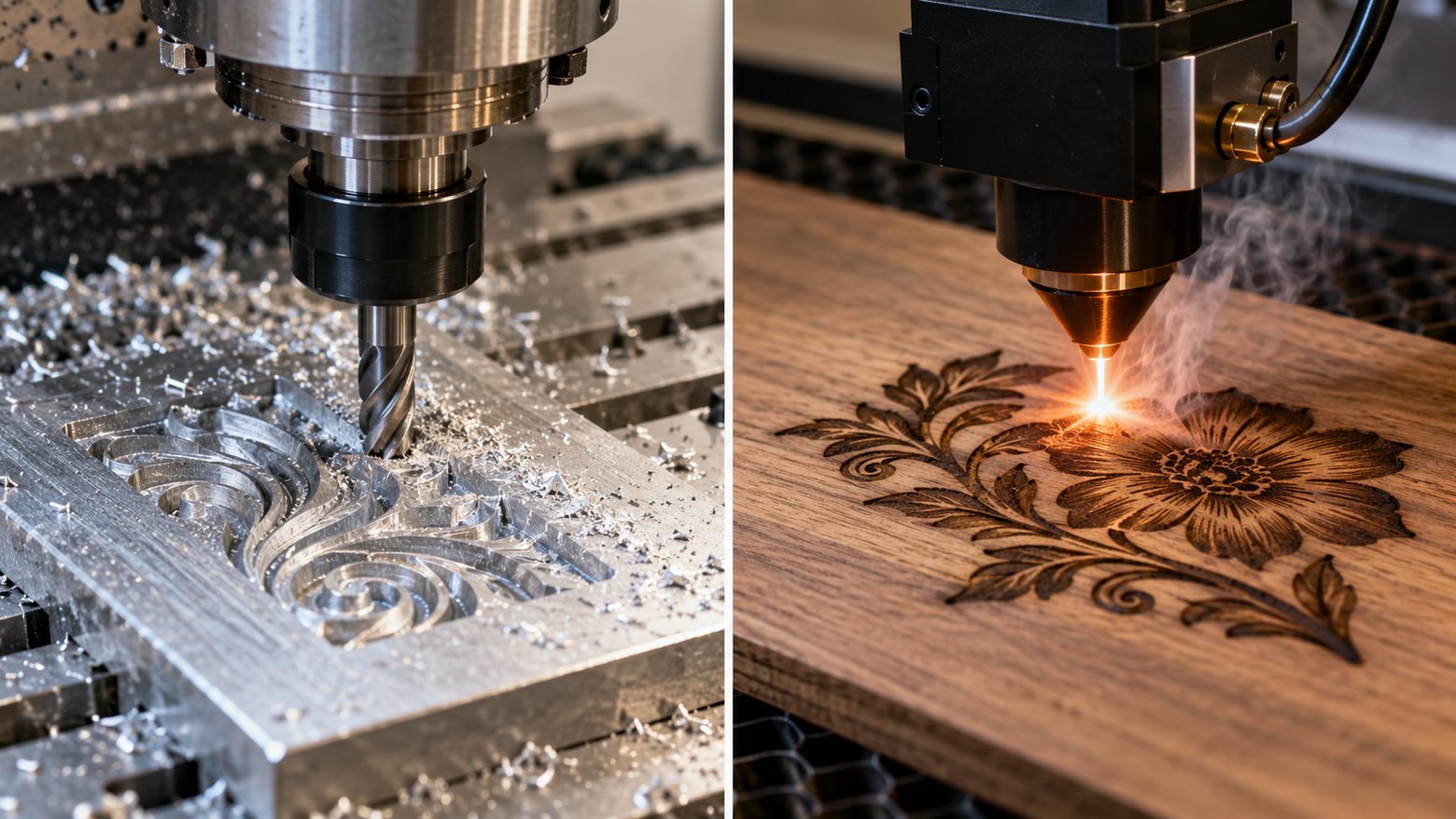
CNC engraving — a motorised spindle drives a cutting bit into the material, physically carving it.
Laser engraving — a focused beam vaporises or marks the surface without touching it.
Workholding, clamping and tool wear
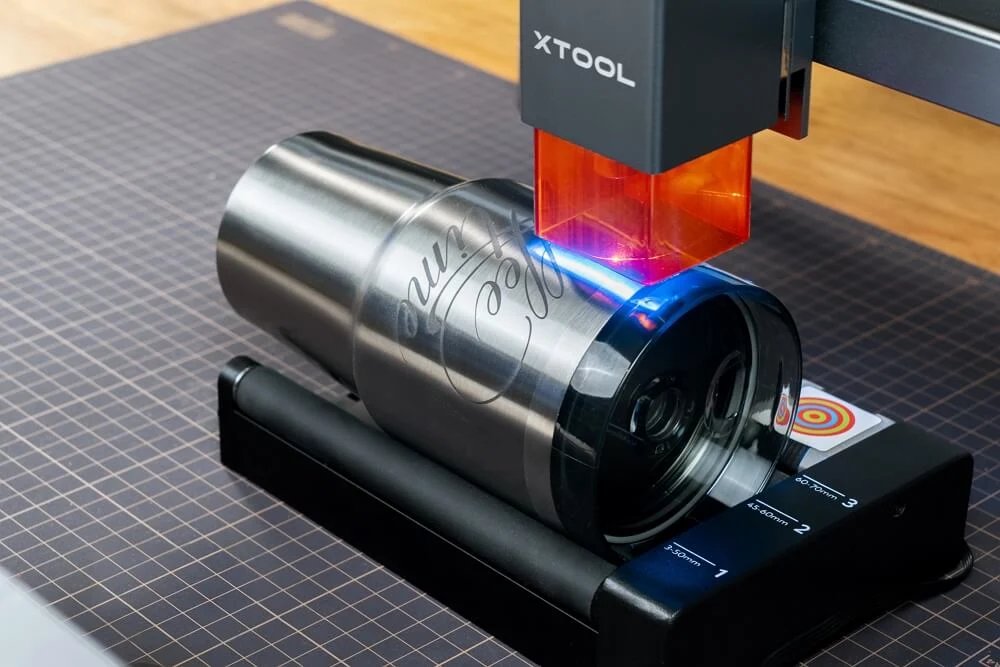
A CNC bit pushes sideways into the material, so the job must be held rigidly with clamps, a vice, vacuum or a purpose-made fixture — the holding force becomes part of the design problem. The cutter leaves stepover marks where it passed. A laser is non-contact: no clamping force, no chatter, no bit to dull, so thin sheet and curved or finished parts can be marked without fixtures. It cannot clear a pocket or hold tolerance against a wall of material.
Side by side
CNC engraving
Laser engraving
Depth
Deep, 3D carving
Shallow to moderate
Materials
Wood, metal, plastic, foam
Wood, metal, glass, leather, acrylic
Fine detail
Limited by bit size
Extremely fine
Speed on detail
Slower
Much faster
Tooling
Bits wear, need replacing
No consumables
Curved/3D surfaces
Needs fixtures
Handles them more easily
Setup cost
Lower entry, higher running
Higher entry, lower running
When CNC wins
Deep carving — relief signs, 3D contours, channels.
Very hard materials — where a laser would be slow or leave a rough finish.
Existing CNC skills — if you already run a router or mill.
When laser engraving wins
Fine text and logos — serial numbers, tiny fonts, intricate artwork.
Speed — a laser marks in seconds what a bit takes minutes to carve.
No tooling — no bits to break or replace.
Metal marking — a fiber laser marks metal cleanly without the tool pressure and wear of a bit.
Depth and 3D: what each process can actually produce
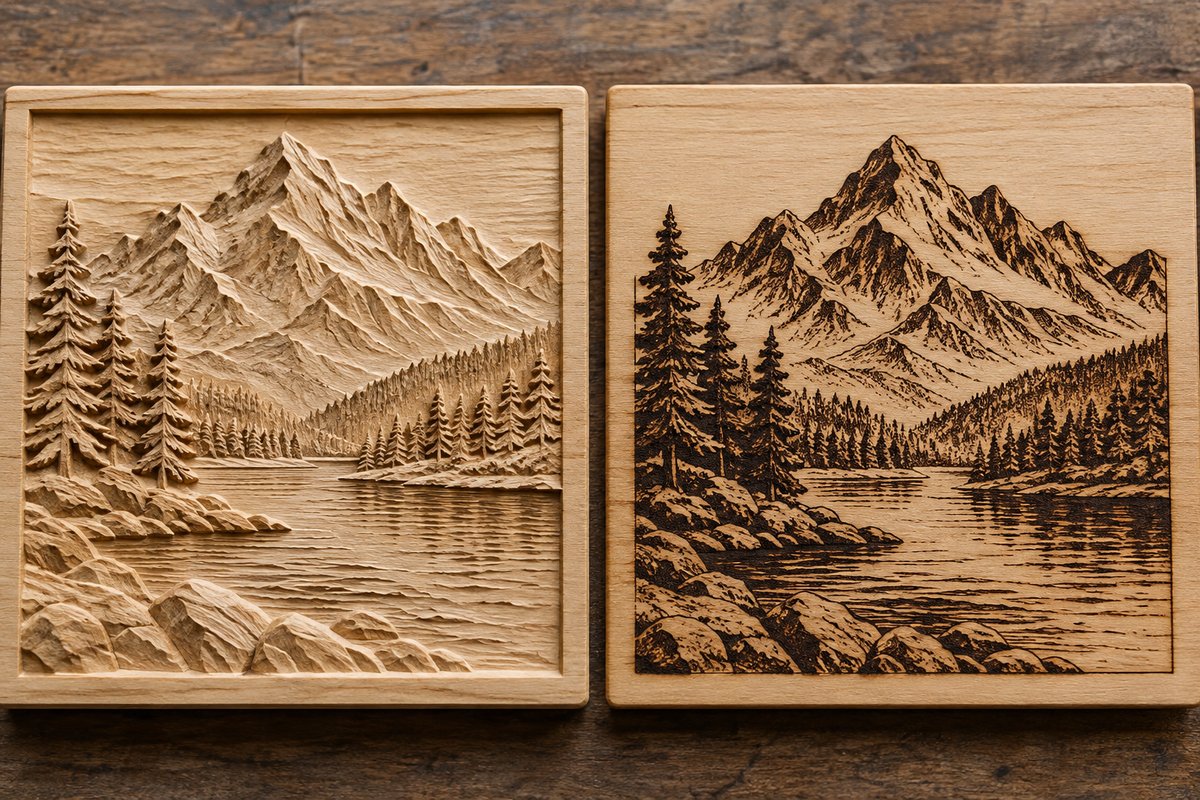
CNC carves a true three-dimensional form: a ball-nose or V-bit follows a relief model, cuts a channel or profiles a component out of thick plywood or solid timber. A laser engraves a shallow surface mark or cuts clean through sheet, with depth measured in fractions of a millimetre. On metal, a fiber or MOPA source marks an oxidised layer rather than removing bulk material. Shadow, stepped relief or structural thickness means CNC; fine line width and legibility mean laser.
Materials and thickness: where each process is the only option
Once the material is fixed, the two stop being interchangeable. CO2 sources run at 10,600 nm and excel on wood, acrylic, leather, paper, rubber and stone, but they do not mark bare metal. Metal marking needs a fiber, MOPA or IR source at 1,064 nm, which handles steel, stainless, aluminium, brass, titanium, gold and silver and cuts thin metal — brass and stainless up to about 2 mm on the xTool F2 Ultra. UV at 355 nm covers heat-sensitive plastics. CNC ignores wavelength: it machines thick stock, foam, engineering plastics and metal plate no sheet laser will accept.
Consumables and how running cost behaves
CNC spending is shaped by tooling. Bits and blades are consumables: they dull, chip and break, and a broken bit can scrap the part. Add dust extraction or coolant, a spoilboard that must be resurfaced, and routine lubrication and alignment. A laser consumes no cutting tools, so the list is shorter: keep lenses and protective windows clean, change filters and keep the extraction path clear. Running cost scales differently — laser with power and job time, CNC with metres cut and tool life.
Using both in the same workshop
The usual setup in a small Malaysian workshop is not one machine replacing the other. A CNC router cuts the base, the raised relief or the component profile; a laser then marks the text, logo, serial number or fine linework a bit is too coarse to produce. On a wooden plaque, CNC cuts the shape and the laser does the lettering; on a stainless plate, CNC cuts the outline and a fiber laser marks it. Because the laser is non-contact, jigs stay simple and can be reused across a batch.
The honest rule
For depth and 3D shaping, CNC. For detail, speed and marking, laser. They’re not substitutes — many shops run both: CNC for structure, laser for marking and fine detail.
How to choose
Depth past about a millimetre, or true 3D relief? CNC.
Fine text, logos or serial numbers on sheet? Laser.
Bare metal marking with no clamping pressure? Fiber, MOPA or IR laser.
Thick stock, foam, engineering plastic or metal plate profiling? CNC.
High-volume marking of many small parts? Laser, with a jig or conveyor.
Curved, rounded or already-finished parts? Laser, or CNC with a dedicated fixture.
When several of these apply at once, that is where a shop runs both.
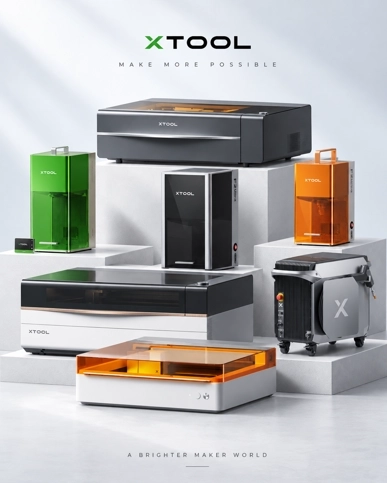
xTool F2 Ultra — fiber marking for fine detail on metal and plastic.
xTool P3 — large-format CO2 for wood and acrylic.
xTool MetalFab — for when you need metal marking plus cutting and welding.
The best way to choose is to bring a sample. We’ll show you what a laser produces on your material and help you decide whether laser or CNC is the right tool for the job.
Visit our showroom
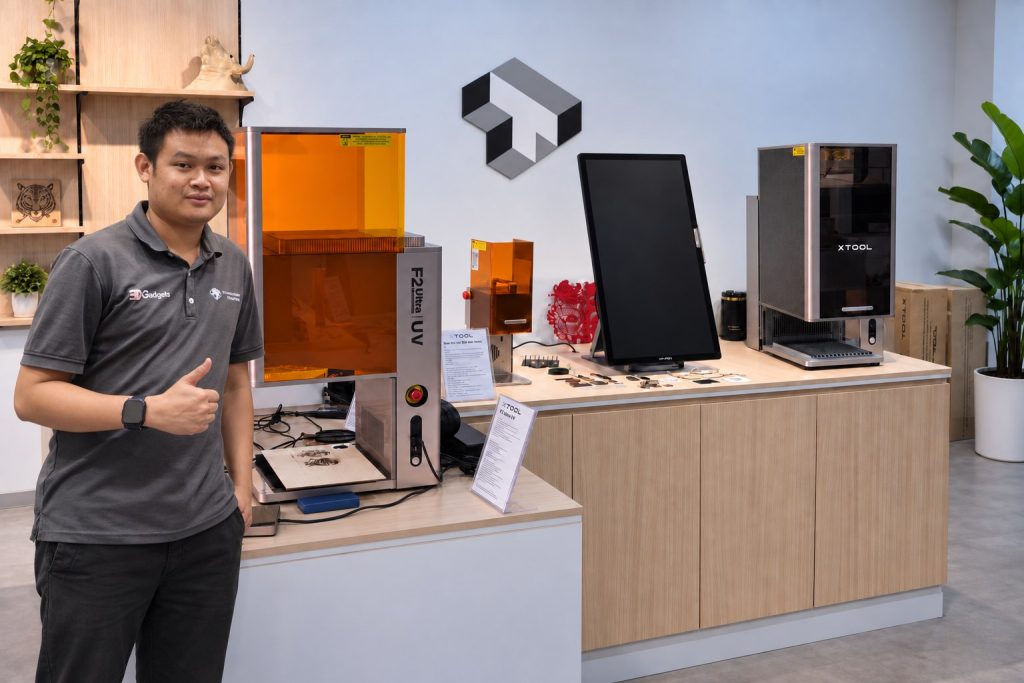
Our Kuala Lumpur showroom. Bring your product and we will engrave it in front of you, so you see the real result before you buy.