How to Add Laser Engraving to an Existing Printing Business
How to Add Laser Engraving to an Existing Printing Business
Quick verdict: Your existing customers already buy branded products from you. Adding a laser turns a print shop into a one-stop shop for engraved gifts and awards — starting with one machine and one upsell.
If you already run a printing or signage shop, you’re sitting on the easiest growth opportunity you have: your existing customers already buy personalised and branded products from you. Adding a laser lets you sell them more — engraving on top of printing.
Here’s how to add it without disrupting what already works.
Why a printing shop is the perfect place for a laser
You already have the customers. The corporate client buying banners also orders trophies, nameplates and gifts.
You already have the workflow. Design, quoting, production — a laser slots into what you already do.
Engraving complements printing, it doesn’t compete. Printing does full colour; laser does premium metal and permanence.
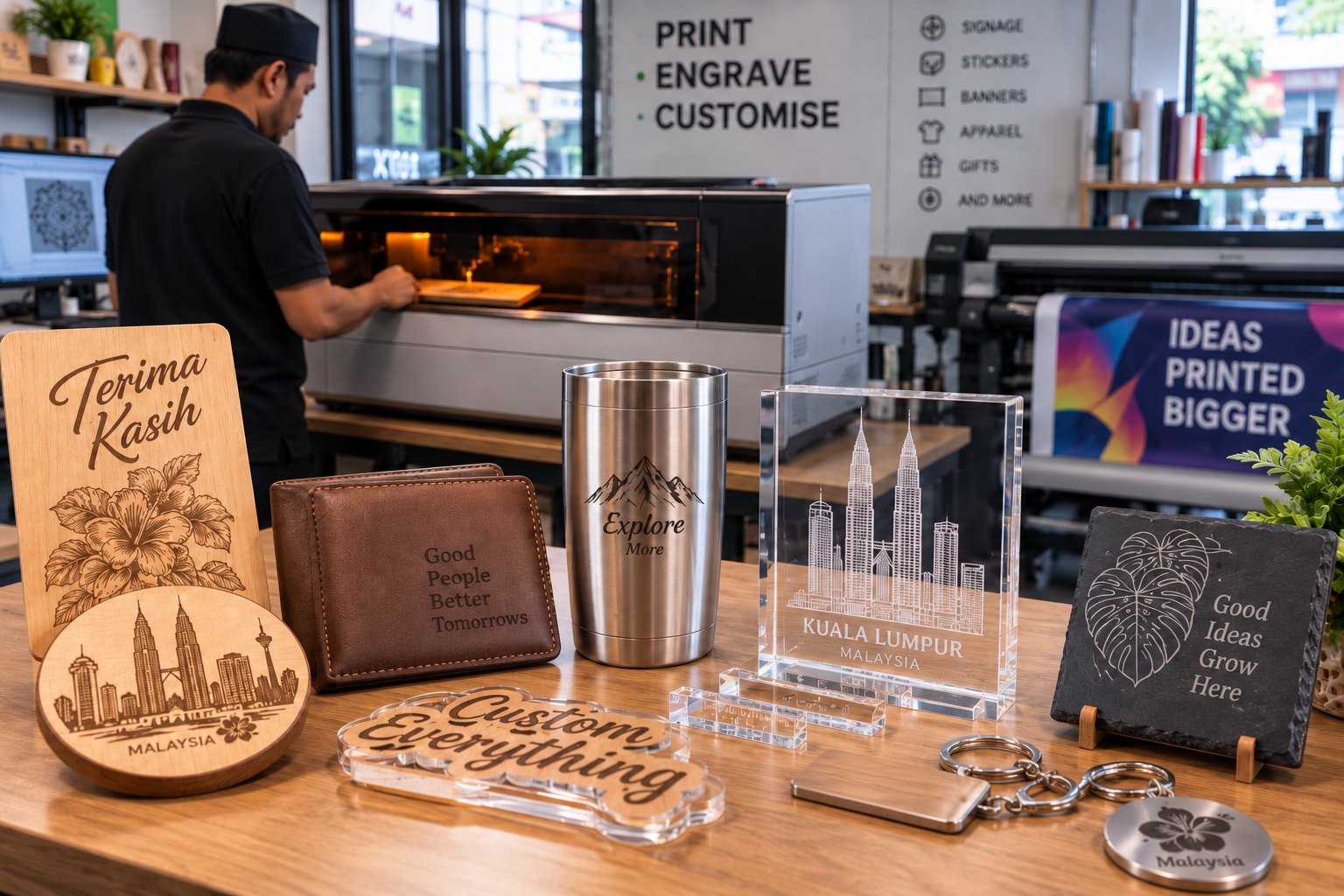
What a laser lets you add to your menu
New service
Machine
Engraved metal nameplates & plaques
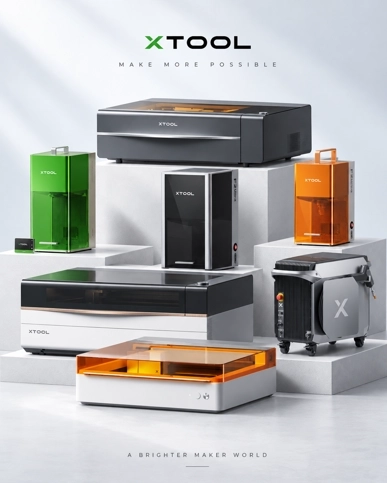
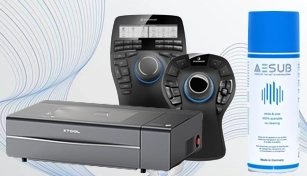
xTool F2 Ultra (fiber)
Engraved trophies & awards
xTool P2S (CO2) or F2 Ultra
Custom tumblers & corporate gifts
xTool F2 Ultra
Acrylic signage & displays
xTool P2S / P3
Serial numbers & part marking
xTool F2 Ultra
Start with one machine and one upsell
Don’t buy everything. Pick one new service your current customers already ask for — for most print shops, that’s engraved nameplates, trophies or corporate gifts — and buy the one machine that does it.
Metal personalisation and marking → xTool F2 Ultra (fiber).
Wood and acrylic signage and awards → xTool P2S or P3 (CO2).
Which machine for which job
The material decides the machine. Stainless steel, aluminium, brass and titanium need a fiber source: the xTool F2 Ultra pairs a 60W MOPA fiber laser with a 40W diode, marks all bare metals, and produces black, white and colour marks on stainless steel and titanium. A CO2 or diode laser on its own will not mark bare metal at all.
Wood, acrylic, leather, paper, rubber and stone belong to CO2. The 55W xTool P2S covers 600 x 305mm, while the 80W xTool P3 opens up 915 x 458mm at up to 1,200 mm/s with AutoLift to 220mm and a 10,000-hour tube life for shops running larger signage panels.
Where the laser sits in your print workflow
The prepress skill is the hard part, and you already have it. A laser runs from the same vector and raster artwork your team prepares for print. What changes is the output, not the file.
Proofing. One test piece on the actual material replaces a digital proof — keep it as the approved sample.
Finishing. Engraving sits after cutting, trimming or lamination, so it becomes one more finishing station, not a separate production line.
Queueing. Small engraved jobs run in minutes and slot between long print runs instead of holding up the press.
How to sell it to existing clients
Bundle. “Banner + engraved plaque” or “printing + engraved tumblers” as one corporate package.
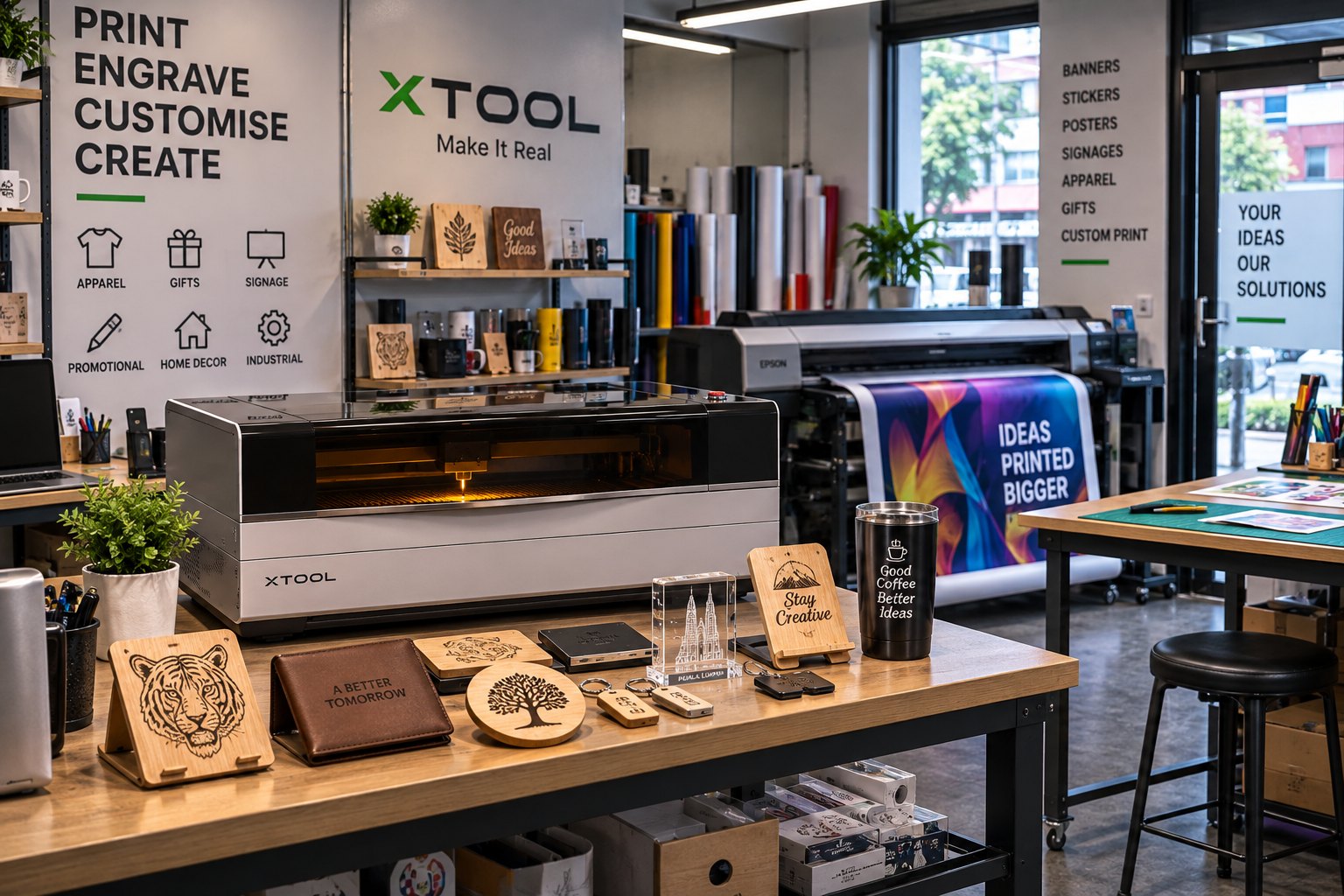
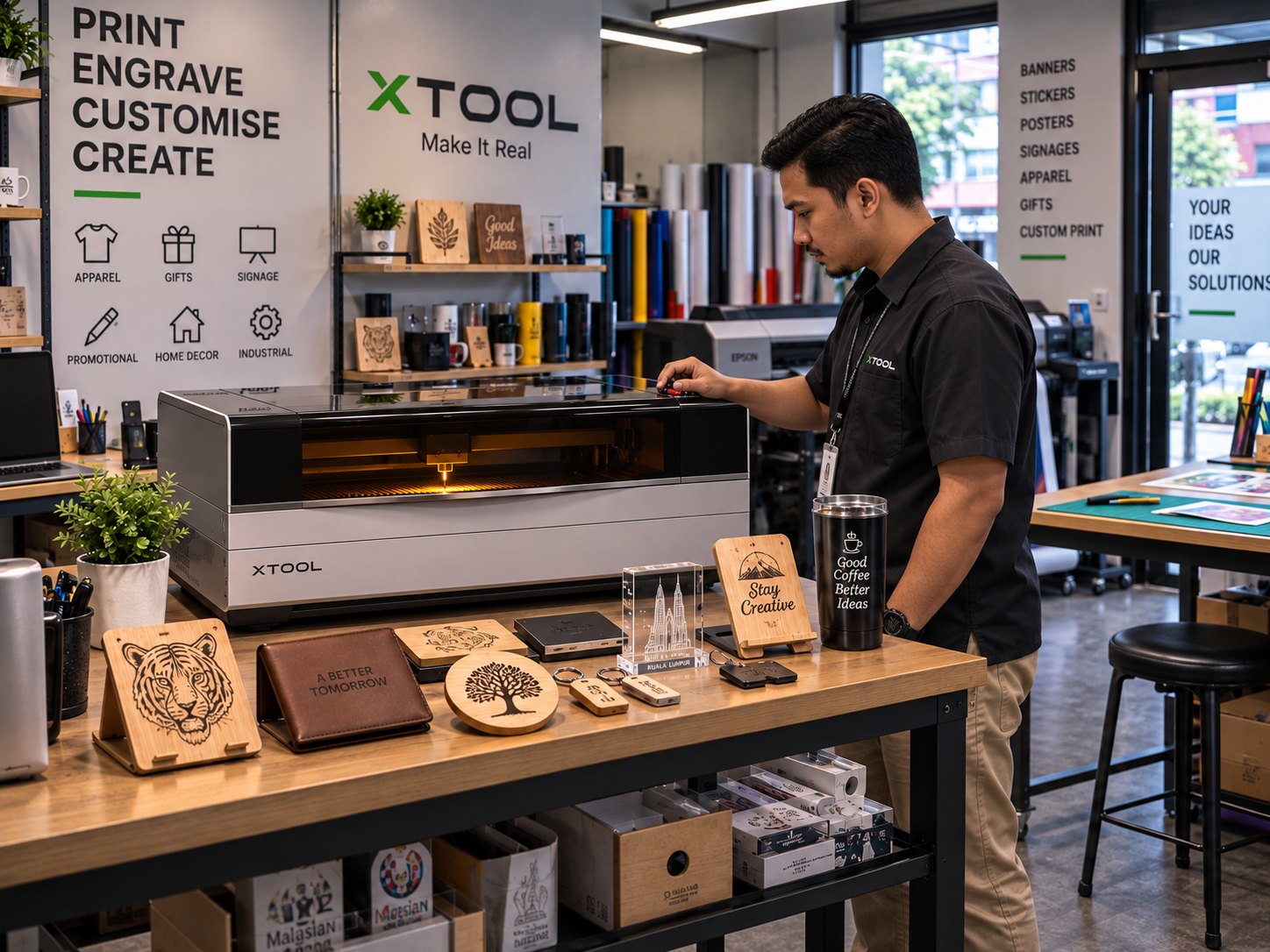
Show samples. Keep a tray of engraved items at the counter — it sells itself.
Email your list. One announcement to existing customers that you now do engraving is often enough for the first orders.
Quoting engraving alongside a print job
Engraving is easier to sell as a method than as a standalone service. Quote it two ways: by piece for repeat items such as tumblers, tags and nameplates where the artwork is already set, or setup plus piece when a client needs a new design laid out and proofed before production.
The bundle does the selling. A banner order becomes banner plus engraved plaque; a staff-award job becomes trophies plus engraved name cards. Corporate buyers prefer one supplier and one invoice, so place engraving on the same quotation as the print work.
Staffing, training and setup time
One person can run the laser alongside their existing duties. Because the artwork workflow is familiar, training concentrates on material settings, focus and jigs, and is measured in days rather than months.
Setup per job is mostly positioning. The dual 48MP cameras on the xTool F2 Ultra let an operator place an item and line the artwork up on the actual product without measuring by hand — useful for pre-made tumblers, tags and awards where the mark must land in the same spot every time. Keep a jig for anything you repeat, and the second run takes a fraction of the first.
Glass, crystal and the gift and award season
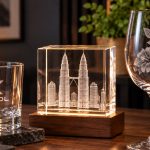
Two segments bring print shops new counter sales: corporate award season and walk-in personalisation. Glass, crystal and many plastics are marked cold by UV light rather than burned. The xTool F2 Ultra UV uses a 355nm source with a spot under 10 microns across a 70 x 70mm inner area or a 200 x 200mm surface.
It is also the only type that engraves inside solid crystal, turning a crystal block into a 3D internal image — a product walk-in customers buy on impulse and corporates order in batches for gifting. Keep finished samples on the counter beside the print samples.
A laser turns your one-service print shop into a one-stop shop for branded and personalised products — which is exactly what corporate buyers want. And it does it with a machine that has almost no per-unit running cost.
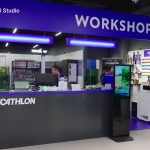
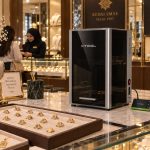
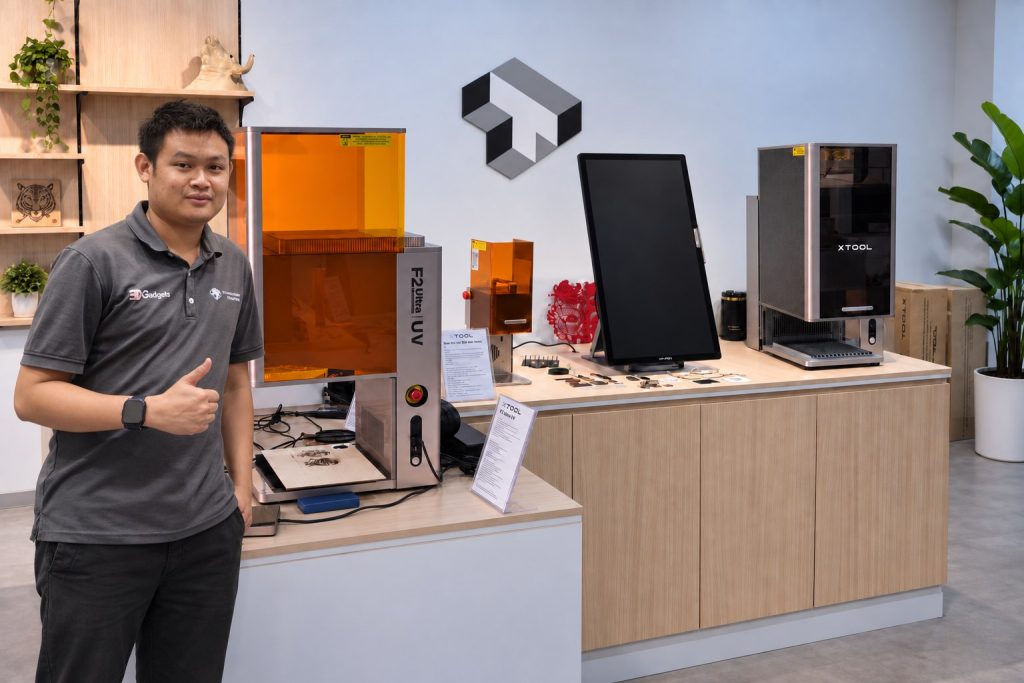
Visit our showroom
Our Kuala Lumpur showroom. Bring your product and we will engrave it in front of you, so you see the real result before you buy.