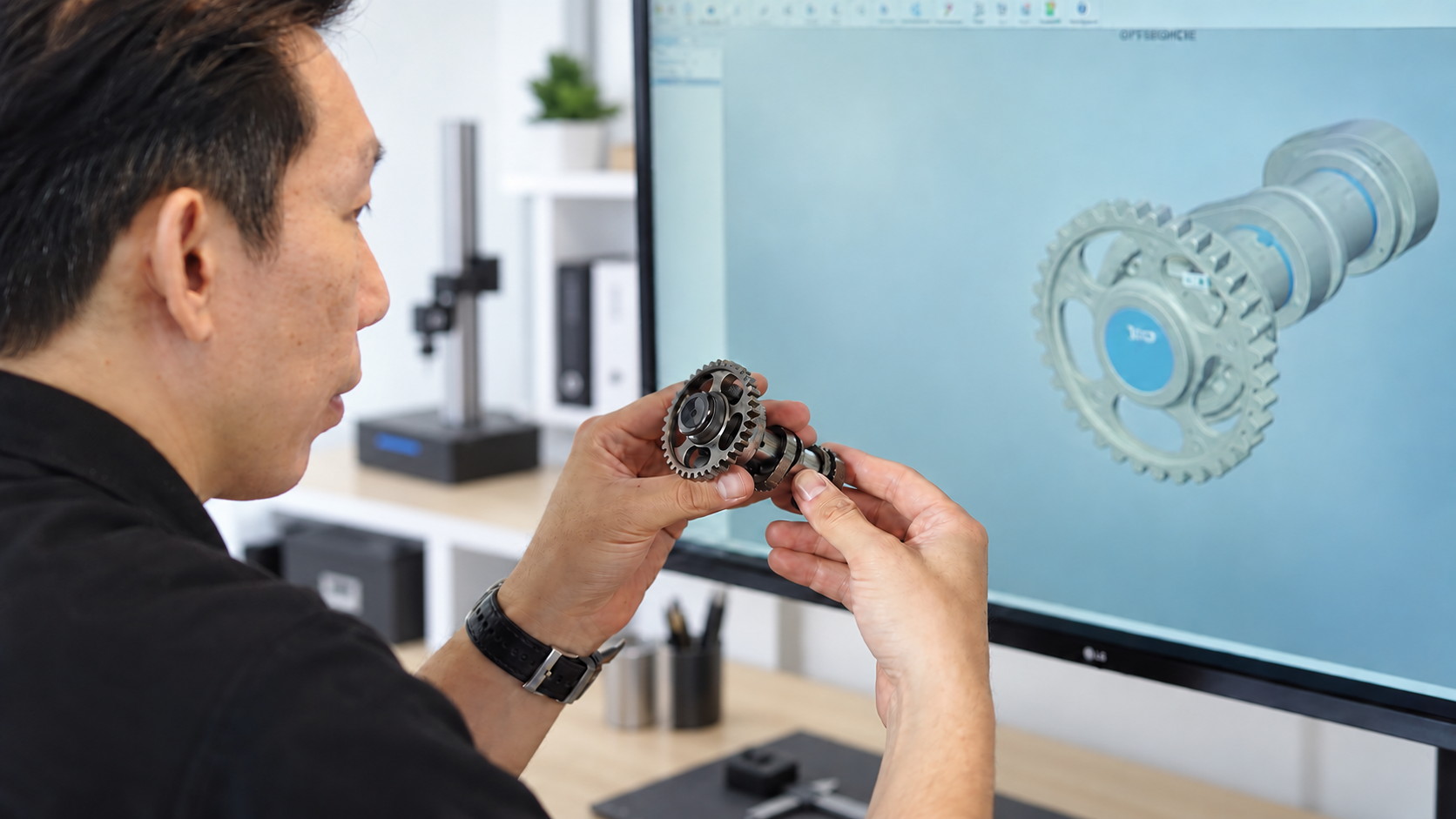
The check that matters: the physical part against the model rebuilt from it
Quick verdict:ZWCAD for drawings, ZW3D for 3D design, mould and CAM, EXModel when a scan has to become an editable model. Buy the seat where the queue is — most workshops start with one of each and share the scan work.
CAD (computer-aided design) software is the tool engineers and designers use to create, edit and document 2D drawings and 3D models before manufacturing. Trinventor Solution supplies professional CAD software in Malaysia, including the ZWSOFT range, so your team can design in-house without the cost of perpetual subscription lock-in.
Our CAD software
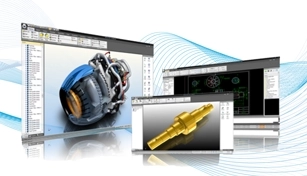
ZWCAD — fast, DWG-compatible 2D drafting and 3D modelling. A proven, cost-effective alternative to AutoCAD with familiar commands and workflows.
ZW3D — an integrated CAD/CAM platform for 3D design, mould design and CNC machining, all in one package.
Both are available from our software range with a one-time licence option and local technical support.
Why choose ZWSOFT CAD software?
DWG compatibility — open, edit and save native DWG files without conversion.
Familiar workflow — commands and interface that AutoCAD users already know.
Local support — installation, training and assistance in Malaysia.
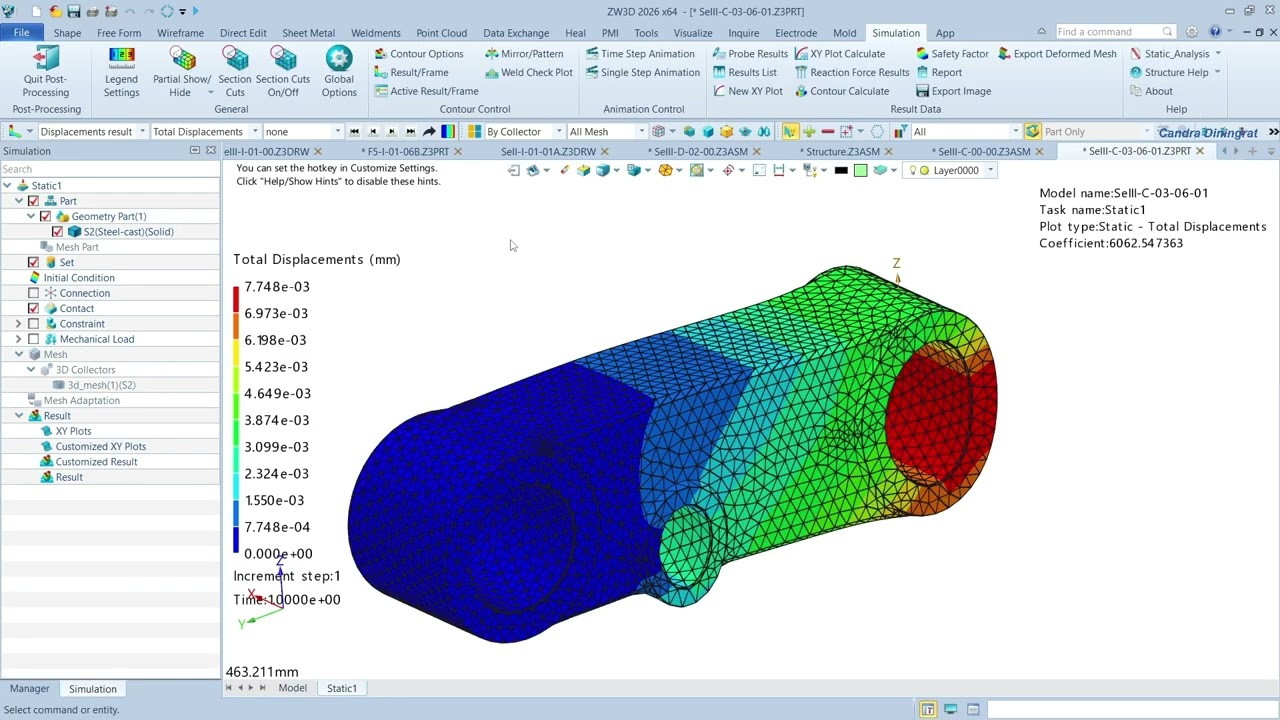
One model all the way through — ZW3D takes the part from design into a static study without leaving the file
CAD software in the 3D scanning workflow
CAD software pairs naturally with 3D scanning. After you scan a part and reverse engineer it to CAD with Geomagic Design X or QUICKSURFACE, you continue editing and documenting that model in ZWCAD or ZW3D, then move to CAM for machining. We supply the full chain — scanner, reverse engineering software and CAD/CAM — as one integrated solution.
Applications
2D drafting and technical documentation.
3D product and mechanical design.
Mould design and CNC programming.
Reverse engineering and scan-to-CAD editing.
How to choose CAD software
2D vs 3D — ZWCAD for drafting, ZW3D for full 3D and CAM.
Compatibility — confirm DWG and file-exchange needs.
Licensing — perpetual vs subscription, and number of seats.
Training — local onboarding to get your team productive fast.
Which software for which job
The job
Software
Why it fits
2D drawings, layouts and documentation in DWG
ZWCAD
Fast, DWG-compatible drafting with the commands AutoCAD users already know, so there is no retraining cliff
3D design, mould design and CNC toolpaths
ZW3D
Integrated CAD/CAM in one package — model the part and generate the machining from the same system
Turning a 3D scan into an editable CAD model
EXModel / EXModel Pro
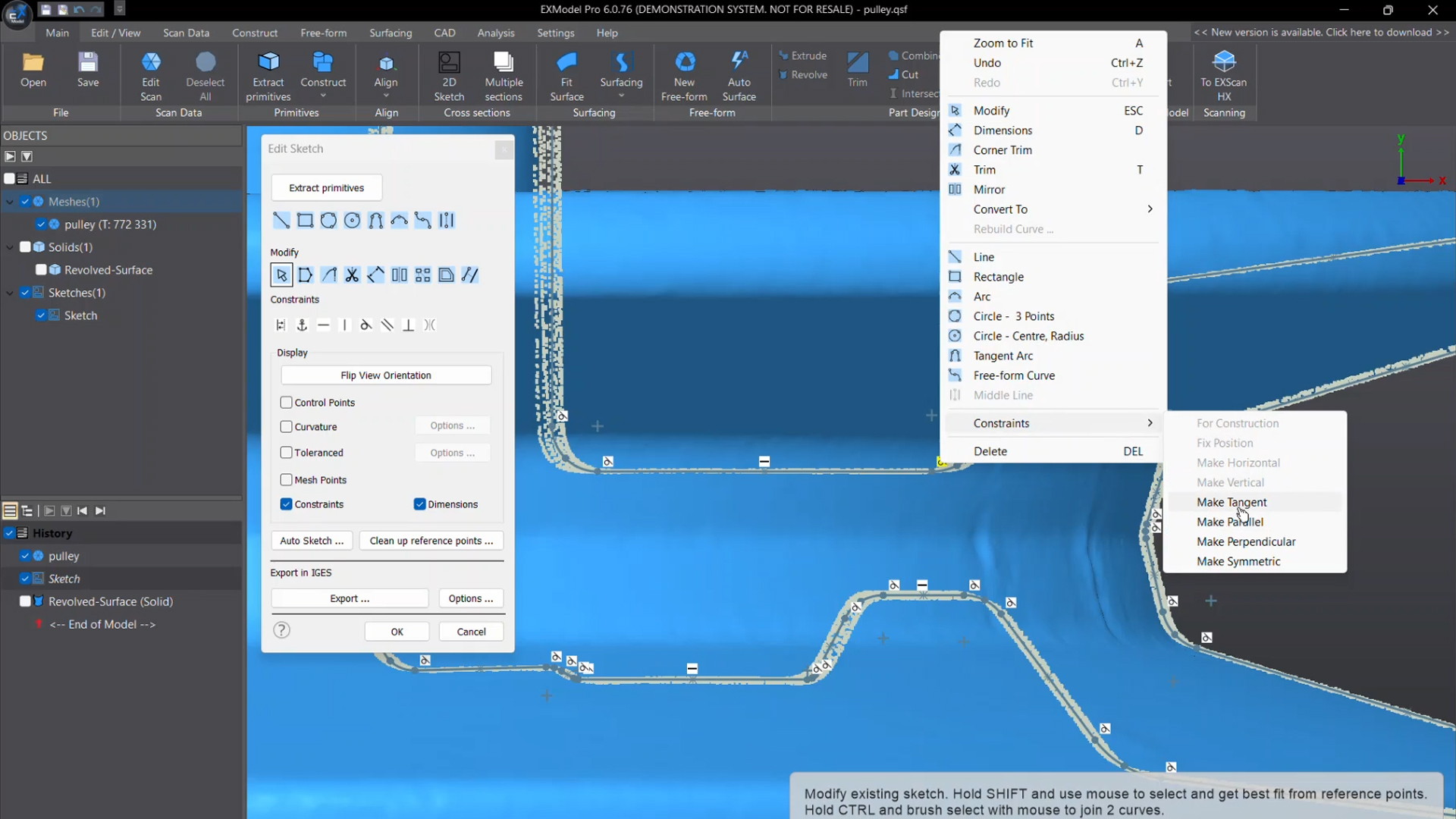
The scan-to-CAD bridge: mesh repair and surface fitting in the standard tier, Class A and blend surfaces, solid operations and a feature tree in Pro
Proving a part against its CAD
SHINING3D Inspect
Dimensional inspection, GD&T analysis and colour-mapped deviation reports — the software half of an inspection setup
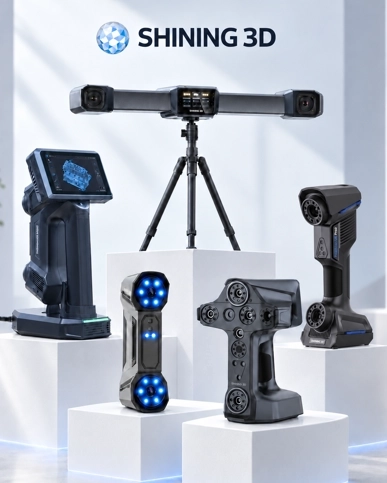
Software is rarely a standalone decision here. If you are buying a scanner, the software is configured with it so the file leaves the scanner and arrives somewhere useful: scan to CAD, inspection, or straight to print. Read the scan-to-CAD software guide or the EXModel Pro walkthrough, or tell us what happens to the file after the scan and we will match the software to it.
The scan-to-CAD route, step by step
1. Clean the mesh — remove the noise, close the holes, and delete whatever you do not want modelled.
2. Align to the part’s own logic — datums, planes, axes. This is a design decision, not a cleanup step.
3. Fit the surfaces — planes, cylinders, cones and free-form patches, in the order the part would be machined.
4. Build solids and a feature tree — a model that can be edited later, not a shape that cannot be changed.
5. Hand it to whoever makes the part — a STEP or native file that a CAM programmer can use without a phone call.
Rebuilding a measured part: a 2D sketch laid over the revolved surface, with constraints carrying the accuracy
How many seats, and which
Most workshops start with two: a ZWCAD seat where the drawings are made and a ZW3D seat where the 3D design, mould and CAM work happens. Scan work is occasional, so it shares a seat rather than owning one. Add seats where the queue is, not where the licence looks cheap — the cost of a designer waiting for a licence is larger than the licence.
Training and handover
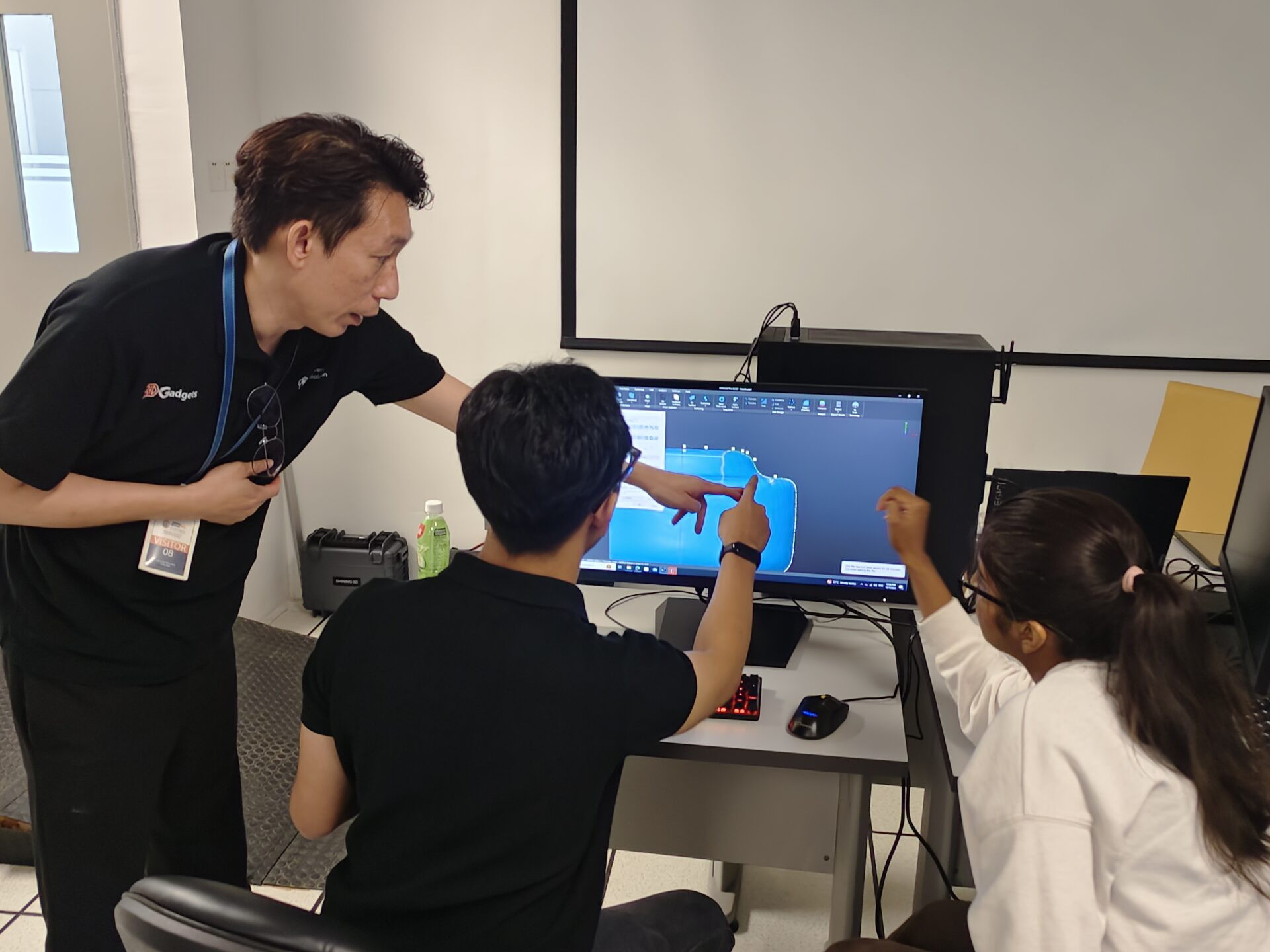
Software that arrives without training becomes a cost. We configure it around your workflow, train the people who will actually use it, and stay reachable afterwards — which is the part of buying locally that is worth paying for. If you are not sure whether you need software at all, send us the part and have the model built for you instead.
Training is part of the software — we sit with your team until the workflow is theirs
Frequently asked questions
Do I need CAD software if I already own a 3D scanner?
If all you want is the shape, no — the mesh will print. The moment the part has to be edited, machined or documented, you need CAD: a scan is a surface, while CAD carries the datums, planes and features a toolmaker or CAM programmer works from. The bridge is scan-to-CAD software such as EXModel, which turns the mesh into an editable model instead of leaving you with a shape.
What is the difference between ZWCAD and ZW3D?
ZWCAD is the 2D drafting and documentation platform — DWG-compatible, familiar to anyone who has used AutoCAD, and where most drawings start. ZW3D is the integrated 3D system: solid and surface modelling, mould design and CAM toolpaths for CNC machining in one package. Plenty of workshops run both, because the drawing office and the machine shop need different things.
Are the files compatible with AutoCAD?
Yes — ZWCAD opens, edits and saves native DWG files, so drawings move between the two without conversion or redrawing. That compatibility is the reason most teams switch without retraining the whole department.
Can I buy it as a perpetual licence rather than a subscription?
Yes. A one-time licence option is available alongside subscription, which matters to workshops that would rather own the software than rent it indefinitely. We will set out the licensing options against how many seats you need.
Which software do I need for scan-to-CAD and inspection?
Two different jobs. EXModel — and EXModel Pro where the model has to go into production tooling — converts scan data into parametric CAD. SHINING3D Inspect compares a scanned part against its CAD and produces the colour-mapped deviation report. If you are buying a scanner, we configure the software with it so the workflow is complete rather than half-finished.
Do I need a 3D mouse to work efficiently?
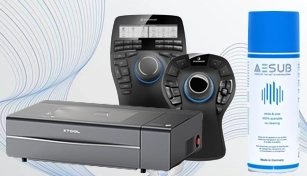
You do not, but once CAD and CAM work is daily, navigation becomes the slowest part of the job. The SpaceMouse range is the standard answer — a small spend that pays back in wrist fatigue and pan-and-zoom time.
Which software do I need for a one-off scan?
Probably none. If you need one historic part turned into a model, use the scanning service and receive the CAD file, rather than buying software for a single job.
Talk to our team
Tell us what you want to scan, cut, mark or design, and we will match the right machine and software to your budget and application. Contact Trinventor Solution for a live demo, consultation and local after-sales support in Malaysia.
Thank you for signing up. You will be the first to know the Industry news, upcoming products, latest technology and special promotion.
Stay Tuned.
Thank you!
Your submission has been received. Someone from our team will contact you soon.
If you have any urgent issue, please contat us by phone @ +60 12716 8839