Robot Palletizing: Payload, Reach and Throughput Planning
Robot Palletizing: Payload, Reach and Throughput Planning
Quick verdict: plan a palletizing cell from the pallet backwards — case or bag size and weight, stack pattern, stack height, and the distance from the worst-case pick point to the worst-case place point. Those four facts decide payload with margin, reach with margin and the practical throughput. Choose the robot last; the robot is the easy part. (Want the commercial picture? See our robot palletizing solution.)
Palletizing is the application where collaborative robots have quietly become normal. The work is repetitive, it happens at the end of the line where labour is hardest to keep, and the arithmetic is unusually clean: cases in, pallets out, one pattern at a time. It is also the application where lazy sizing fails fastest — a cell that reaches 90% of its envelope all day is a cell you will rebuild.
This guide walks the planning the way we do it with customers: from the pallet, through the four numbers that decide the cell, to the worked-through example that usually ends the debate.
Start from the pallet, not the robot
Before any robot discussion, get these on one page:
The load unit: case, bag, crate or tray — dimensions, weight, centre of gravity, and whether it can be gripped from the top (vacuum), the sides (clamp) or picked from underneath (fork).
The pallet and pattern: standard 1200×1000 or 1140×1140; cases across and along; interlocked or column-stacked; slip sheets or layer pads; how many layers to full height.
The infeed: where the load unit appears — conveyor end, roller table, or hand-fed staging — and at what tempo. This point and the pallet corners are the two ends of every reach calculation.
The outbound side: when a finished pallet leaves (manual pick, AGV, forklift) and how the cell knows. The answer changes the layout more than the robot model does.
The four numbers that decide the cell
1. Payload — with the gripper counted
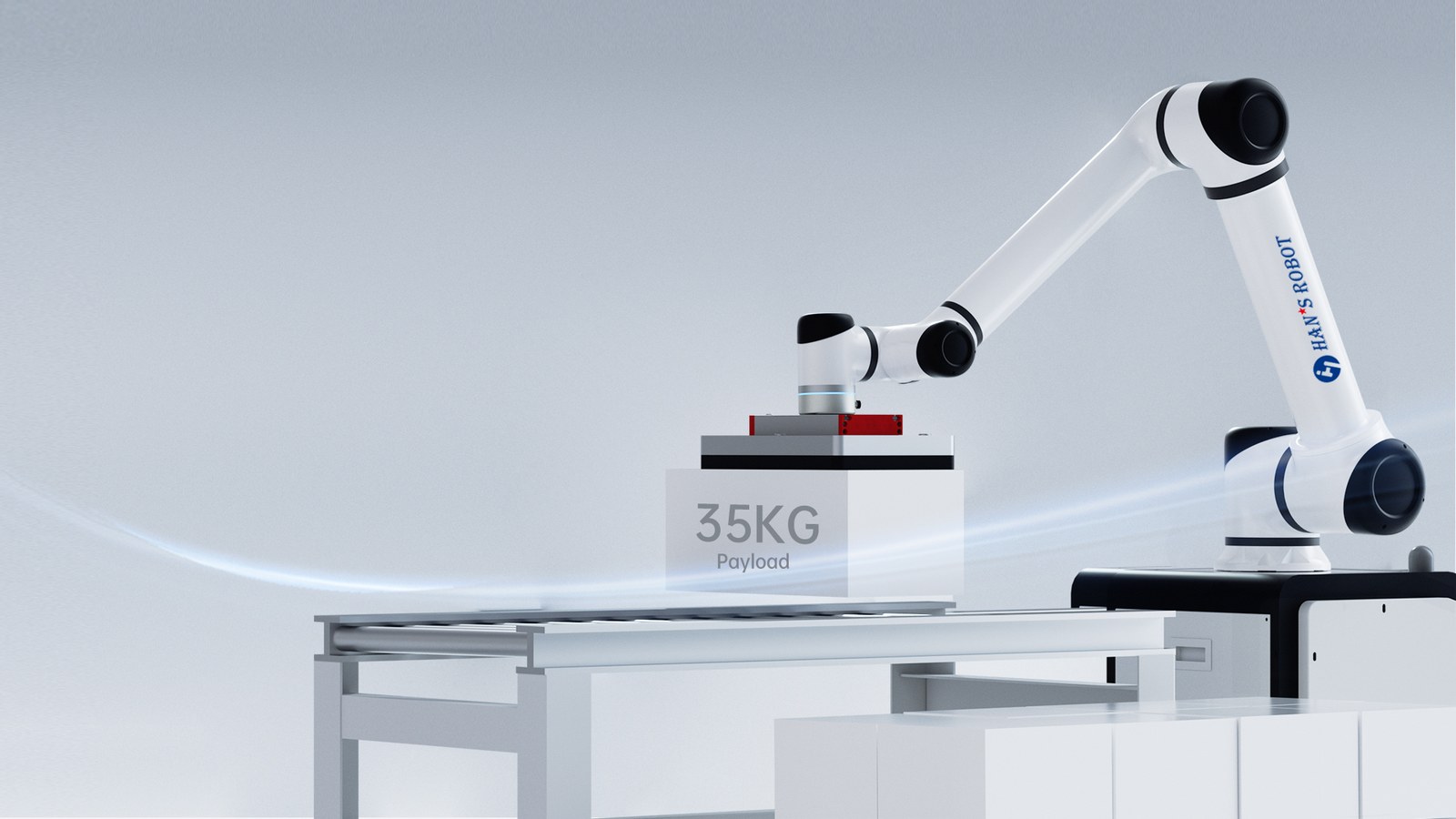
The nameplate payload describes the arm alone. The load at the flange is the load unit plus the gripper plus everything hanging off it — vacuum arrays with hoses and valves are heavier than they look, and clamps with long jaws shift the centre of gravity. The same arithmetic that derates a machine-tending cell applies here: subtract first, choose second. That is exactly what the cobot payload guide works through, and it is why a palletizing cell for 10 kg cases rarely uses a 7 kg arm.
2. Reach — the worst-case corner, not the favourite one
Measure from the robot’s mounting base to the farthest corner of the farthest pallet at the top layer, plus the farthest infeed position. Then add margin — 10–20% — because the arm must hold a usable orientation out there, not just touch the coordinate. Reach numbers on datasheets are honest; setups planned at their limit are not. In our range, the Elfin-Pro E10L-Pro (10 kg, 1300 mm) and E15-Pro (18 kg, 1300 mm) cover single-station layouts; the S Series (S20 through S60, up to 2000 mm reach) covers double-pallet layouts, heavy loads and cells where the robot must serve more than one position.
3. Throughput — cases per minute, honestly derived
The cycle is pick at the infeed, place on the pallet, return — for every case. Roughly: cycle time = travel to infeed + grip + travel to place + release + return. A single-pallet cell pays the full round trip per case; a double-pallet cell place-while-picks: while one pallet is being built, the finished one can be exchanged, and the arm alternates between two place points. Throughput claims should always be tied to a stated pattern, a stated load weight and a stated travel distance — and then verified with a trial. Numbers without those qualifiers mean nothing.
4. Footprint — the space the cell actually needs
Robot base, pallet positions, infeed, pallet-exchange access, and the operator’s walking path — plus where the finished pallets wait. Layout is decided by forklift or AGV access as much as by robot kinematics, and this is where collaborative cells shine: with the assessment done (cobot safety, ISO 10218 & ISO/TS 15066), the cell often fits where a caged cell never would.
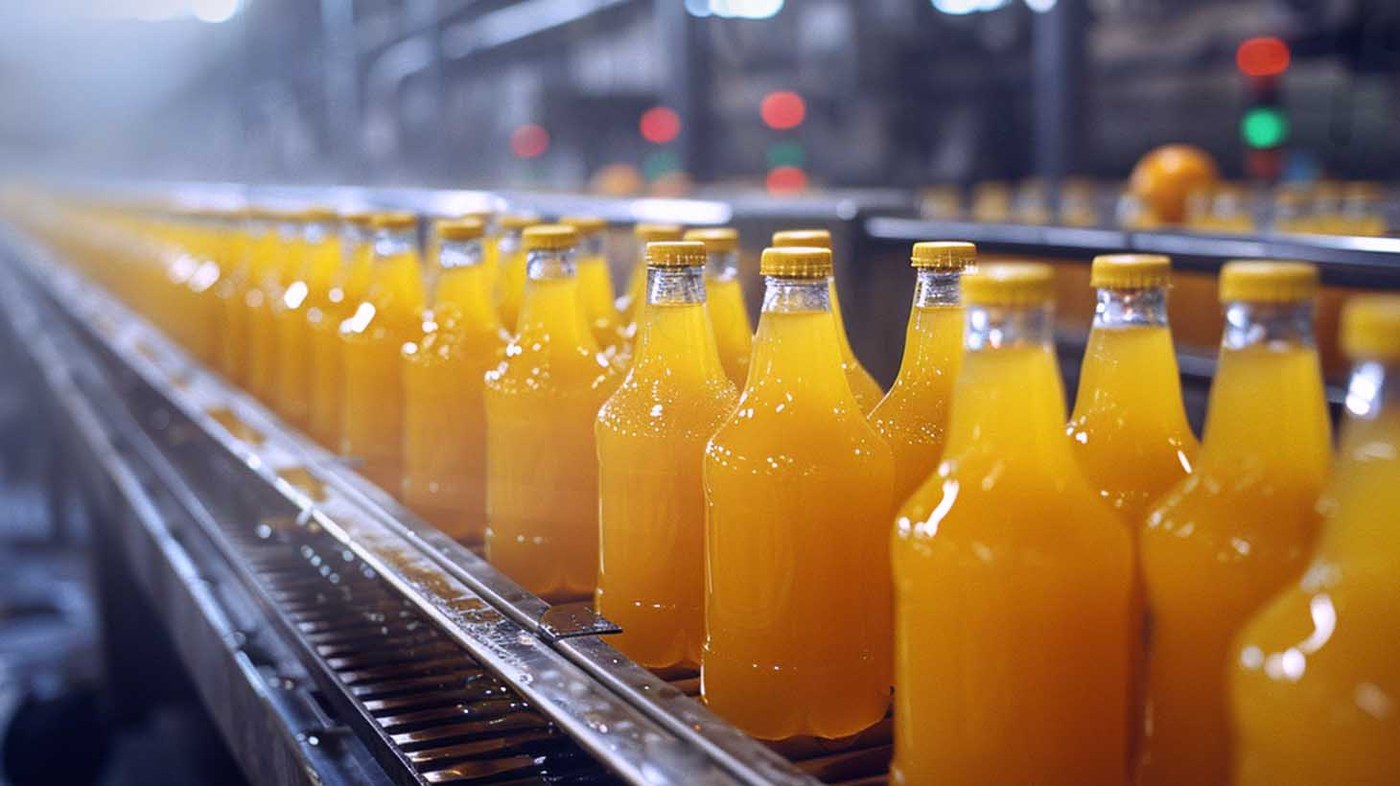
Cases or bottles — the cell only ever sees the load unit.
Worked through: a 10 kg case cell
The illustration that resolves most debates — realistic numbers, clearly labelled as illustration:
Load unit: carton 400×300×250 mm, 10 kg, top surface firm — suitable for a vacuum plate.
Gripper: vacuum plate with two zones, hoses and valves ≈ 6 kg. Load at flange ≈ 16 kg — and with the centre of gravity offset, duty calls for margin: an 18 kg-class arm enters the conversation before anything else does (E15-Pro, or S20 for the double-pallet layout).
Reach: pallet corner ≈ 900 mm from the mount; far infeed position ≈ 600 mm the other side. Worst case ≈ 900 mm plus grip orientation margin → a 1300 mm arm covers the single-pallet cell comfortably; a two-pallet layout with both ends live pushes toward the 1700 mm S Series.
Throughput: with the arm alternating between two pallet positions, the effective cases-per-minute lands on the pattern the line actually needs — which is precisely the number a demo cell, running your carton and your pattern, replaces ballpark claims with.
Full-envelope loads need payload and reach headroom
Illustrative classes only — the sizing exercise above, run with your cartons, decides the model.
The outbound side decides the layout as much as the robot does.
Gripper choice and where rate really comes from
Vacuum plates dominate case work: fast, forgiving of small position errors, and they leave the layer surface clean. Clamps take over for bags and soft loads; forks and specials handle the rest. Two levers raise throughput without touching the robot: gripper simplicity (fewer motions per cycle) and layout (shortest practical travel between infeed and place, and a second pallet position where the volume justifies it). Safety of the finished stack — pattern stability, layer interlock, slip sheets where the customer needs them — is part of the design, not a detail after it.
Frequently asked questions
How fast can a palletizing robot actually run? The honest answer is a formula, not a number: load weight, pattern, travel distance and whether the cell place-while-picks. Vendors quoting a rate without those qualifiers are quoting a demo. The useful exercise is a trial on your carton and pattern — which a serious integrator will set up before asking you to commit.
Can the robot build the pattern including layer changes? Yes — patterns and layer sequences are programmed in the cell, and a change of carton or stacking arrangement is a re-teach, not new hardware. Part of the planning conversation is how often patterns change and who on your team will own those changes.
Do we need conveyors to feed the cell? Not always. Hand-fed staging works for lower rates; a simple conveyor or roller table pays for itself as soon as the operator’s walking time becomes the constraint. The infeed decision is a rate decision, and it usually falls out of the throughput arithmetic above.
What about mixed cases and retail-ready pallets? Mixed-case palletizing with vision and pattern software is exactly where the flexible arm cells have moved — but it is a different scope from a single-SKU cell, and it should be planned as such. Bring the case range and the customer’s stacking rules; the cell design follows.