How to Choose the Right Cobot Payload (and Why the Gripper Counts)
How to Choose the Right Cobot Payload (and Why the Gripper Counts)
Quick verdict: the number on the brochure is the payload of a bare arm, measured with the load’s centre of gravity close to the mounting flange. Your real part capacity is smaller once the gripper, its jaws and the cables are on, and smaller again if the part hangs far from the wrist. Size for about 80 % of the rating minus the tool, and you will almost never regret one size up.
Payload is the first number anyone compares cobots by, and the one most often applied to the wrong thing. The failure is never dramatic: nobody crashes a robot by putting a slightly heavy part on it. What happens instead is that the arm works harder than it should, cycle time creeps up, the joints get warm, and a job that should have run for a decade quietly asks for service in year two. Getting payload right is a five-minute calculation done before the order, not a discovery made after installation.
This guide covers what the rating actually means, the arithmetic that matters (including the part most buyers skip — the moment of the load), and how to size a Huayan Elfin or Elfin-Pro arm against a real part rather than a wishful one.
What the payload rating actually guarantees
A catalogue payload figure — 7 kg, 12 kg, 20 kg — is defined under test conditions: a load of that mass, with its centre of gravity within a specified distance of the tool mounting flange, at speeds and accelerations the joint motors can sustain indefinitely. Inside those conditions the arm performs to spec. Outside them — heavier tool, distant centre of gravity, higher acceleration — the robot does not fail a test; it simply becomes slower, less accurate and shorter-lived.
Three consequences follow:
The rating includes everything after the flange. Gripper, adapter plate, jaws, suction cups, the bracket that holds the sensor, the cable bundle that is zip-tied to the tool — all of it is payload. The part is only the last item on that list.
The rating assumes mass near the wrist. A 5 kg disc gripping directly at the flange is an easy load. The same 5 kg at the end of a 300 mm-long gripper jaw is a much harder one, because the torque is mass × distance.
Acceleration uses payload too. Snappy motions at speed turn payload into both force and bending moment in every joint. A cell that always runs at maximum acceleration on a near-limit payload is the cell that ages first.
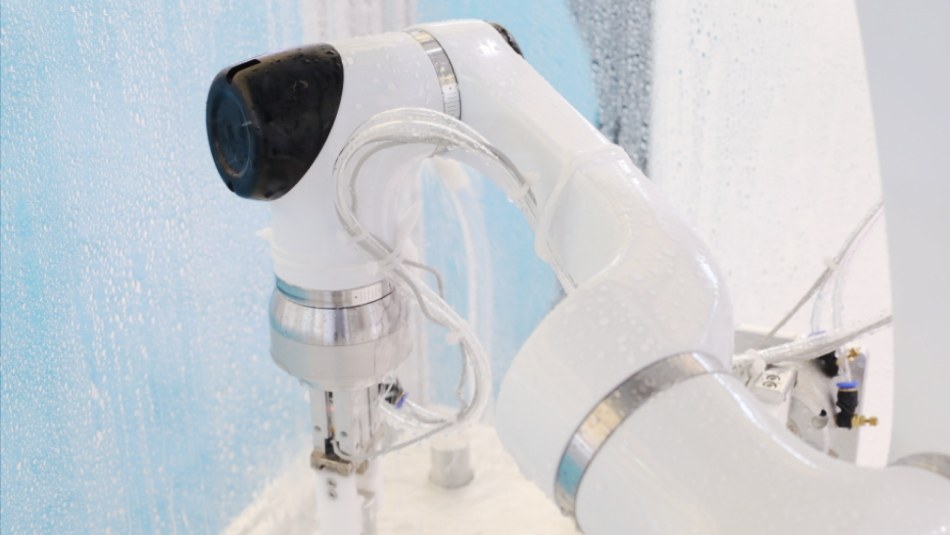
A real cell: the gripper, the part and the environment all count against the rating on the nameplate.
Do I subtract the gripper? Yes — here is the arithmetic
Worked example, using round numbers so the logic is visible. A 12 kg arm, a 2 kg two-finger electric gripper including jaws and cable, and a part weighing 8 kg:
Real load at the flange: gripper 2 kg + part 8 kg = 10 kg, against a rating of 12 kg. That is 83 % of rating — in theory it fits, in practice it is at the edge: the part also sits forward of the flange on most grippers, adding moment.
Apply the 80 % rule: 80 % of 12 kg is 9.6 kg of total tool-side mass. Subtract the 2 kg gripper and the sensible part budget is around 7.6 kg.
The 8 kg part no longer fits this arm. Either the part budget moves to an 18 kg-class arm (the E15-Pro class), or the gripper gets lighter — the next section is about exactly that trade.
None of this is a safety margin for sloppiness; it is what covers real cells on real days — a part that arrives 300 g heavier from a different supplier, a fixture that sticks for a moment, an operator who teaches the arm a slightly faster path. A cell sized at 100 % spends its life at exactly the edge of everything.
Moment: the number the datasheet is really protecting
Payload is quoted with a centre-of-gravity condition for a reason. Robots experience loads as torque, and torque is mass multiplied by distance: move the same part 100 mm further from the wrist and the worst joint may see 30–50 % more torque. In practice this shows up in three shapes:
Long grippers and jaws. A gripper designed to reach deep into a machine bay holds the part far from the flange. If both jaws are 250 mm long, the part’s centre of gravity is that much further out, and the effective capacity drops.
Vacuum and magnetic tools. A vacuum plate can weigh little but its cups spread the load wide, moving the centre of gravity away from the wrist axis — light on paper, awkward in moment.
Welding torches and heavy cables. A torch dressing with a stiff cable bundle is a lever. Cell designers manage it with cable management and routing, not by hoping.
The practical rule: whenever a drawing puts the part more than about 100 mm beyond the flange face, treat the effective payload as lower than the catalogue number, and confirm the specific geometry with your integrator before committing. That check costs minutes here and saves entire cells.
Reach: the same payload at the edge of the envelope
Payload is a wrist rating, and it does not travel unchanged across the working envelope. Held close to the body, an arm is near its strongest; fully extended toward the far edge of its reach, holding the same part, the geometry works harder. The practical guidance is to check the worst position of the motion — usually the deepest reach, with the part and gripper in place — and size the arm so that worst position still has margin. It is also why a slightly larger arm is often the cheaper answer: more margin, less compromise in the gripper design, and the reach headroom you will want when the next part is bigger.
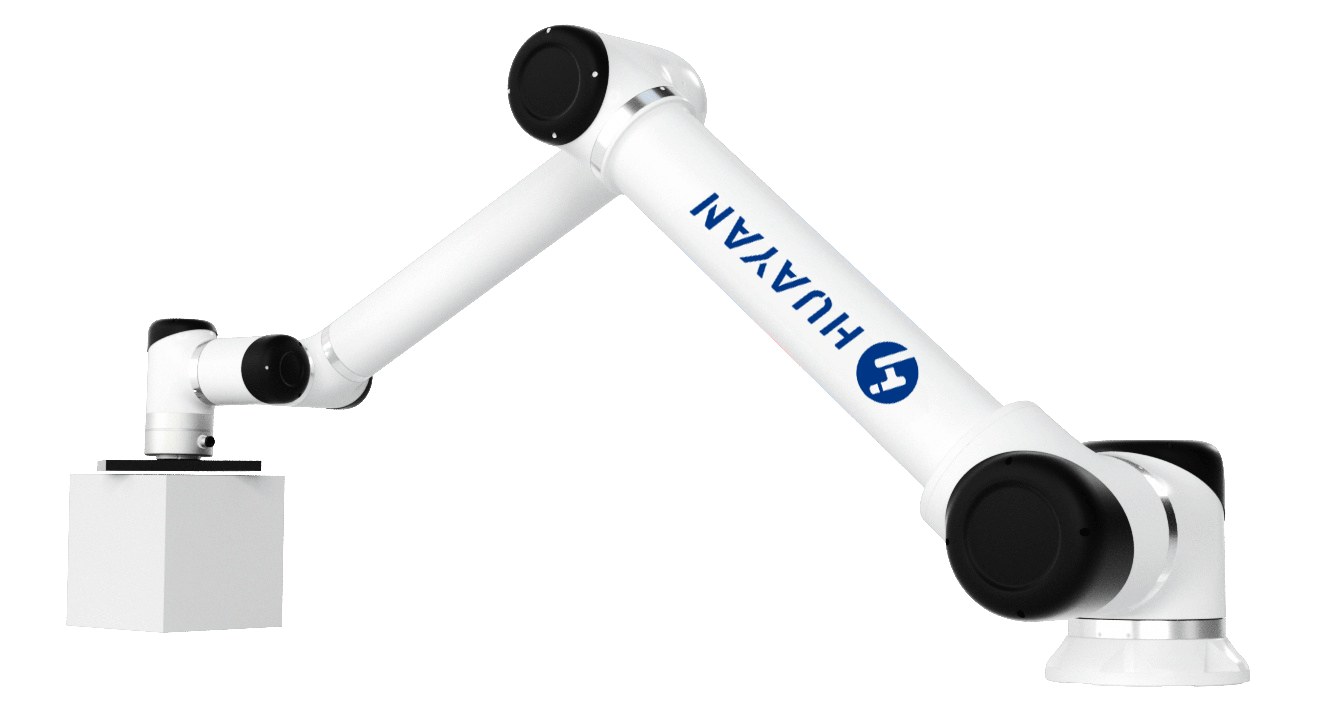
The rating assumes the load sits close to the wrist — long jaws and offset parts derate it.
The gripper decides more than any spec number
Buyers compare arms for weeks and pick a gripper in an afternoon — and it is the gripper that decides whether the payload maths works:
Weight compounds. Every gram the fingers carry is a gram taken from the part. A lighter electric gripper is often worth more than a bigger arm.
Length costs. Fingers long enough to reach past a chuck or into a tray sit at the worst possible place for torque.
The tool must match the part. A soft-jawed gripper protects finished surfaces; a vacuum plate suits flat panels; a magnetic head suits steel. Choosing the right family is what keeps both part and payload healthy.
Double grippers change the cycle. Two jaws — one empty, one holding — let a machine be unloaded and reloaded in one trip. That is extra mass, so it is sized for, not bolted on afterwards.
Our pick & place solution covers the gripper families in practice, and the sizing there follows the same arithmetic as this guide.
How to spec your payload in three steps
Weigh everything after the flange. Gripper, jaws, cabling, adapter — then add the heaviest part you will ever run on that cell, not the lightest.
Add the real-world margin and check the moment. Aim for 80 % of the rating at the actual centre-of-gravity distance; derate if the part sits far from the wrist.
Confirm at the worst position. Deep reach, full speed, heaviest part — or ask us to run the numbers on your motion. If the margin is thin, choose one size up: on our range that is often a smaller price step than a fancier gripper.
Frequently asked questions
Does the payload rating include the gripper? Yes — the rating is the total mass a bare arm can carry at the flange under defined conditions, so the gripper, jaws, cabling and part must all fit inside it. A 12 kg arm with a 2 kg gripper has roughly a 7.5 kg part budget once margin is applied, not 12 kg.
What happens if I run slightly over the rated payload? The robot will usually still move — which is the trap. Over time the joints work harder, accuracy drifts, cycle time creeps and service life shortens. Nothing announces it; the cell just gets tired. That is why we size with margin rather than to the limit.
Why does my part “only” weigh 8 kg but the arm feels slow? Usually because the effective load is not the part alone: gripper mass, jaw length and the part’s distance from the wrist combine into a moment the sizing did not account for. Light parts held far out can be harder than heavy parts held close in.
How do I choose between a bigger arm and a lighter gripper? Lighter tooling always helps — less mass, less moment, faster cycle. But when the part itself is near a size boundary, moving one arm size up is usually simpler and safer than engineering an exotic gripper to fit a smaller arm. Both roads work; we quote whichever is cheaper for your part.