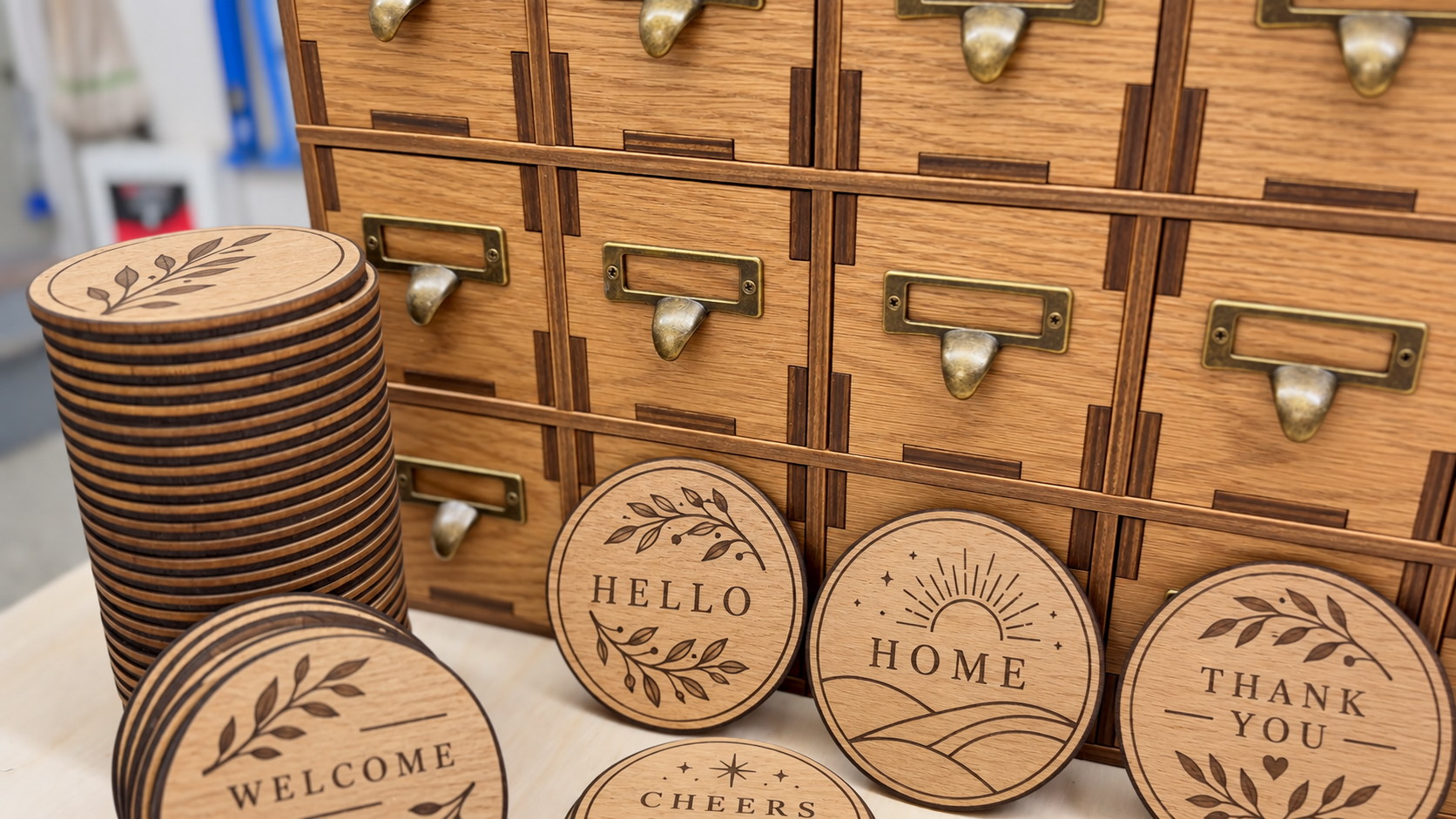
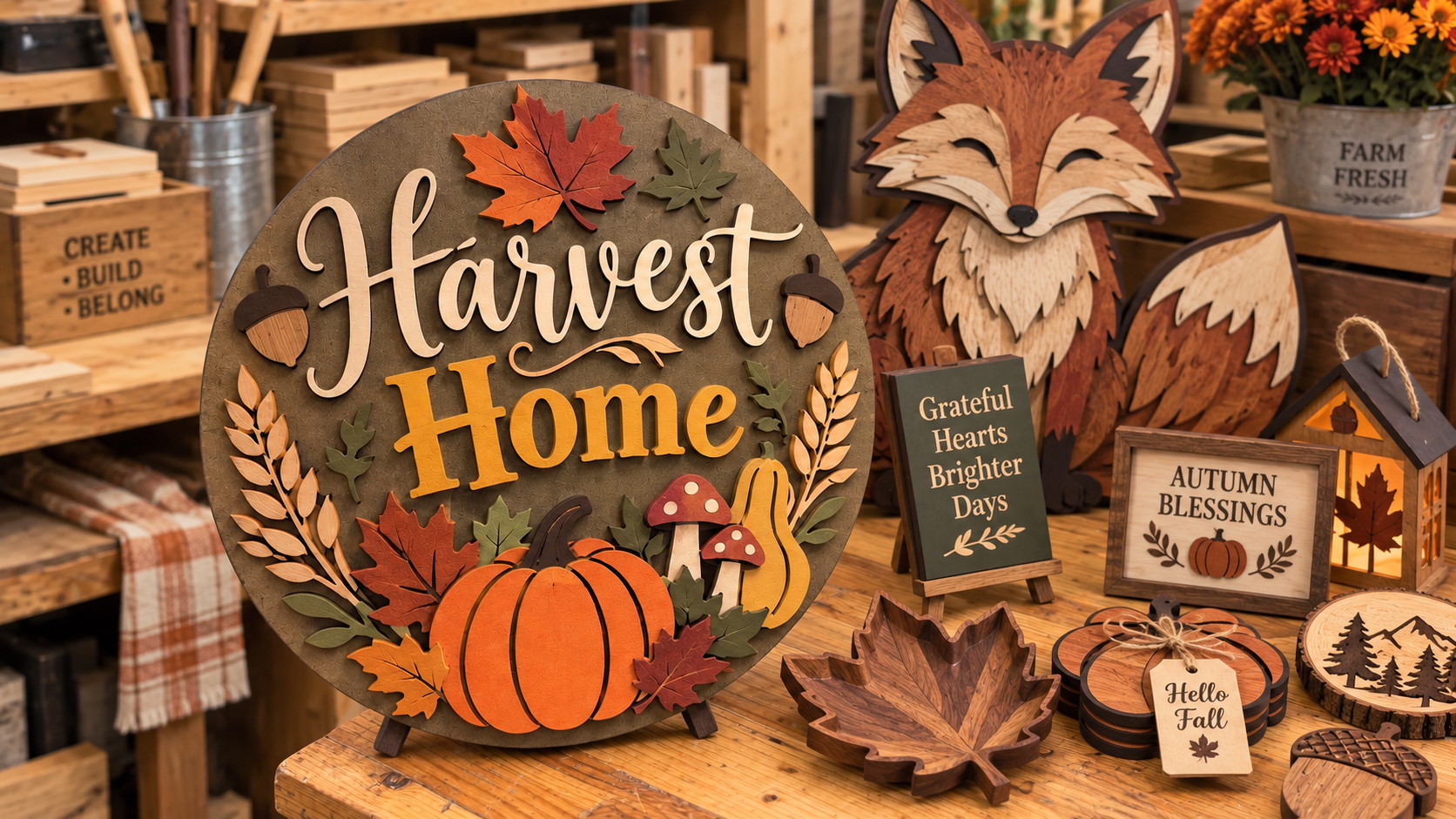
Welcome, Hello, Home, Thank You — the kind of work a CO2 laser turns out all day, and sells
A CO2 laser cutter uses a gas-filled laser tube to produce an infrared beam that cleanly cuts and engraves a wide range of non-metal materials. It is the workhorse of Malaysian sign makers, crafts businesses, packaging studios and schools because it cuts wood and acrylic quickly with a smooth, sealed edge and engraves glass, leather, fabric and paper with crisp detail.
What can a CO2 laser cut and engrave?
Wood and plywood — cutting and engraving for signage, models and products.
Acrylic (Perspex) — clean, flame-polished edges for displays and awards.
Leather and fabric — engraving and cutting for fashion and upholstery.
Glass and stone — frosted engraving for gifts, trophies and decoration.
Paper and cardboard — packaging, cards and prototyping.
Our CO2 laser cutters
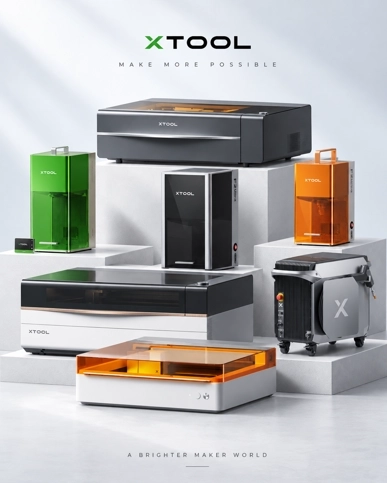
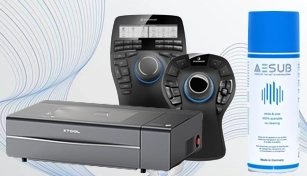
Trinventor Solution supplies the xTool laser cutter range in Malaysia. The current CO2 flagship is the xTool P3 — an 80 W desktop CO2 laser with a 36″ × 18″ working area, dual cameras and LiDAR-assisted positioning. The smaller P2S sits below it, and the older xTool P2 remains available for anyone still searching for that model.
CO2 vs diode vs fiber laser
CO2 — cuts and engraves non-metals; the best all-rounder for wood and acrylic.
Diode — compact and affordable; good for light engraving on softer materials.
Fiber — marks and engraves metal; the choice for permanent metal marking.
Applications in Malaysia
Signage and shop displays.
Custom gifts, awards and trophies.
Product personalisation and packaging.
Architectural models and prototyping.
School and maker-space workshops.
How to choose a CO2 laser cutter
Power — higher wattage cuts thicker material faster.
Bed size — match the largest sheet you work with.
Safety and enclosure — an enclosed, filtered machine is safer for shop environments.
Local support — installation, training and spare parts in Malaysia.
Quick verdict: a CO2 laser is the machine for organic and plastic sheet material — wood, acrylic, leather, glass, rubber, paper. It will not touch bare metal. If your work is signage, gifts, personalised products or prototypes, it is the right tool; if it is metal marking, you want a fiber machine instead.
Which materials a CO2 laser handles
Material
Cut
Engrave
Notes
Wood and MDF
Yes
Yes
The natural home of a CO2 laser — signage, gifts, prototypes
Acrylic
Yes
Yes
Flame-polished cut edges; the clearest finish of any laser
Leather
Yes
Yes
Wallets, belts, tags — keep the extraction running
Glass and crystal
No (scores)
Yes
Frosted marks; CO2 is the classic glass engraver, though a UV laser gives a cleaner cold mark
Rubber and stamp sheet
Yes
Yes
Stamps and gaskets cut quickly
Coated metal
No
Yes
Only the coating is removed — that is how painted or anodised metal gets marked
Bare metal
No
No
A CO2 beam reflects off bare steel and aluminium — use a fiber laser or a UV laser
PVC and vinyl
Never
Never
Releases chlorine gas and corrodes the machine — no exceptions
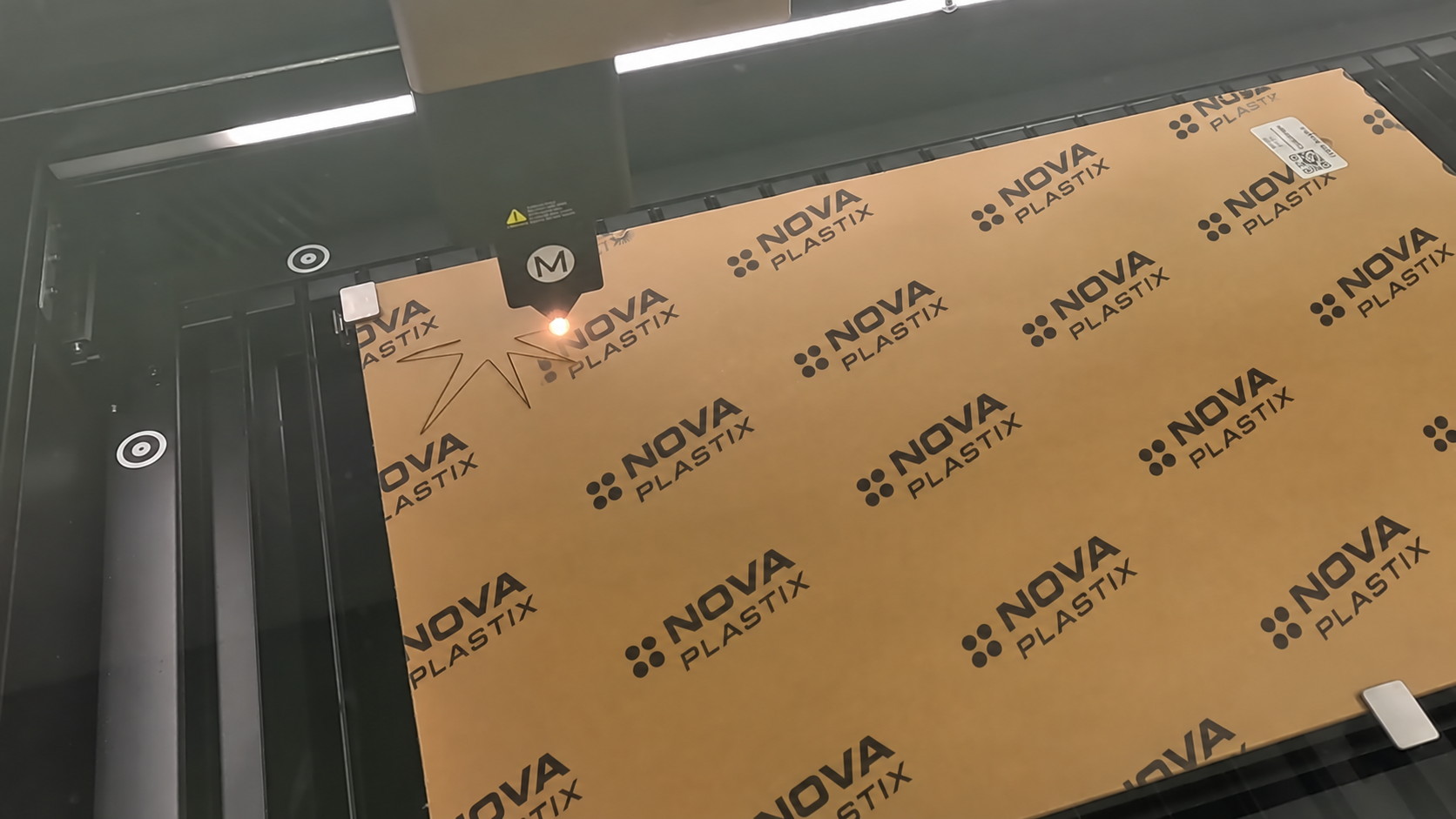
Cutting in progress: the head, the beam and the sheet, with the first parts already out
How much power do you need?
Power decides thickness and speed, not whether the job is possible. The rule of thumb worth remembering: for the same material, more power cuts deeper or faster, but every machine still has a limit at which the edge starts to char rather than cut. Our desktop CO2 machine, the xTool P3, is an 80 W class unit — the sweet spot for signage, engraved products and daily workshop use, with the closed enclosure and extraction that let it run indoors.
If your work is mostly thin acrylic and engraved wood, you will use a small fraction of that power. If it is thick plywood or repeated production cutting, power and speed both matter and the conversation shifts to throughput.
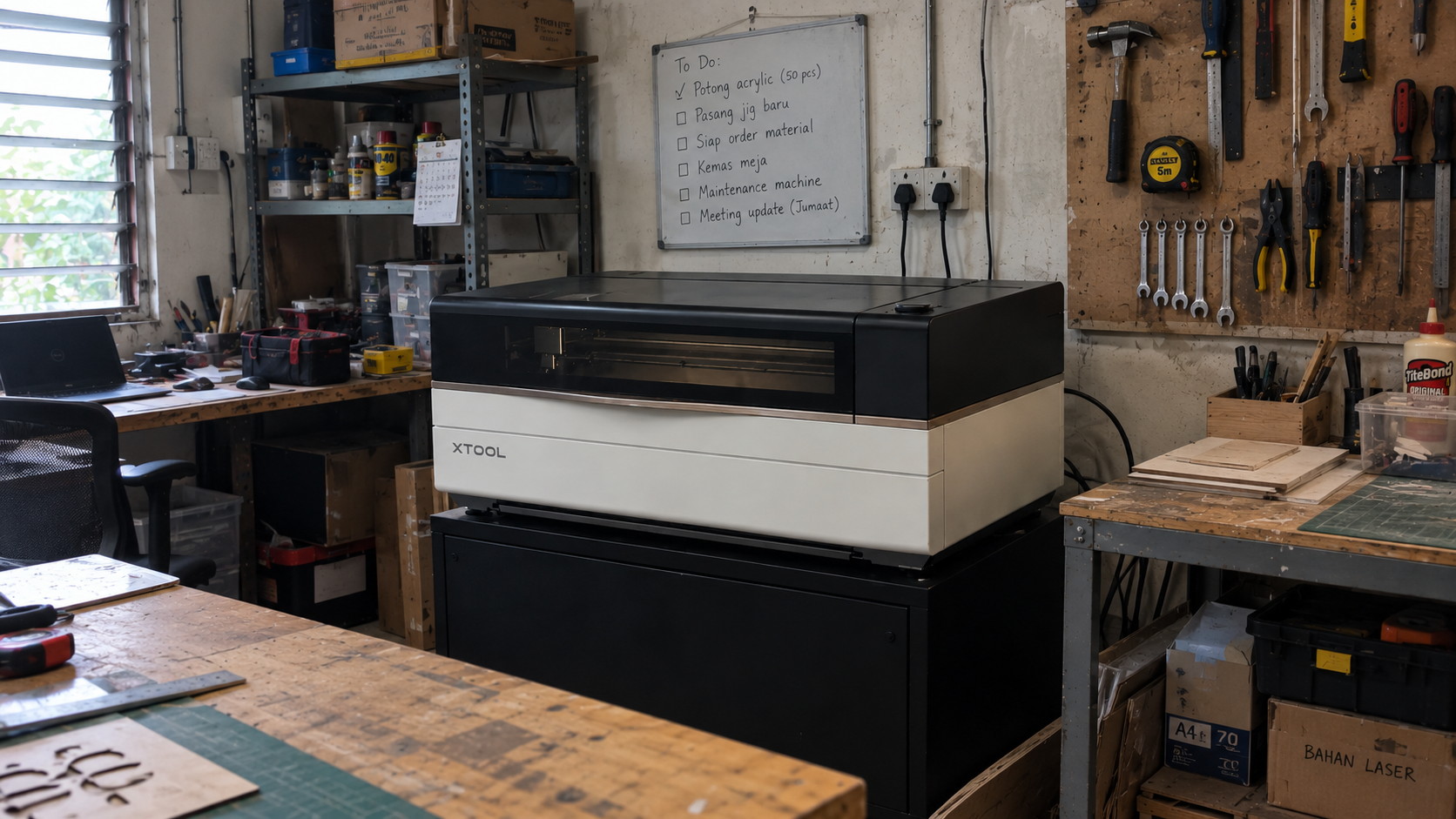
Installed and earning: a real workshop, with the day’s jobs on the board
Running it safely indoors
Three things decide whether a CO2 laser belongs inside your premises rather than in a shed:
A closed, interlocked enclosure — the xTool P2 series is a class-1 enclosed design, which is what makes it safe to sit in a shop or a studio;
Fume extraction and filtration — every material you cut produces smoke or vapour, and some of it is genuinely harmful. Extraction is not optional equipment;
Never-cut list on the wall — PVC and vinyl at the top. Any operator should be able to recite it.
From file to finished product
The workflow is short: design or import artwork, set the material profile, place the sheet, run the job. Where people lose money is in the material and product choice, not the software — which is why the articles here go into the business side as much as the hardware: tumbler engraving, in-store personalisation, selling on marketplaces and CO2 vs fiber vs UV.
What the machine can build beyond engraving: layered, multi-colour woodwork
Frequently asked questions
Can a CO2 laser cut metal?
Not bare metal — a CO2 beam is reflected by steel and aluminium rather than absorbed. It will mark coated or anodised metal by removing the surface layer, and it engraves glass well. For marking bare metal you need a fiber or UV laser.
What thickness can a CO2 laser cut?
It depends on the material and the power: the same machine cuts acrylic far deeper than plywood, and thick material is usually a question of multiple passes and slower speed rather than one deep cut. Send us the material and thickness and we will cut a sample so you can judge the edge.
Which materials should never go in a laser?
PVC and vinyl, because they release chlorine gas that damages the machine and is harmful to breathe. ABS and polycarbonate also cut poorly. Wood, acrylic, leather, rubber, paper and glass are the materials a CO2 laser is built for.
Do I need extraction, or can I just open a window?
Extraction is part of the machine, not an accessory. Cutting produces smoke, fine particulates and vapours, and the enclosed cabinet with filtration is what makes indoor operation acceptable in a shop or studio.
CO2, diode or fiber — which one should I buy?
Organics and plastics: CO2. Hobby cutting and engraving on wood where budget leads: diode. Metal marking and cutting: fiber. The full comparison is in the CO2 vs fiber vs UV guide.
Talk to our team
Tell us what you want to scan, cut, mark or design, and we will match the right machine and software to your budget and application. Contact Trinventor Solution for a live demo, consultation and local after-sales support in Malaysia.