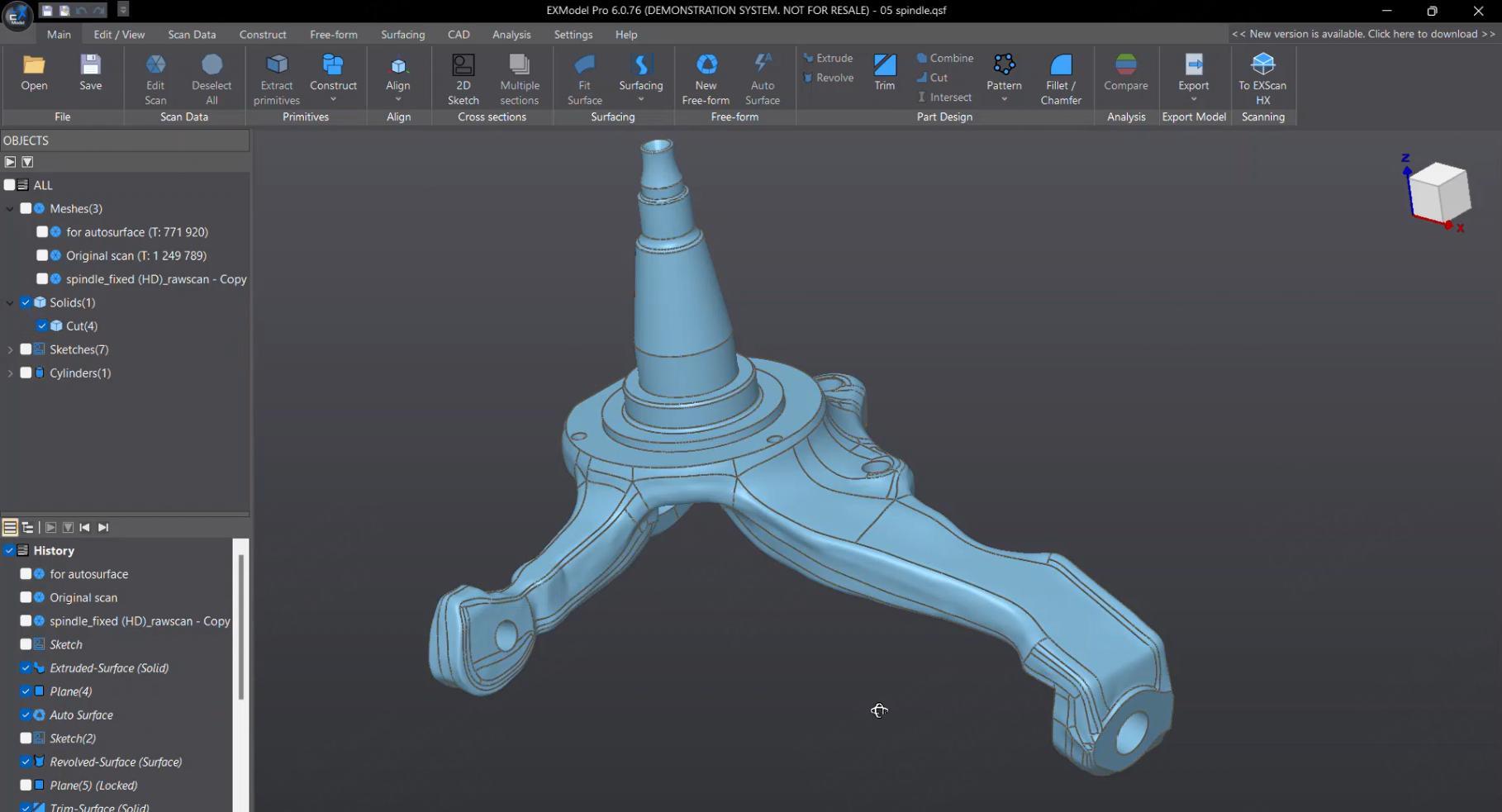

Reverse engineering starts with a 3D scan of an existing part, then turns that scan into an editable CAD model. The scan alone is only a mesh — to modify, manufacture or redesign it, you need scan-to-CAD software.
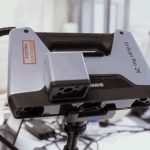
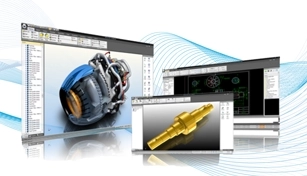
EXModel is the dedicated bridge: it converts mesh data into professional-grade, parametric CAD in a few steps. Pair it with a scanner like the EinScan Libre and the mesh transfers into EXModel in one click via EXScan — a seamless scan-to-CAD workflow.
EXModel Pro adds the full reverse-engineering toolkit: Class-A surfacing, hybrid free-form/parametric modelling, advanced filleting and full feature-tree transfer to mainstream CAD packages.


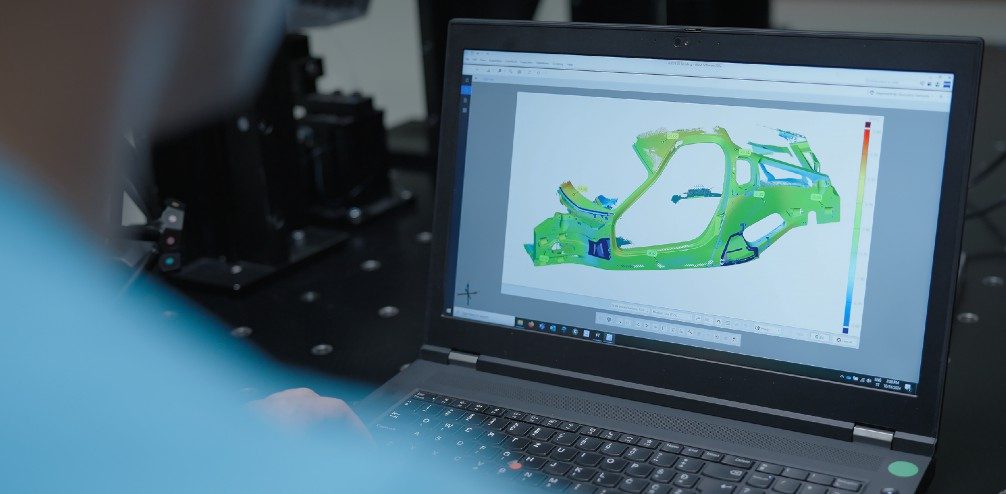
Inspection is the other half of quality control. A 3D scanner captures the produced part, and inspection software overlays it onto the original CAD model to produce a colour-mapped deviation report showing exactly where the part is in or out of tolerance.
SHINING3D Inspect and PolyWorks Inspector are the mainstream tools here — both fully compatible with Shining 3D scanners. They handle CAD comparison, GD&T checks and automated reporting, turning quality control from manual guesswork into a documented, traceable workflow.
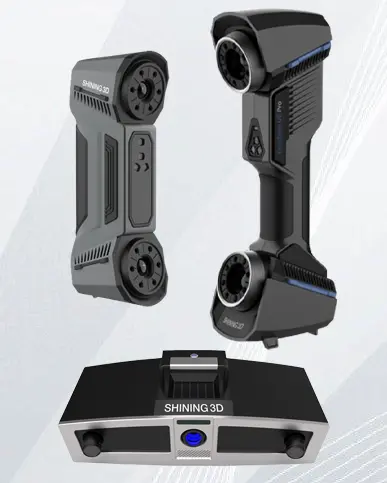
For high-accuracy, small-part inspection, pair the software with a desktop scanner like the OptimScan Q12 or a wireless handheld metrology scanner like the FreeScan Combo+ Wireless.
| Feature | EXModel | EXModel Pro |
|---|---|---|
| Mesh editing & alignment | Yes | Yes |
| Cross sections / 2D & 3D sketching | Yes | Yes |
| Auto surfacing / free-form modelling | Yes | Yes |
| Class-A surfacing (loft, sweep, fill, blend) | — | Yes |
| Advanced filleting, flatten, roll/unroll | — | Yes |
| Hybrid parametric + free-form modelling | — | Yes |
| Feature-tree transfer to other CAD | — | Yes |
If your workflow starts from an existing part, invest in a handheld 3D scanner plus EXModel Pro for scan-to-CAD reverse engineering. If you are checking production parts, add SHINING3D Inspect or PolyWorks Inspector to turn scanning into a documented quality-control loop. Read our 3D scanning guide to plan the full workflow.
What is the difference between EXModel and EXModel Pro?
EXModel covers the core scan-to-CAD workflow; EXModel Pro adds Class-A surfacing, hybrid modelling, advanced filleting and full feature-tree transfer to other CAD packages.
Do I need reverse engineering or inspection software?
Reverse engineering (EXModel) recreates a part in CAD from a scan; inspection software verifies a produced part against its CAD model. Many teams use both.
Which software works with Shining 3D scanners?
EXModel / EXModel Pro for reverse engineering, and SHINING3D Inspect or PolyWorks Inspector for inspection — all fully compatible with Shining 3D scanners.
Can I get a trial of EXModel?
Yes — Shining 3D offers a 30-day free trial so you can test the scan-to-CAD workflow before buying.
Bring a sample part and we will run a live scan-to-CAD or inspection demo, then recommend the right scanner + software bundle for your accuracy and budget. Contact Trinventor Solution today.
Subscribe to our newsletter and stay updated.
Thank you for signing up. You will be the first to know the Industry news, upcoming products, latest technology and special promotion.
Stay Tuned.