Creative Enthusiasts
Full-colour prints straight from your own artwork or photos — no painting, no assembly, no finishing queue.




FlashForge · Full-Colour MJP · Malaysia
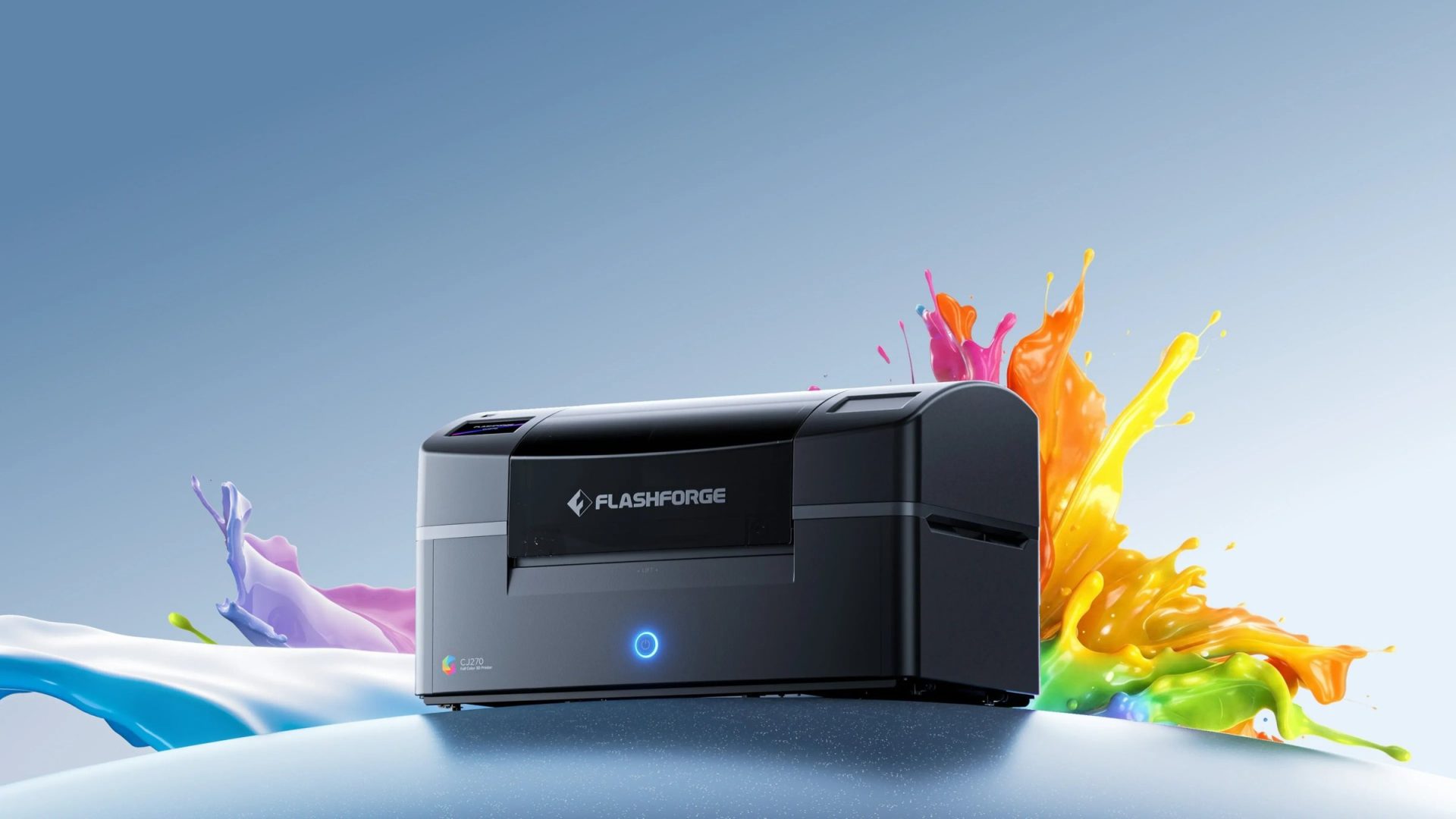
The world's first desktop full-color 3D printer
Made for Malaysia
Full-colour printing changes what a small studio or a school can make in-house — but a desktop material-jetting printer is only as good as the resin supply and post-processing behind it. We quote the machine against what you actually print, install it, train your team on it, and keep the consumables flowing afterwards.
Tell us what you print and we will tell you which CJ270 setup makes it — including the post-processing you will want on day one.
Full-colour, without the lab
Full-colour 3D printing used to mean industrial labs, big budgets and a long learning curve. The CJ270 brings realistic colour, 7 μm precision and CMYK-plus-white-and-clear materials into a machine that sits on a desk — and prints the part you designed, in colour, in one run.

Traditional colour workflows stop the moment the print finishes: you sand it, prime it and hand it to a painter, and the result is only as repeatable as the person holding the brush. The CJ270 jets and cures CMYK, white and clear materials together, layer by layer, so the colour is part of the part.
That changes the economics of a small run. One file, one machine, one run — and the tenth copy matches the first, without a finishing queue.
Built for creators
The CJ270 earns its desk in different ways depending on what your work actually is.
Full-colour prints straight from your own artwork or photos — no painting, no assembly, no finishing queue.

One machine for design, art, engineering and science teaching, producing colour models students can hold.
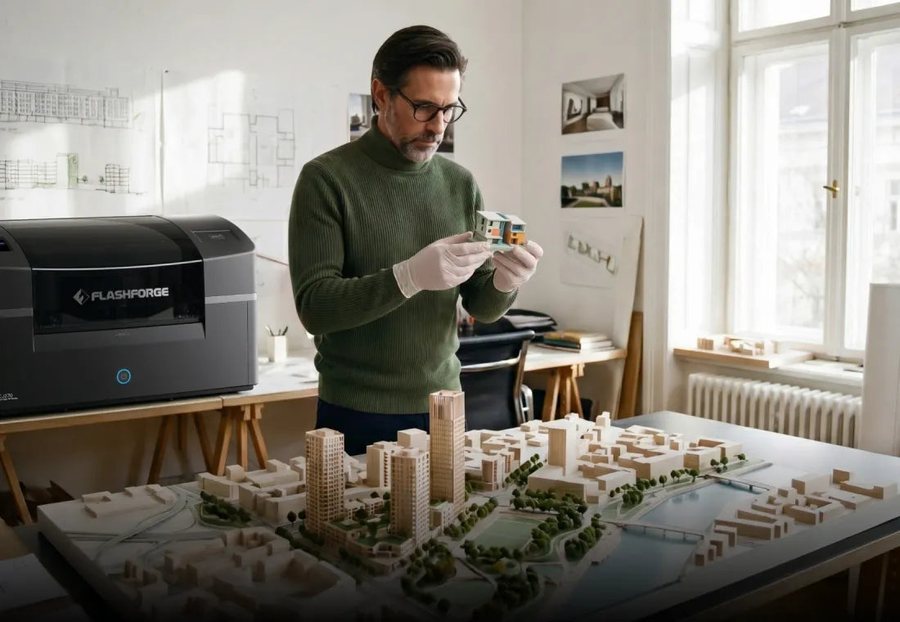
Collectible-grade character models, props and figurines with true-to-design colour, printed in-house.
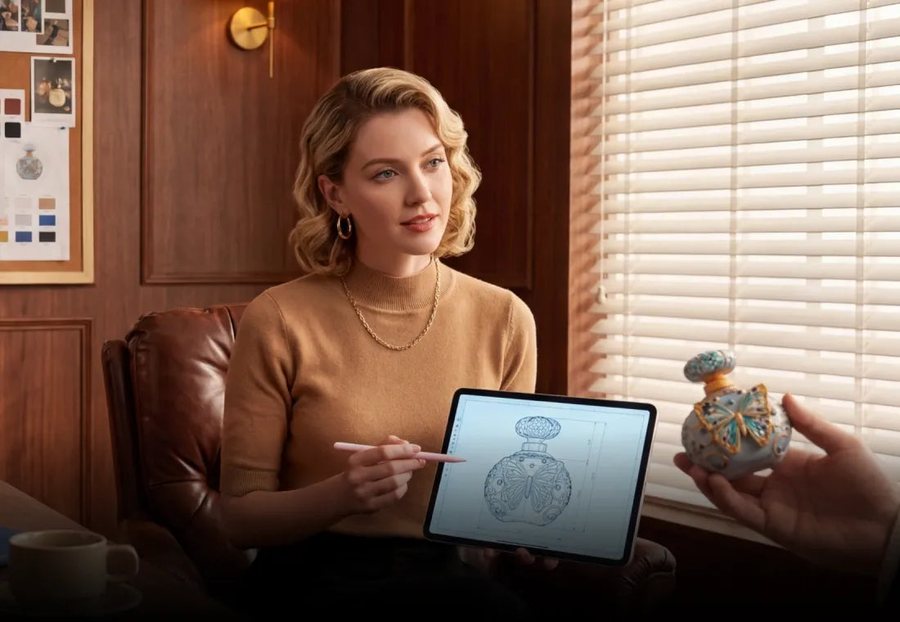
Colour-accurate appearance models and client proofs that match the render, without outsourcing the finish.
Colour
Colour as vivid as the reference — with transparency where you want it.
Millions of colours from CMYK, white and clear — mixed at every layer on the CJ270

CMYK, white and clear materials give you more than ten million colour combinations at the machine, and clear material brings real transparency: glass-like details, tinted panels and translucent enclosures in the same part as solid colour.
Because colour is mixed as the part is built, blends stay smooth across a curved surface and gradients follow the geometry. Nothing has to be segmented into separate filament swaps or painted after the fact.
Precision
Seven industrial-grade full-colour inkjet printheads, each doing one job properly.
Where a filament printer has to compromise between colour and detail, the CJ270 separates them: colour is deposited by dedicated printheads while the layer height decides how sharp the geometry reads. At 7 μm, edges hold, small features survive and surface texture stays close to the design — so a model that looks right on screen still looks right in the hand.
Printheads are a wear item, and they are consumables we keep in stock: when one reaches the end of its life you swap it and keep printing, rather than shipping the machine away.

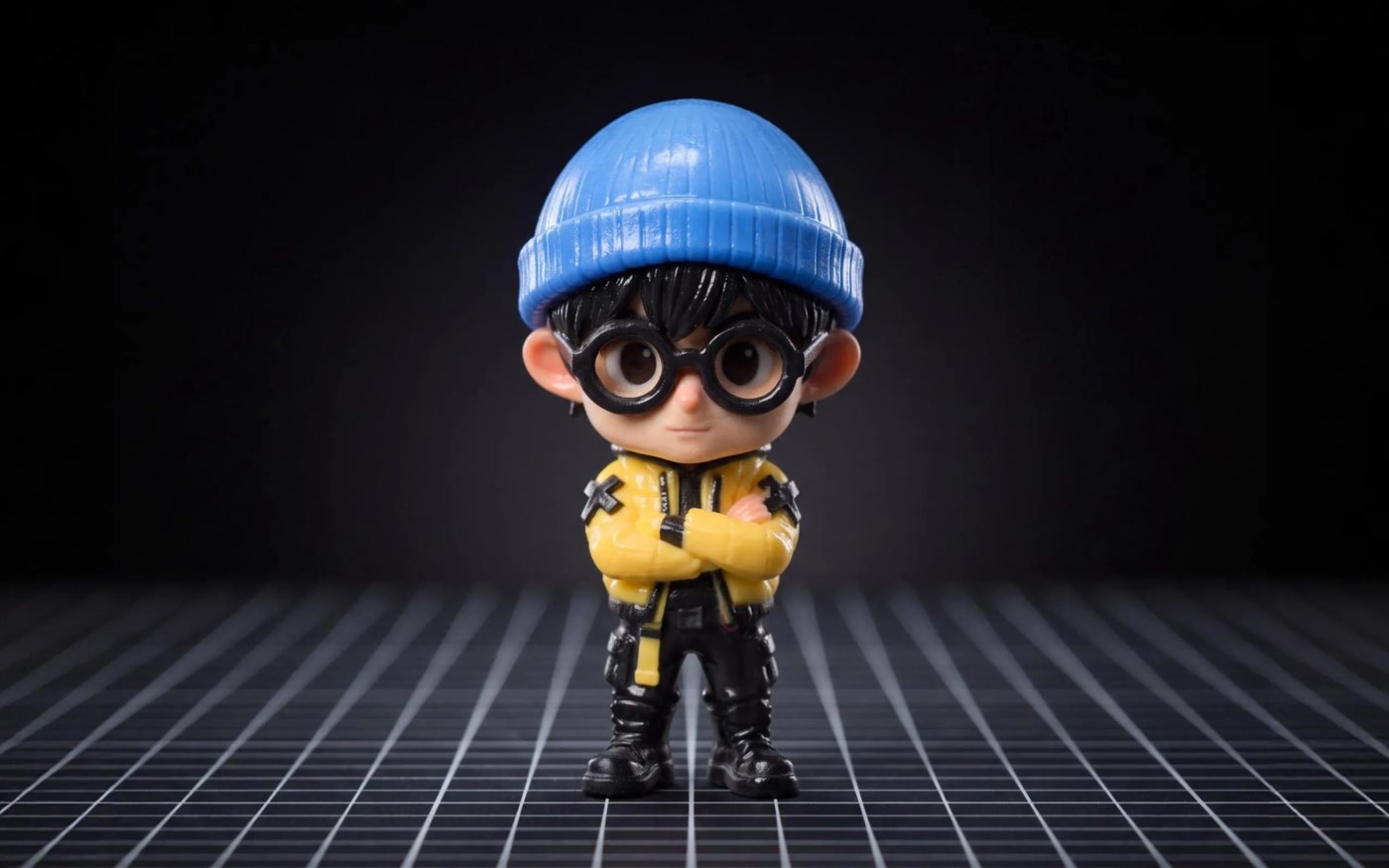
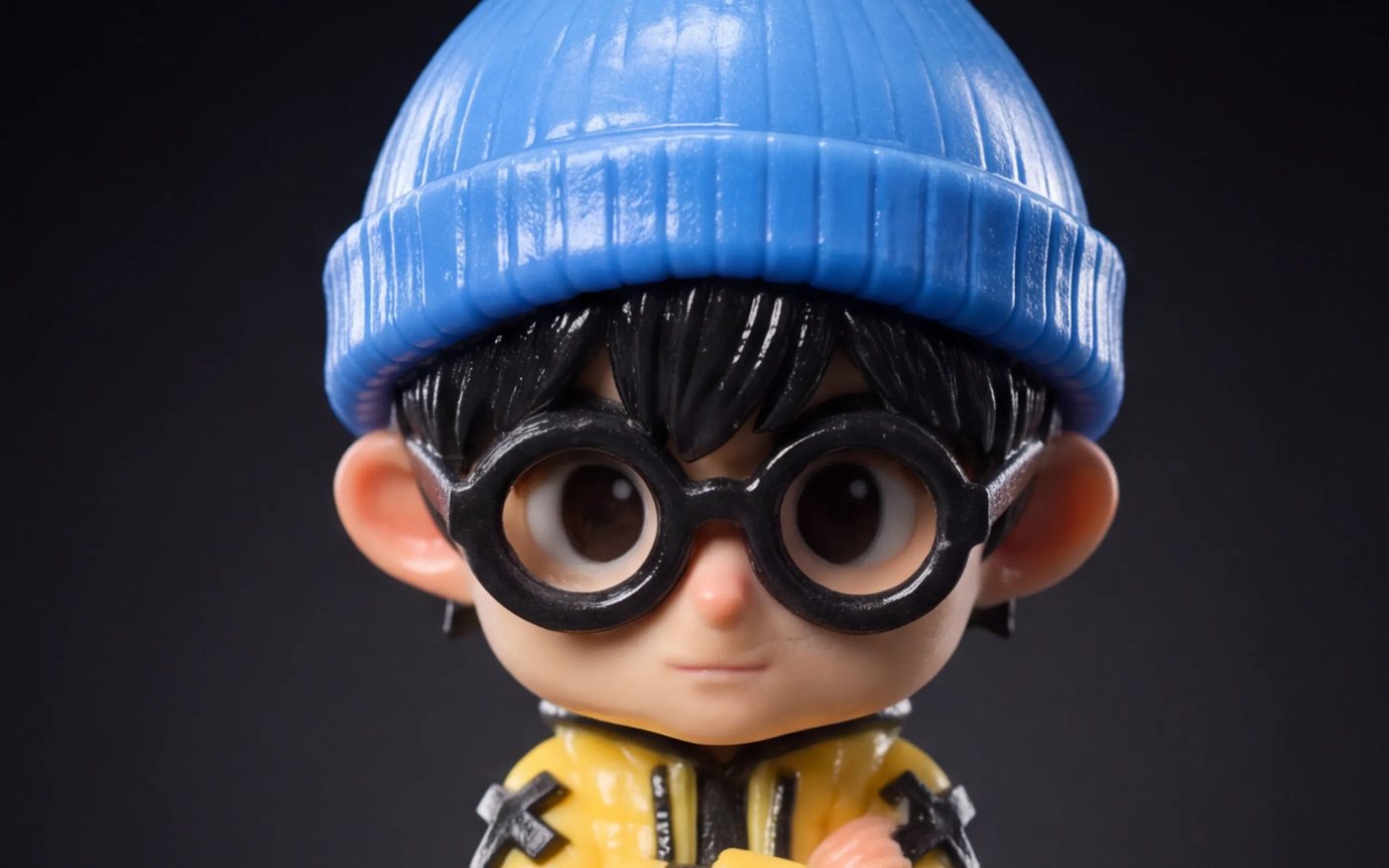
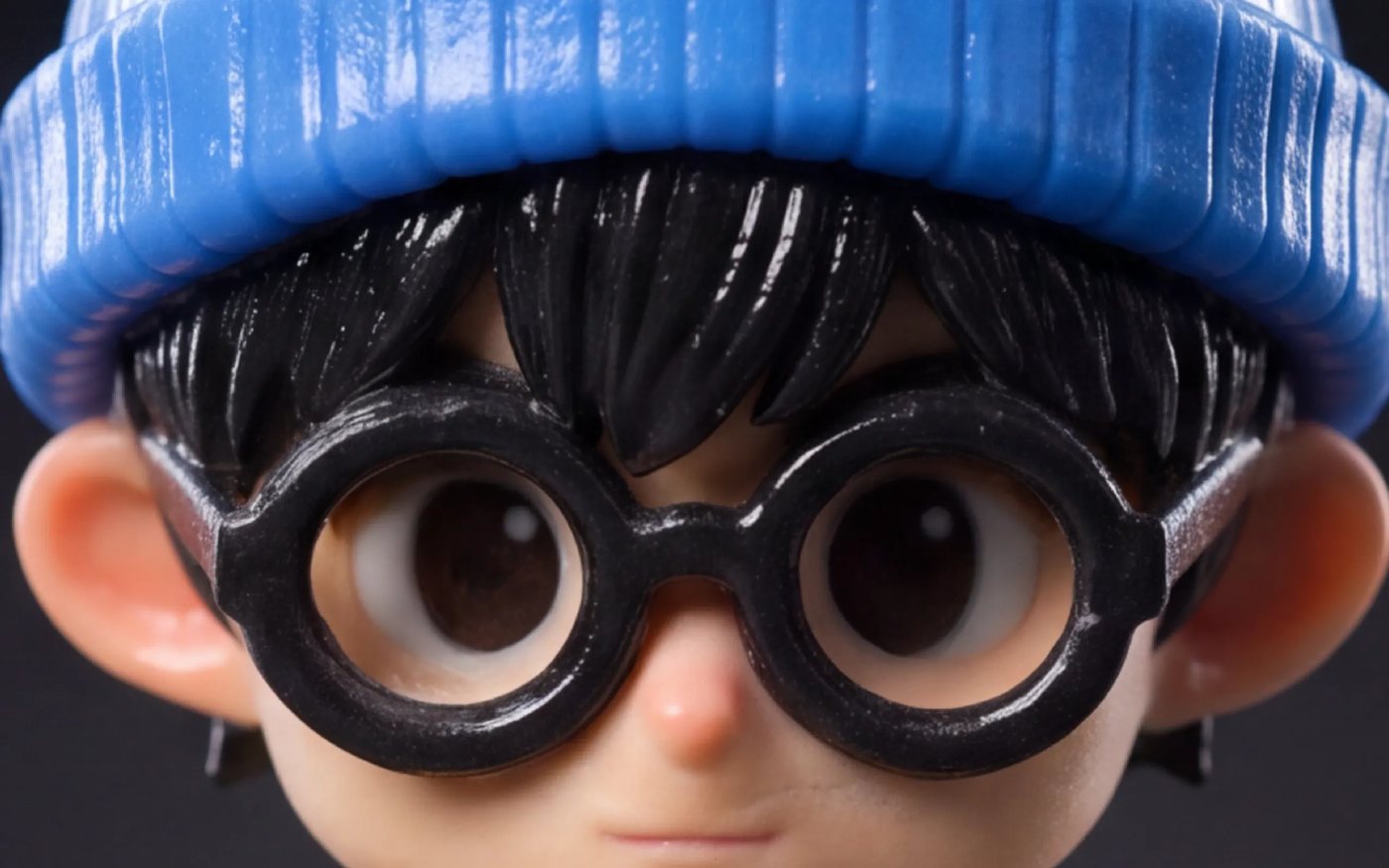
7 μm precision, look closer
The same print at 1×, 3× and 5×. Fine features stay sharp and well-defined even under close inspection.

Colour accuracy
The CJ270 reads the colour data in your file and deposits the matching material, so the result tracks your original design tone for tone. That is the difference between a prototype you have to explain and an appearance model you can hand over as-is.
It matters most where colour carries meaning: brand colours on a packaging model, a skin tone in an anatomical teaching aid, the exact shade of a product variant in a client review.
Cleaner printing
The parts of full-colour printing that usually end up as your job — support removal and air quality — are handled by the machine.
Water-soluble supports dissolve in water, so fine detail is never touched by a blade.
An activated carbon filter cuts odour and airborne particles where the machine sits.

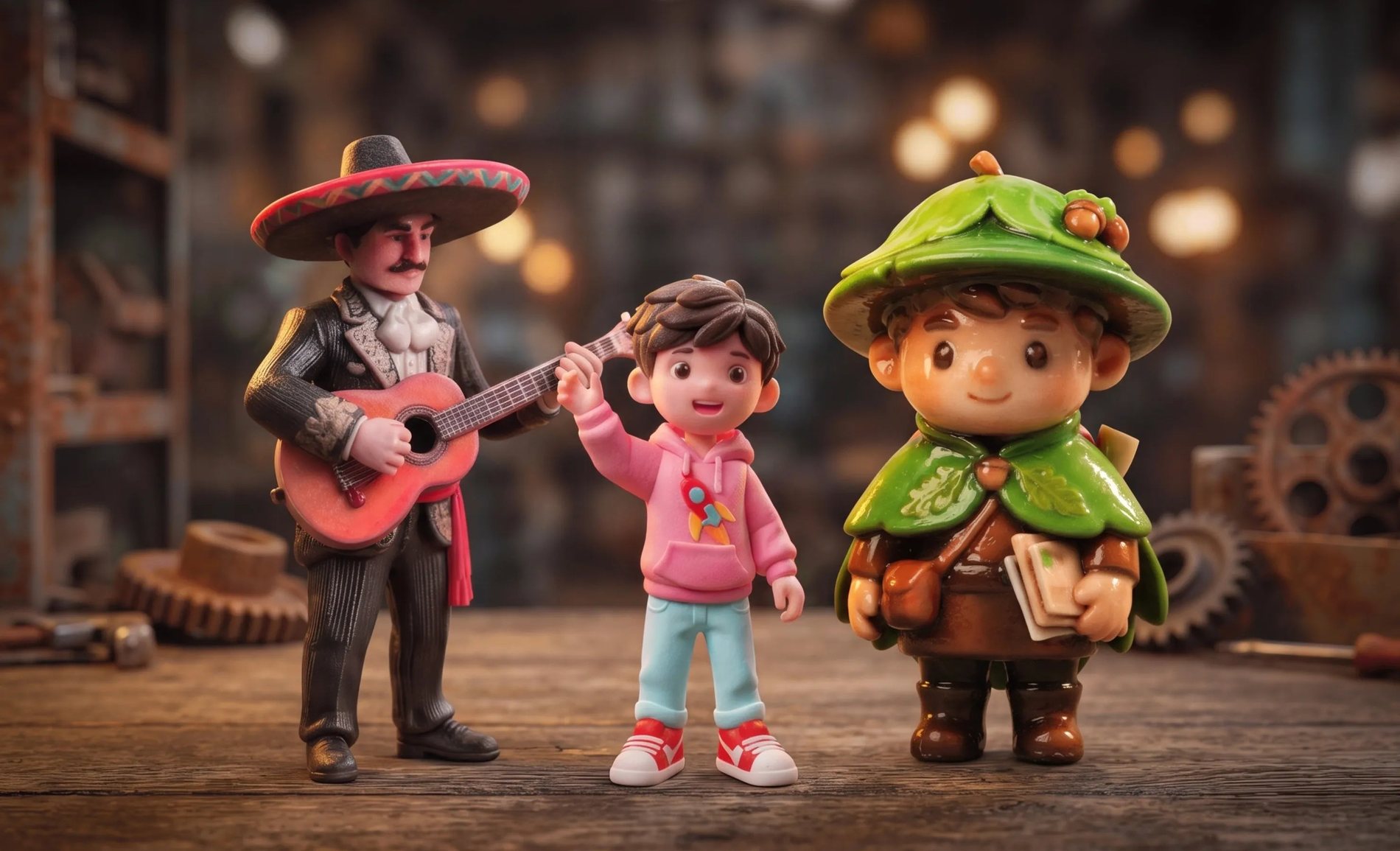
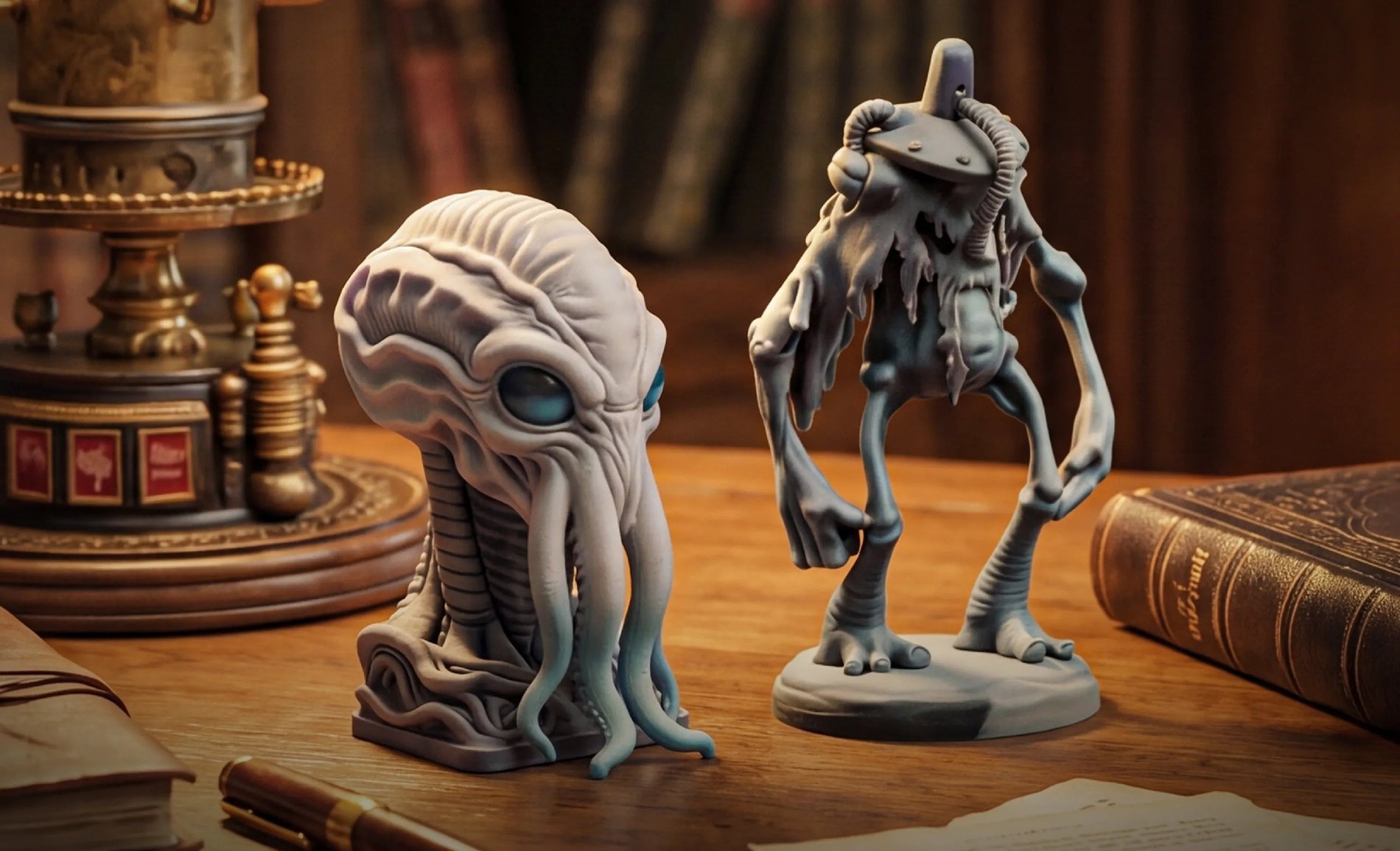
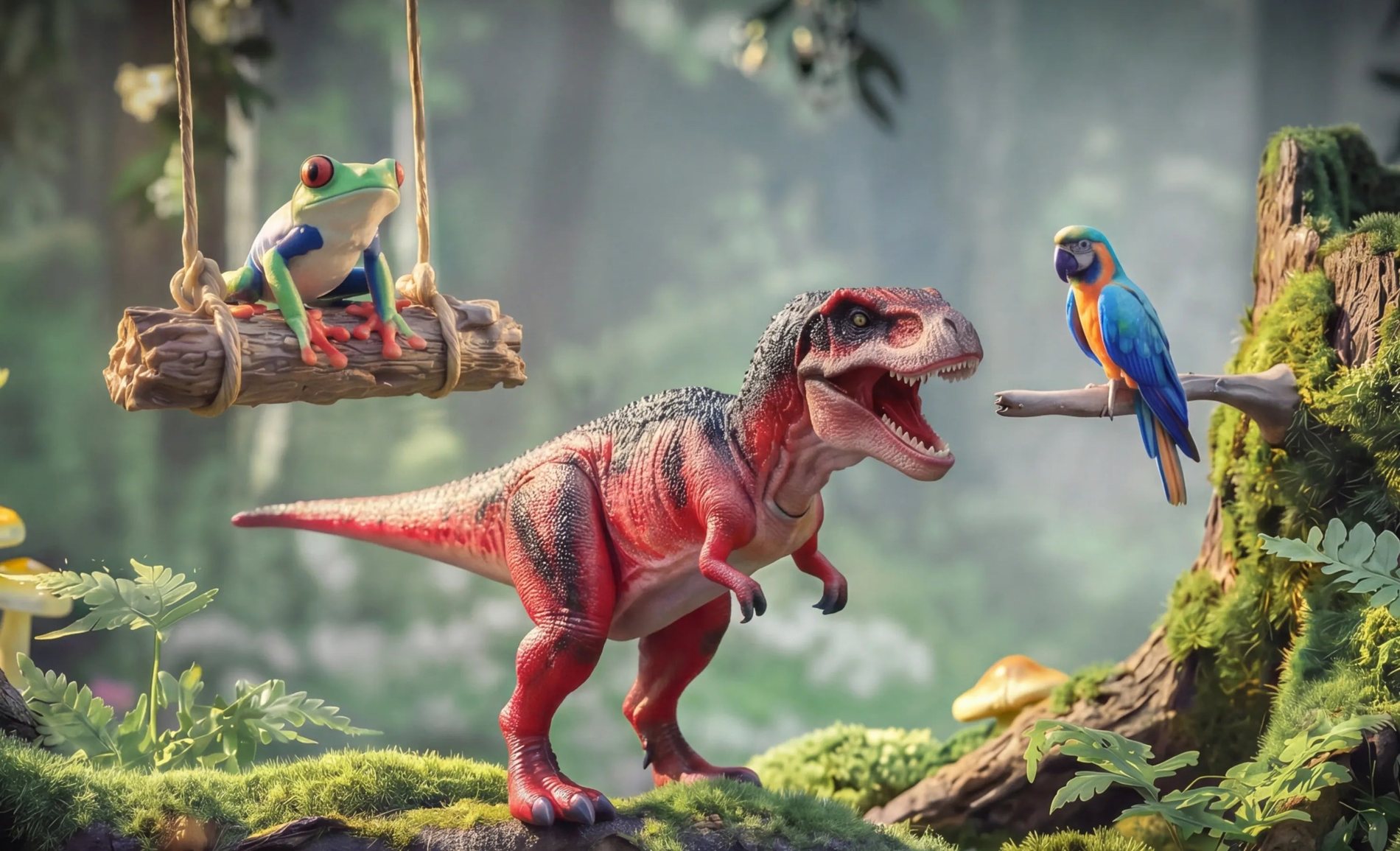
Made to be seen
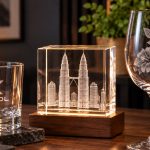
All three of these come out of the printer as they are: colour, transparency and fine detail in a single run.
Software
ColorPrint is the slicer built for the CJ270 — colour control, support optimisation and layout management in one workflow.
ColorPrint in use: import, arrange, set colour and send the job to the CJ270
ColorPrint translates a design into a precise full-colour result: it manages which materials go down, where the clear and support material is used, and how parts sit on the plate. You are not managing colour by swapping spools — you set it in the file and the machine takes care of it.
It also handles support optimisation and layout, so a plate of small parts is arranged for the materials involved rather than for a single filament type.
AI-assisted
Not everyone who has a use for a colour part can model one. Upload a reference image and AI-assisted modelling turns a 2D picture into a print-ready 3D file.

AI-assisted creation on the CJ270 — an image goes in, a full-colour print comes out
For studios it is a fast concepting loop; for schools it removes the software barrier entirely; for retail it turns a picture on a phone into an object on the counter.
Materials
Multi-colour filament printing asks you to buy a spool for every colour in every material, then accepts whatever blend the printer manages. The CJ270 needs six base materials: CMYK, white and clear. Every other colour is mixed on the fly, so the shelf stays small and the palette does not.
It also means a colour change is a file change, not a consumable order — useful when a client asks for the same part in three shades before lunch.

Gradients
The CJ270 controls colour at every layer, so transitions blend naturally across a surface — no hard edges, no colour bleeding, no compromise.

Where a filament printer changes colour at a layer boundary, the CJ270 mixes materials continuously as the part is built. The gradient follows the surface — fur, fabric, skin, a logo fading into a product body — rather than banding across it.
Even a small model prints in full colour, because colour and fine detail are laid down in the same pass. Nothing has to be scaled up just to be legible in colour.
It is most obvious where colour carries meaning: skin tones on a character model, a brand gradient wrapped around a product body, a tinted clear window set into an opaque housing — the details that band, separate or get painted by hand on other machines.
Because the colour is mixed as the part is built, those transitions survive handling, cleaning and the water rinse that removes the supports.
Base materials are combined as the part is built, so transitions follow the surface.
Cost of finishing
Full colour and fine detail in one run — no extra steps, no outsourcing, no waiting for the finishing shop to call back.

A painted part is a queue: print it, clean it, prime it, hand it to someone, wait, inspect it, rework the shade that came back wrong. Every step adds a lead time and a person.
The CJ270 collapses that chain. The colour arrives with the geometry, so the part that comes off the plate is the part you designed — and your skilled people spend their time on the work you actually sell.
Where finishing is still wanted — a polished surface, a gloss coat, a UV-cured clear — the workflow covers it, but it becomes a choice rather than a rescue.
Industrial colour, desk footprint
That capability used to mean a room, a service contract and a dedicated operator. Here is the difference, side by side.
$150,000
Industrial Full-Color Systems
$3,999
FlashForge CJ270
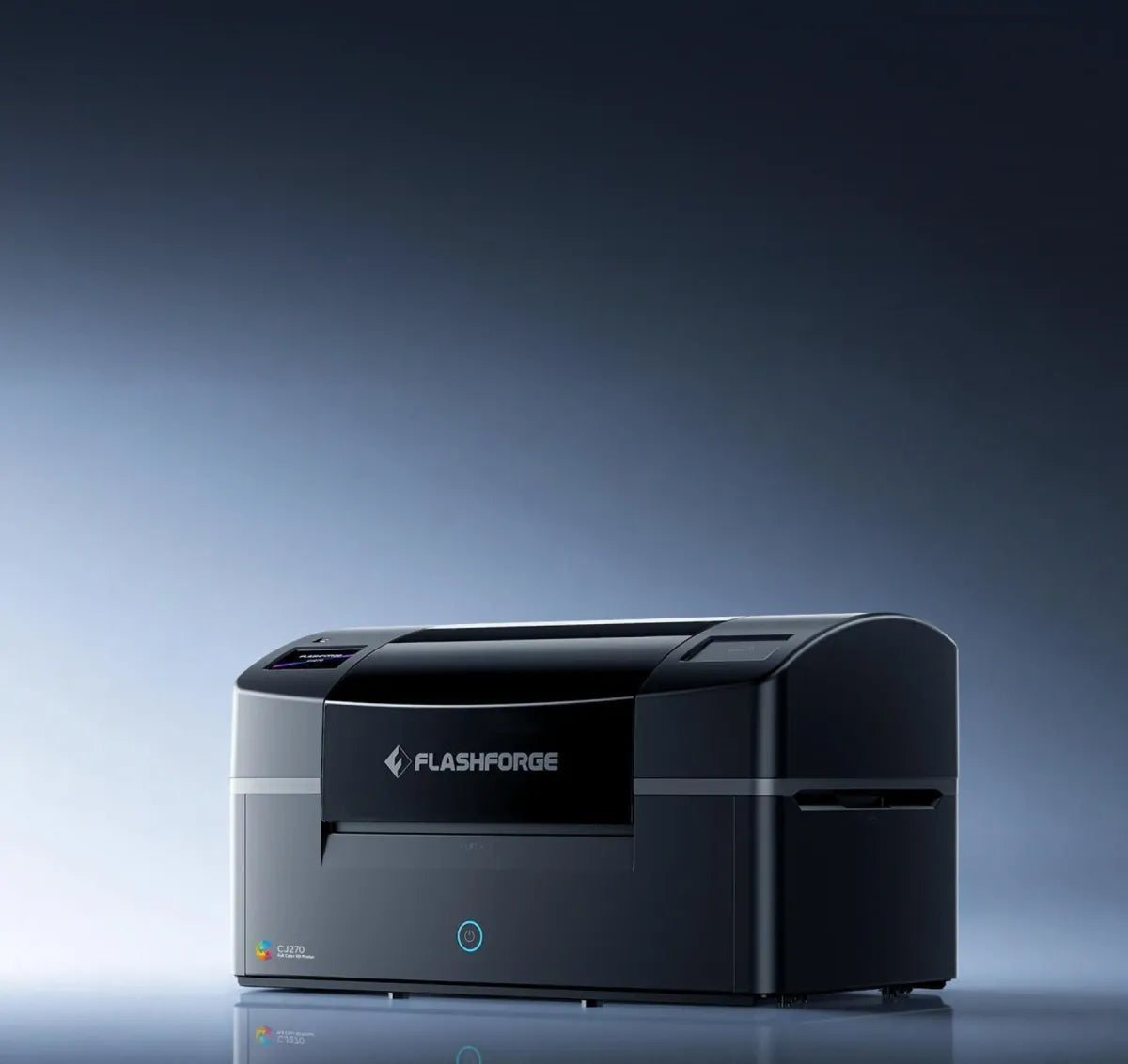
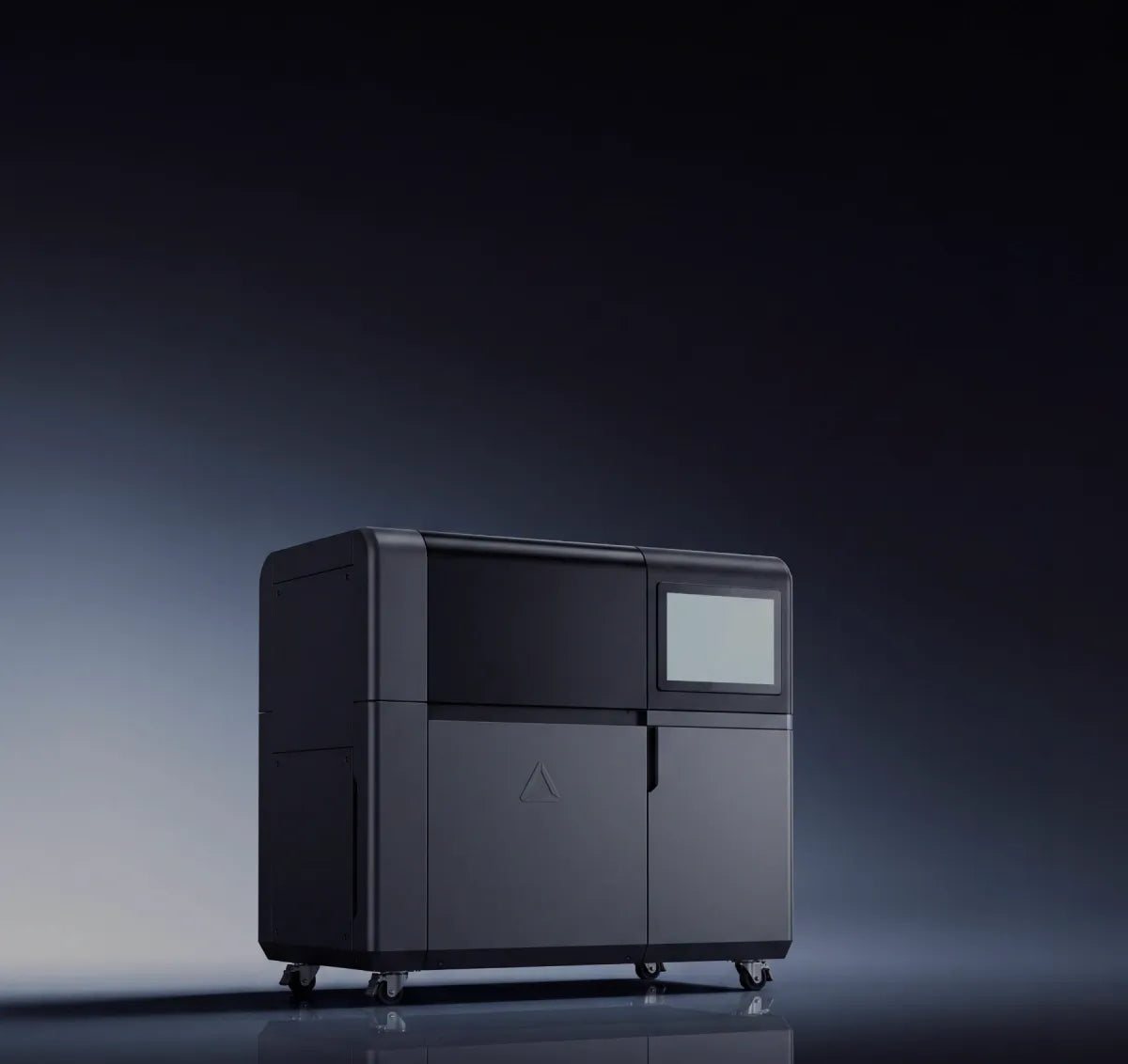
The industrial end of this market sells a system: a machine that needs floor space, a service contract and an operator. The CJ270 does the full-colour part of that job on a bench — 697 × 410 × 405 mm, 33.5 kg, printing CMYK, white and clear with water-soluble supports.
What you give up is scale, not colour. If your parts fit a 180 × 120 × 100 mm build volume — character models, appearance models, packaging prototypes, teaching aids — the desktop machine is the one that pays for itself.
Comparison figures are the manufacturer's published USD figures for the CJ270 launch campaign, shown for reference only. Your Malaysian price is quoted per configuration — machine, resin set, post-processing and support — so ask us for a quotation against the work you do.
Workflow
Six steps from file to finished part — and only the first one needs a computer.
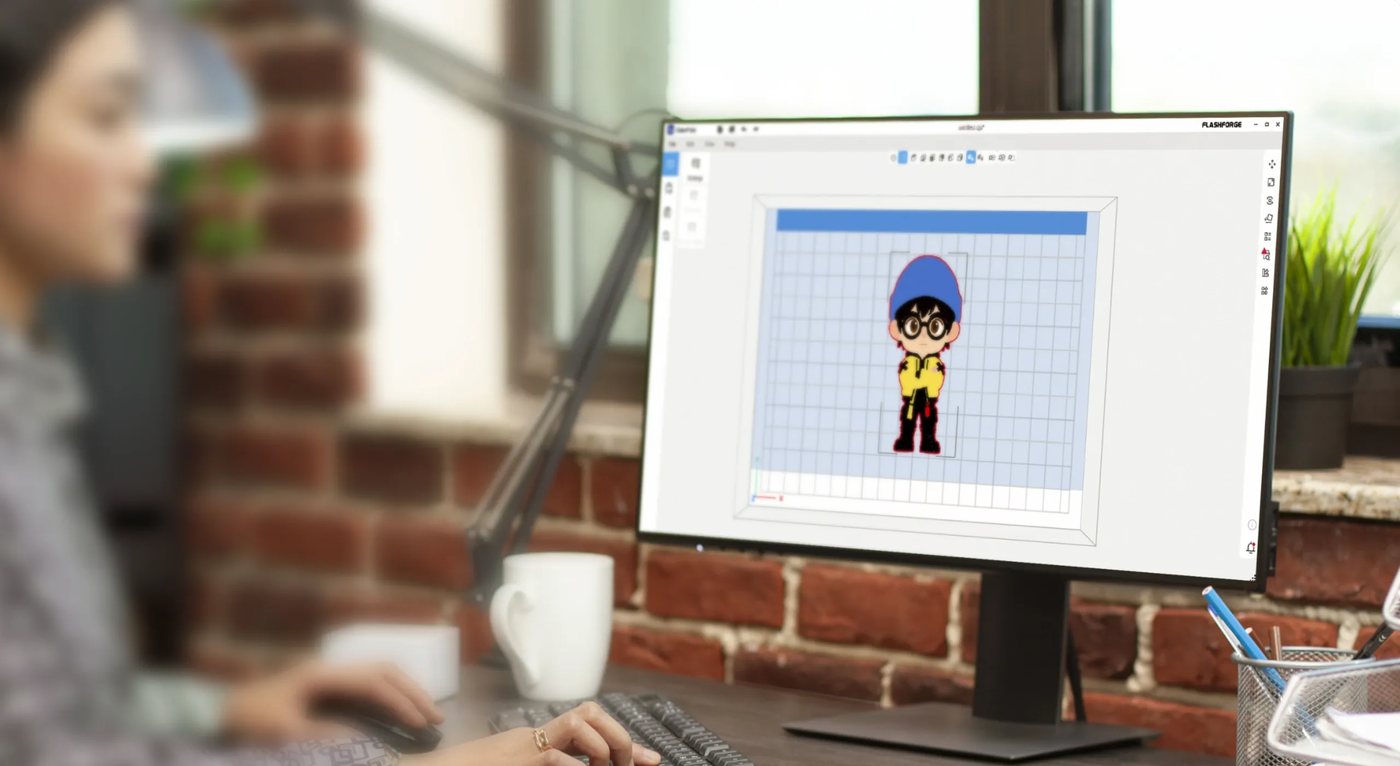
Import the model into ColorPrint and lay it out on the plate, on its own or as a batch of small parts.
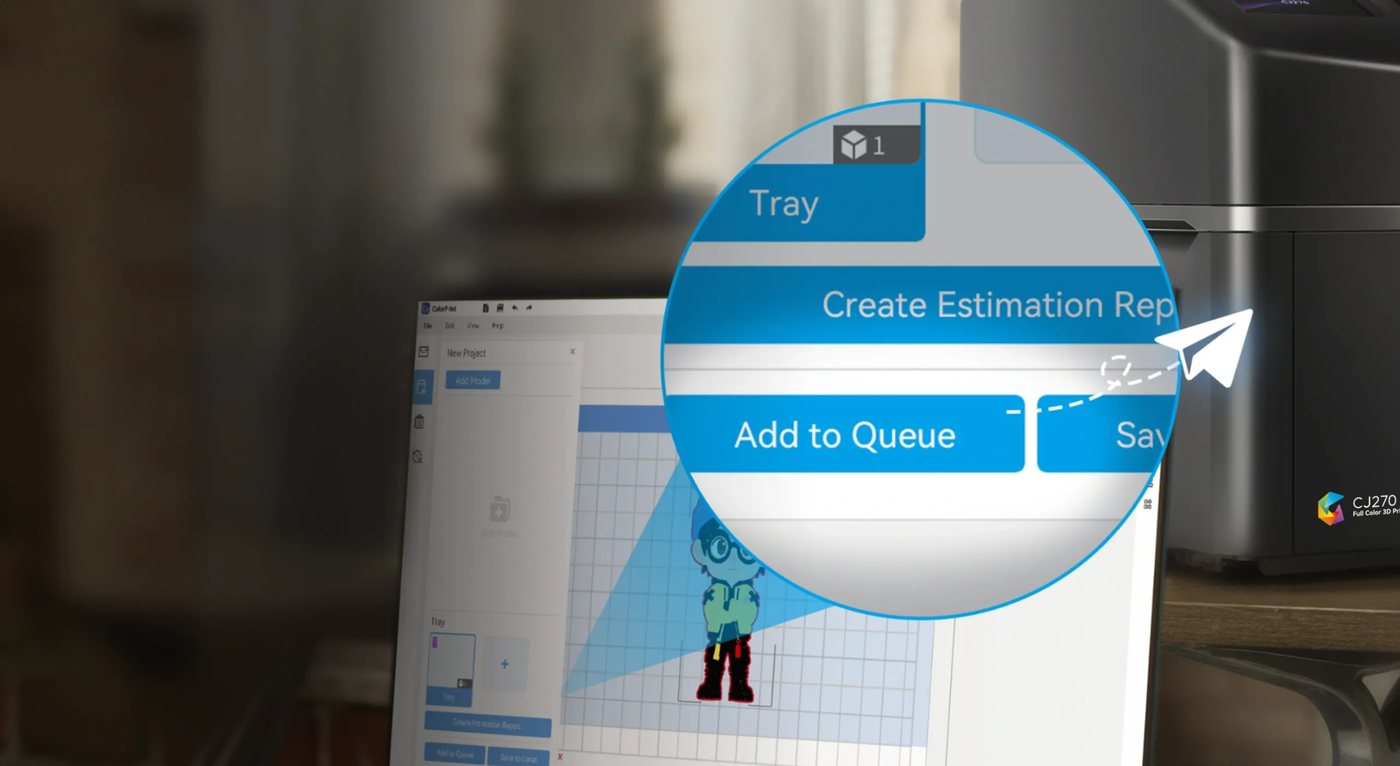
Colour, support and layout are decided in the file, then the job is sent to the CJ270.
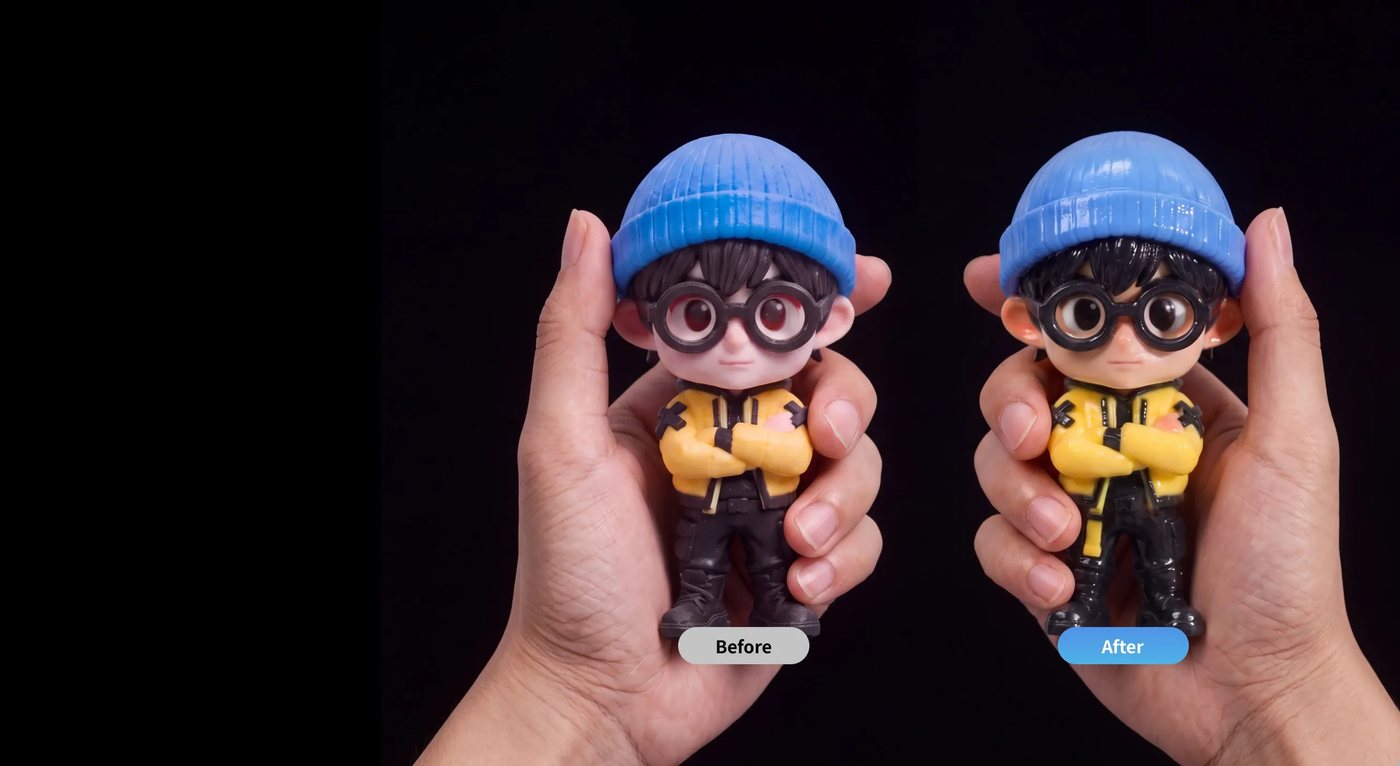
Six base materials are mixed as the part is built — no spool swapping, no painting between jobs.
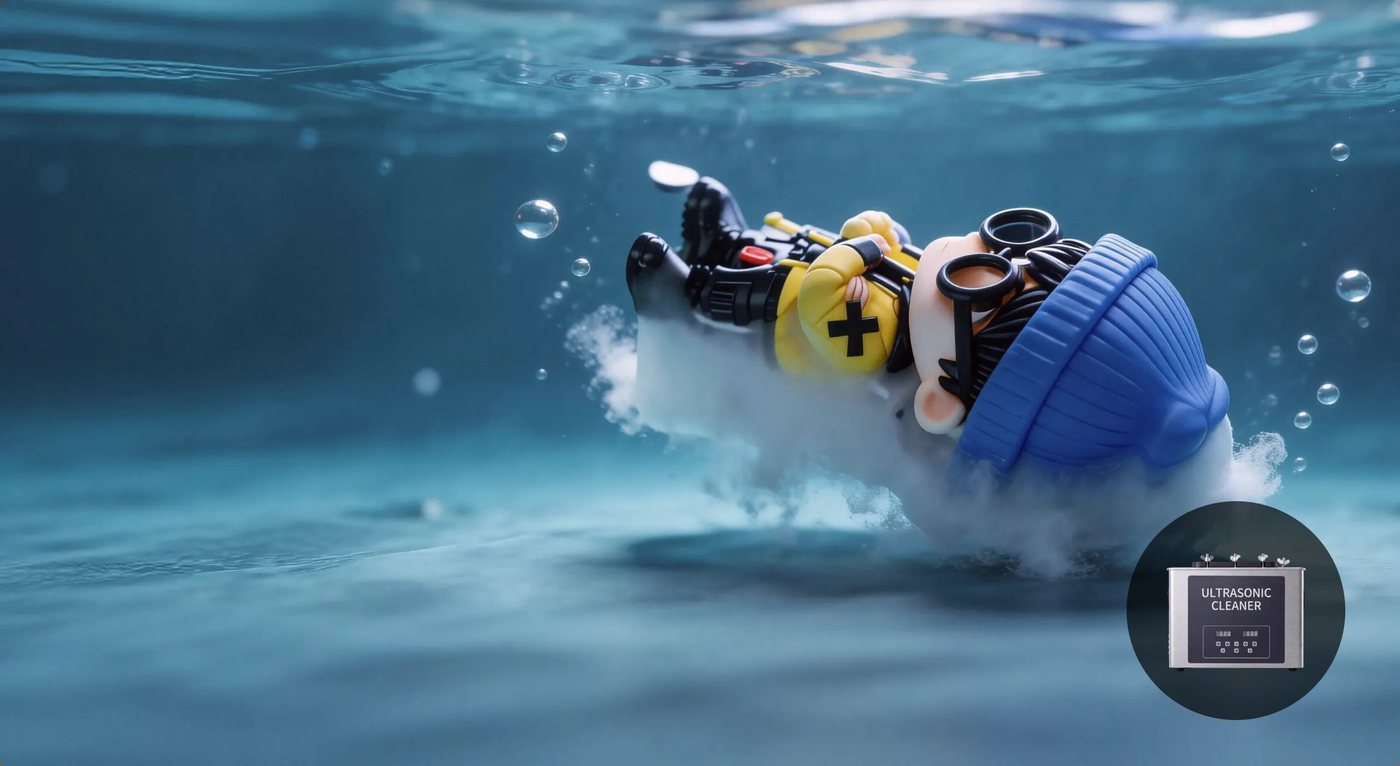
Water-soluble supports dissolve in water, so fine detail is never touched by a blade.
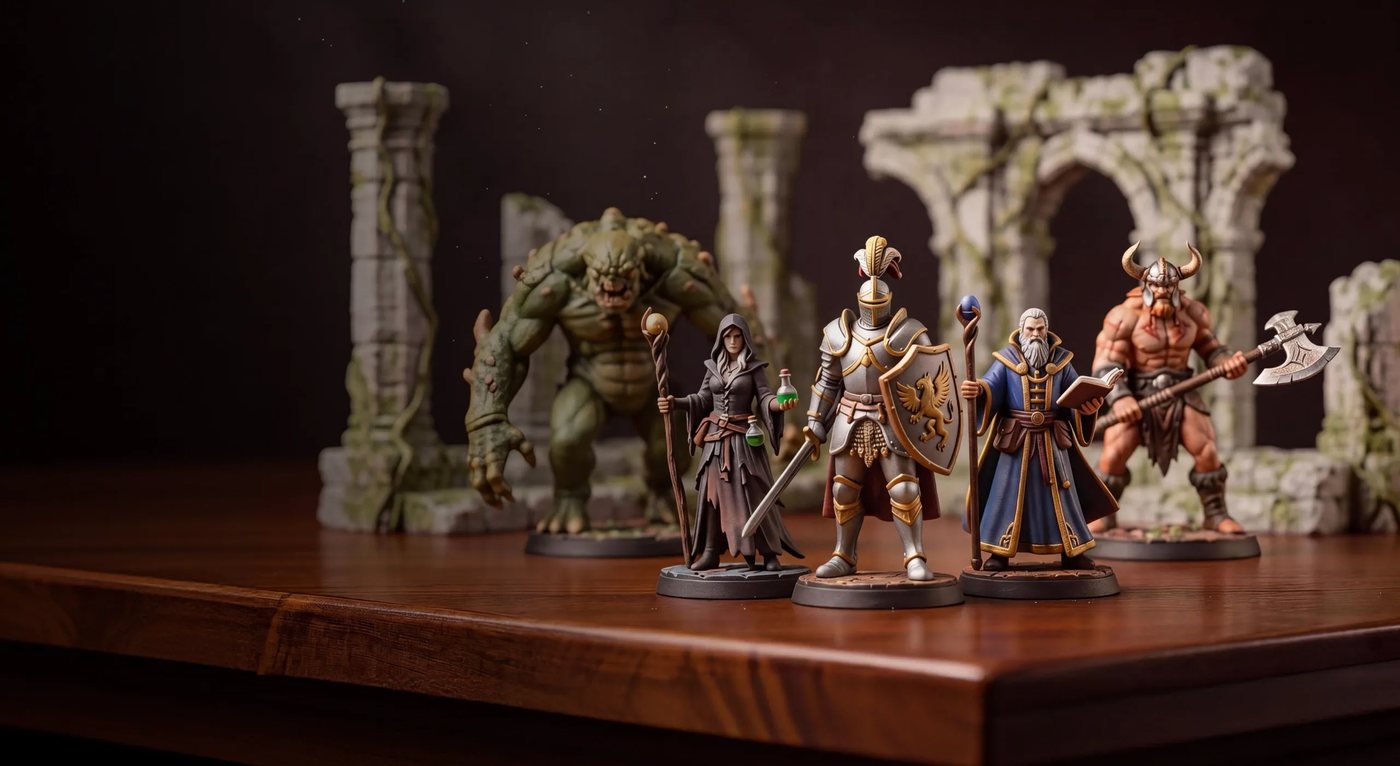
Optional light sanding and polishing, or a gloss and UV cure where the application calls for it.
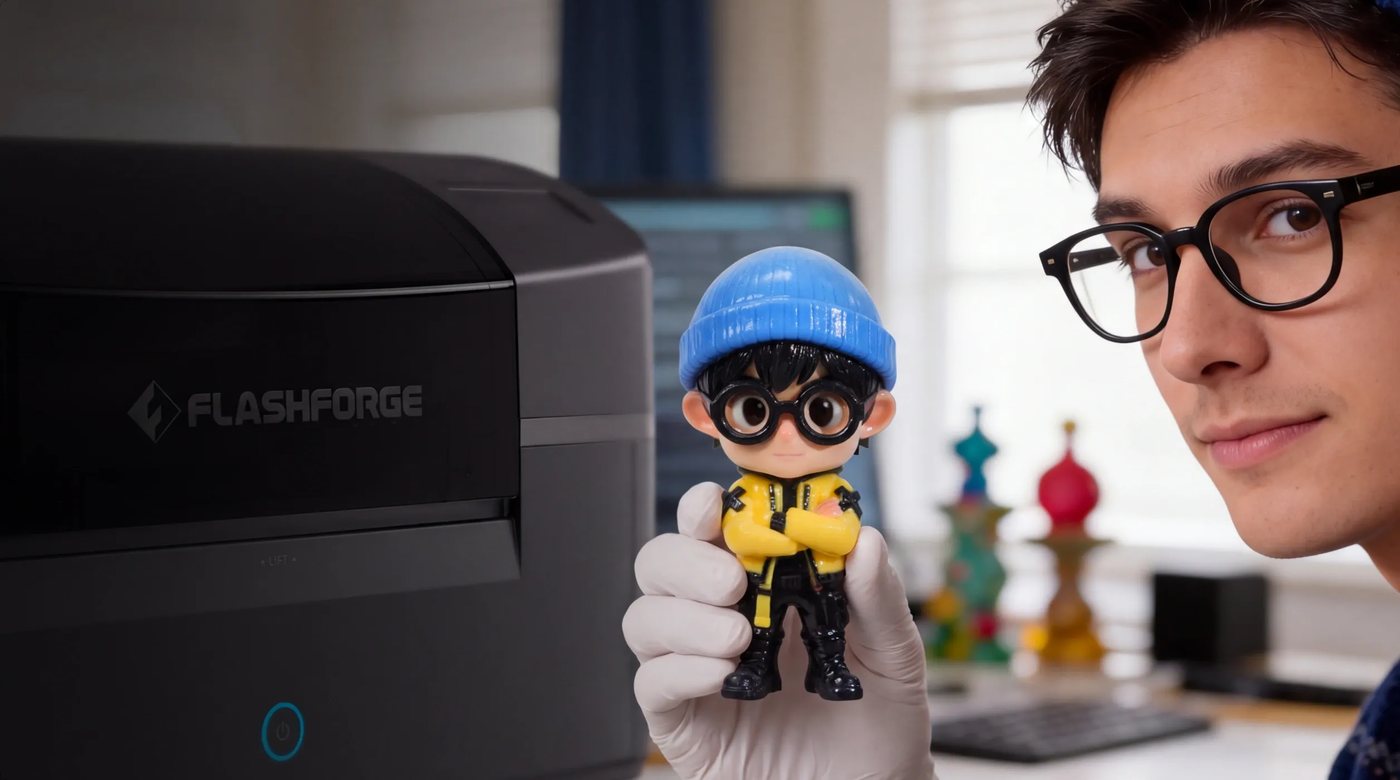
The finished part comes off the machine as designed — colour, transparency and detail already in it.
Big on colour, easy on your space
A full-colour machine is only useful if it fits the room you actually have.
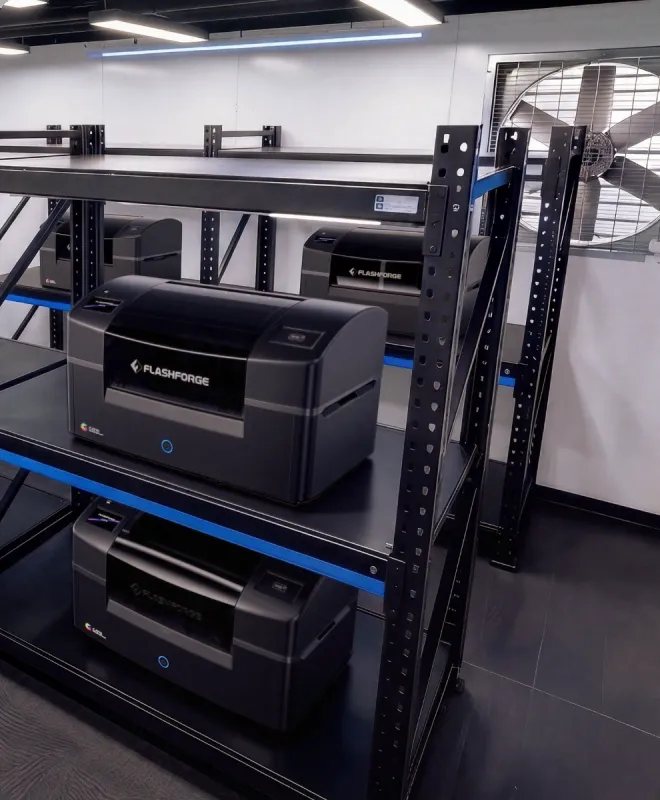
697 × 410 × 405 mm and 33.5 kg. It goes on a bench, a shelf or a trolley — and it moves when the room does.
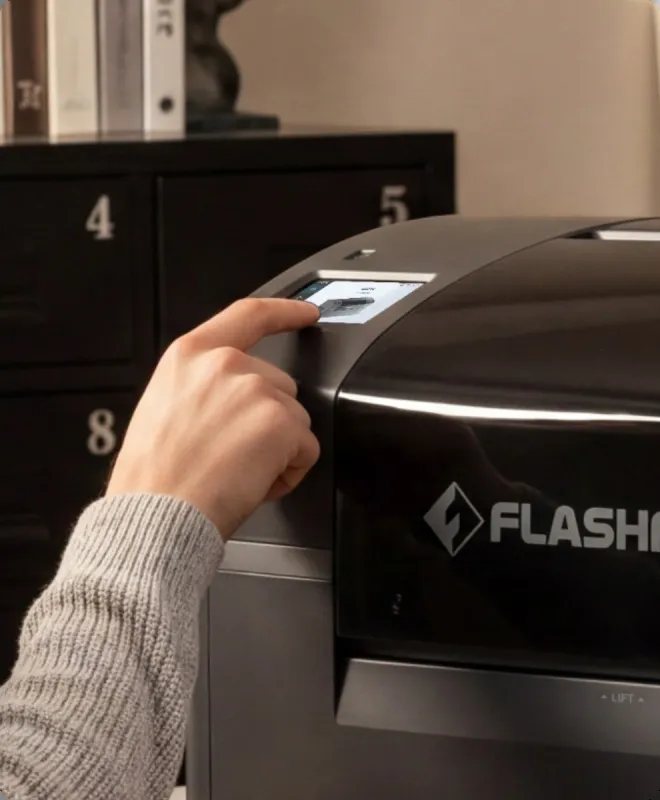
At ≤ 55 dB it can run next to the desk you work at, with filtration handling the air.
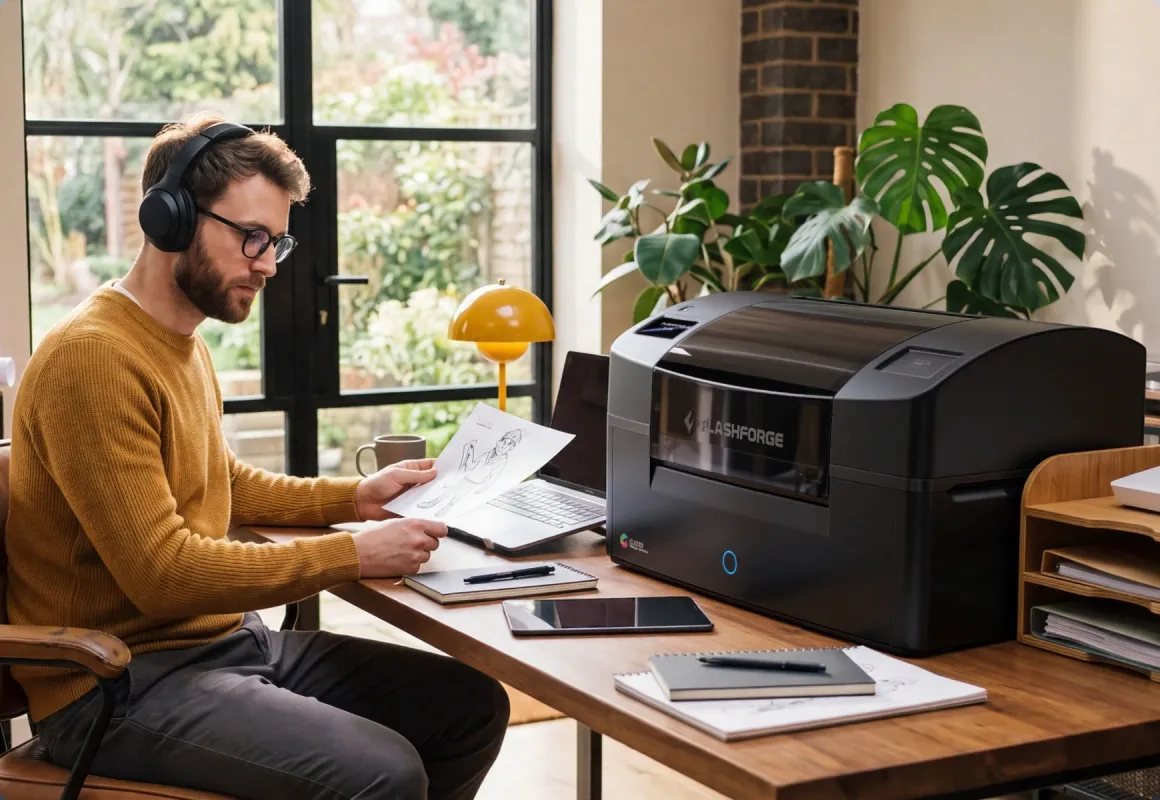
No dedicated power, no service bay, no operator course before the first part.
Specification
| Parameter | FlashForge CJ270 |
|---|---|
| Printing technology | MJP (Multi Jet Printing) — CMYK, white and clear materials jetted and cured layer by layer |
| Build volume | 180 × 120 × 100 mm |
| Layer thickness | 7 μm |
| Materials | CMYK, white and clear; water-soluble support material |
| Printheads | 7 industrial-grade full-colour inkjet printheads |
| Machine dimensions | 697 × 410 × 405 mm |
| Machine weight | 33.5 kg |
| Noise level | ≤ 55 dB |
| Air filtration | Integrated activated carbon filter |
| Post-processing | Water-soluble support removal; optional ultrasonic cleaner, brushes and UV curing |
Specifications as published by FlashForge. Confirm current figures with our team before ordering, and ask us about the consumables and post-processing tools worth having from day one.
In the box
The printer, the materials to start with, and the tools to finish the parts you make.


Watch it work
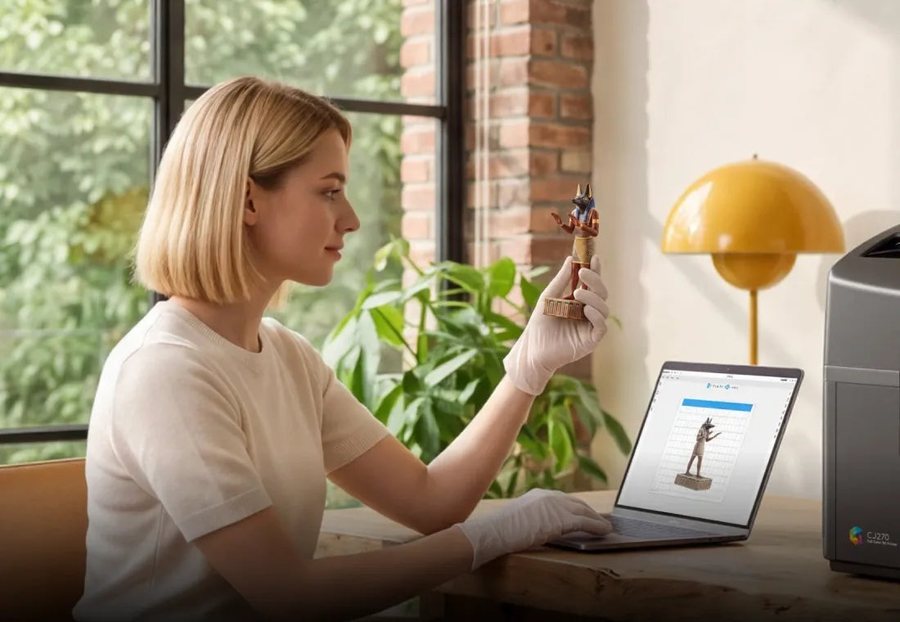
The machine in a real room. The full eleven-minute film plays from the button in the hero.
The CJ270 at home in a real room — the machine on a side table, and the print its owner picks up
FAQ
Material jetting (MJP). It jets and cures photosensitive resin layer by layer, combining CMYK, white and clear materials during the print, which is what produces smooth gradients, natural skin tones, fine surface detail and transparent effects in one part.
FDM can change filament colour but cannot blend it, so you get colour changes rather than gradations. A DLP or MSLA machine prints one coloured resin per job. The CJ270 mixes materials as it builds, so you get over ten million colours, real gradients and clear material in the same print.
The build volume is 180 × 120 × 100 mm at 7 μm layer thickness. The fine layer height is what keeps small features and surface texture crisp, and it is the reason the machine suits character models, appearance models and detailed teaching aids rather than large panels.
No. Colour comes out of the machine with the part. Supports are water-soluble, so they are rinsed away rather than cut off. Light sanding, polishing, or a gloss and UV-cured clear coat are optional steps if your application wants a specific surface finish.
Running cost is driven by the volume of material in the part and the support structure, which is why we quote per application rather than publishing a single figure. Tell us the parts you print and we will work through the material cost with you, alongside the consumables you would keep on the shelf.
CMYK, white and clear resins plus water-soluble support material. We hold consumables locally and quote them with the machine, so you are not ordering cartridges from overseas every time a colour runs low.
That is much of what the machine is built for: it is a desk-sized, 33.5 kg unit at ≤ 55 dB with integrated carbon filtration, and the AI-assisted workflow means a student or a client can turn an image into a printed object without learning CAD first.
Yes — delivery, installation, onboarding and technical training, then after-sales support from our Kuala Lumpur team, including printhead and consumable replacement.
Yes. Book a session at our Kuala Lumpur showroom and bring your own model or a photo: we will run a sample so you can judge colour, transparency and finish on your own part rather than on a vendor's sample.
Bring a model file or a reference photo and we will print a sample in front of you, so you judge the colour and finish on your own part. Colour is the one thing you cannot judge from a specification sheet. Send us a file — or a photo of what you want in 3D — and we will show you what the CJ270 does with it, alongside the post-processing options and the running cost for that part.
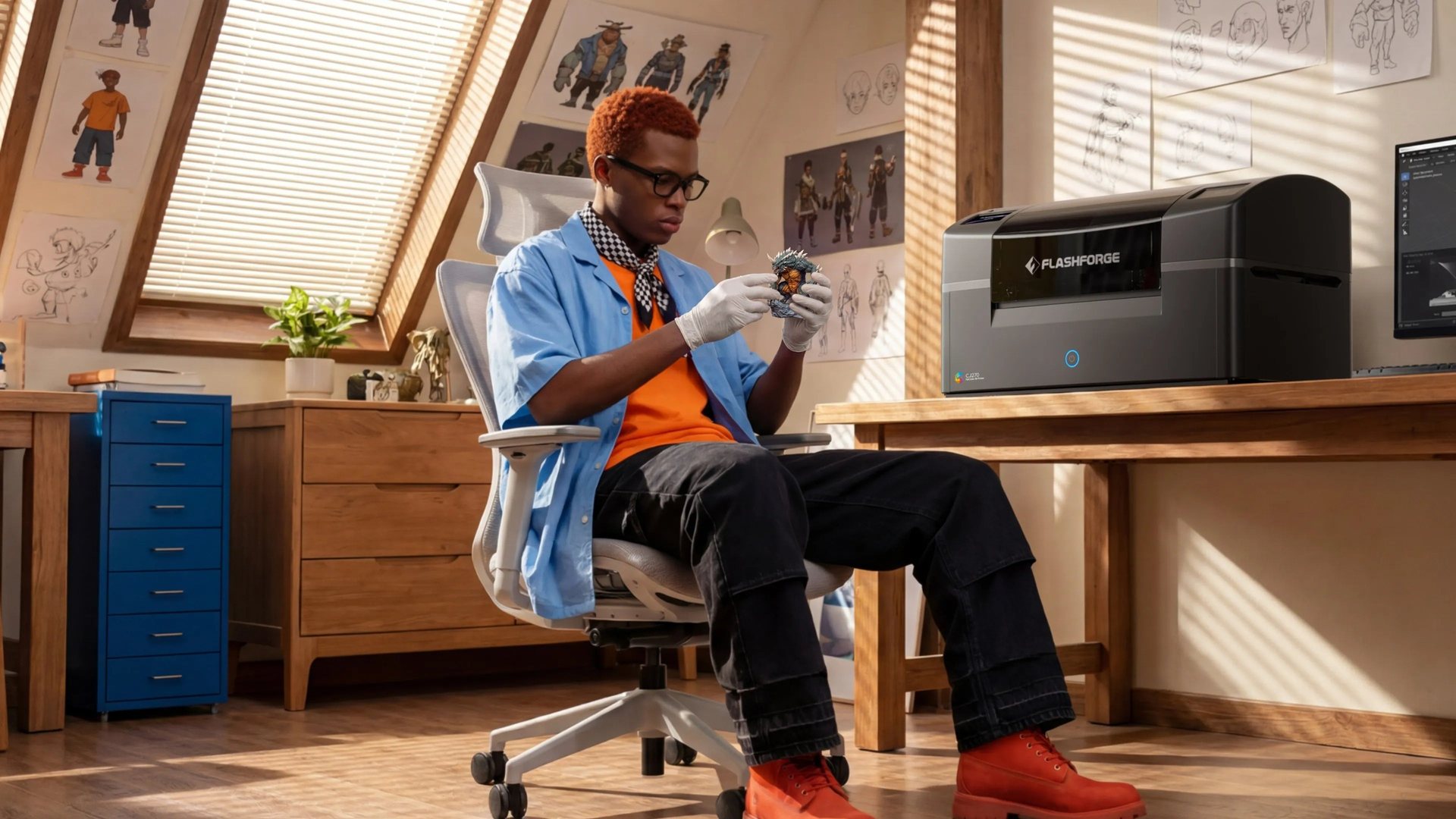
Ten million colours, 7 μm layers and water-soluble supports in a 33.5 kg machine — quoted, installed and supported in Malaysia.
Talk to us · 3D printers · Full-colour & other 3D printers · 3D scanners · Reverse engineering & inspection